

Start with the passenger door that stays locked and the phone that connects to the wrong thing.
These practical checks use the U.S. 2025 Trax as the reference, with optional equipment identified where it matters. Features vary by model year and equipment; photos illustrate the situations and may show a different vehicle.
1. Choose which doors unlock on the first press
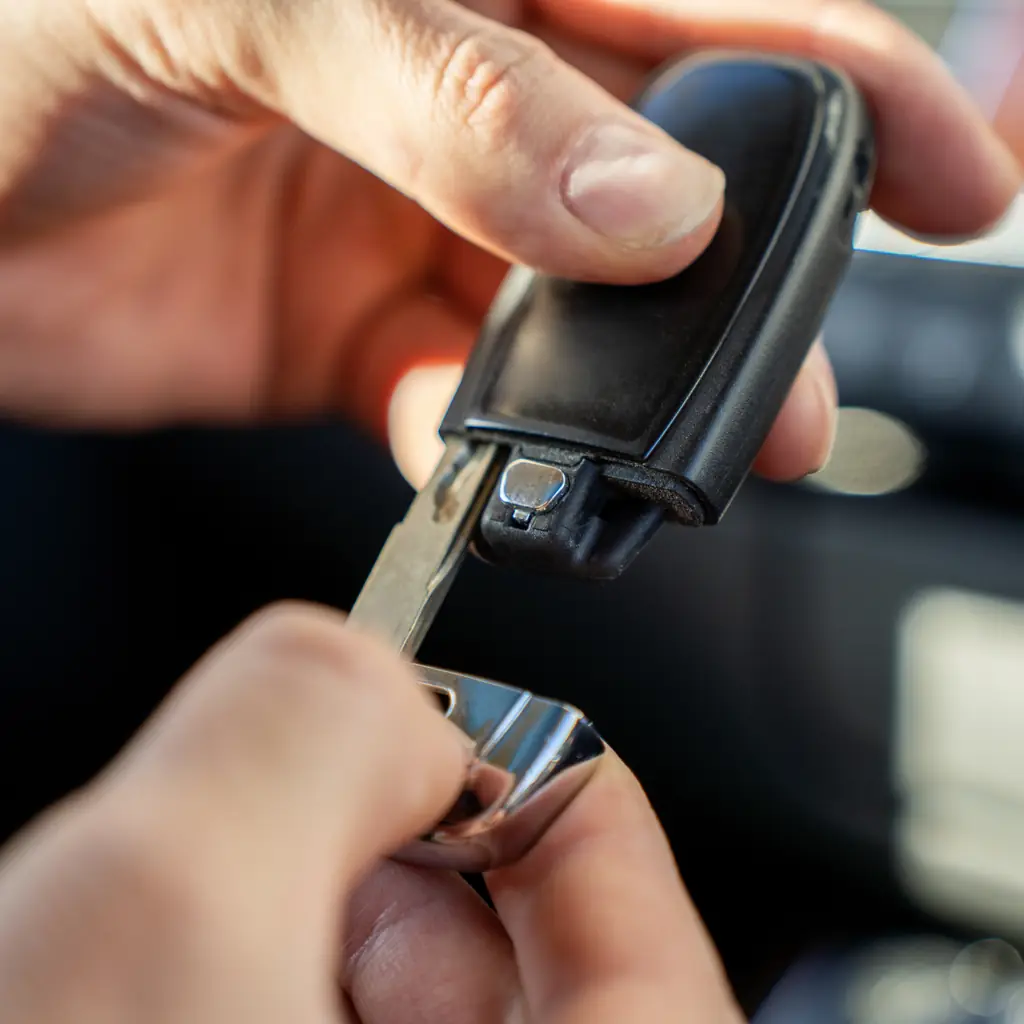
If you regularly arrive with a passenger, the driver’s-door-only setting can create the same small delay every day. Chevrolet separates remote unlocking from the passive handle-based entry available on equipped vehicles.
While parked, open the vehicle settings and review the remote-lock, unlock and start options that your Trax provides. Choose the first-press behavior you want, then test it with the key fob. If you have Keyless Open, test the door-handle button separately rather than assuming both methods changed together.
Chevrolet’s general guidance describes a second driver’s-handle press within five seconds unlocking the remaining doors on applicable vehicles. Your manual establishes the exact operation.
Keep security in the decision. A solo driver may prefer one door at a time, while a family may find all-door access more useful. The improvement is predictable behavior that suits your routine, not automatically selecting the least restrictive option.
2. Check what's beneath the cargo floor
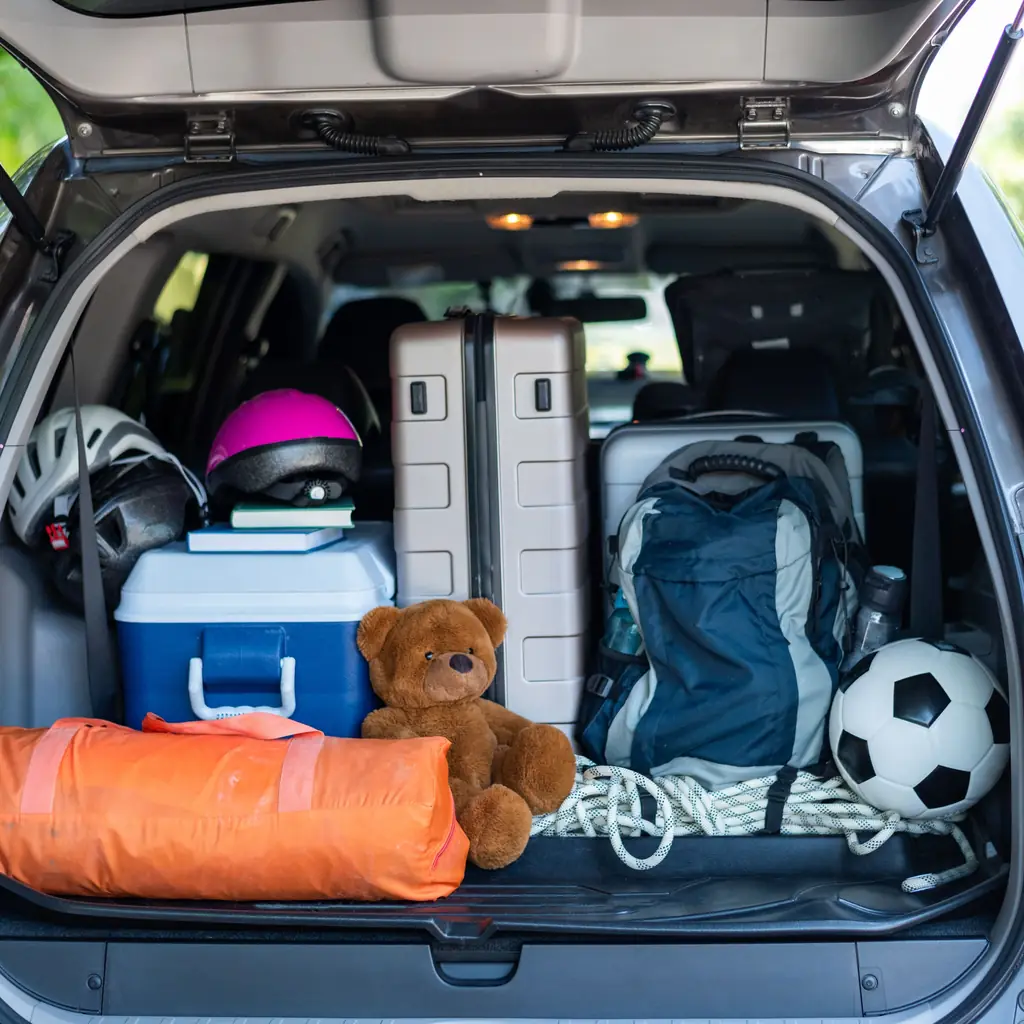
The space below the load floor is not automatically a secret storage bin. On a Trax, start by identifying the fitted tire equipment, tools and the way the floor panel is supported.
Keep required equipment reachable and do not pack around components or openings that need clearance. A small pouch may fit in an approved storage area, but a heavy loose object can still move or damage nearby hardware.
Take a measurement only after separating usable storage from space occupied by the vehicle itself. Then decide whether an organizer solves a real problem. Buying a box first often creates a second problem: a bulky object that makes the tire equipment harder to reach.
3. Test phone connectivity and charging separately
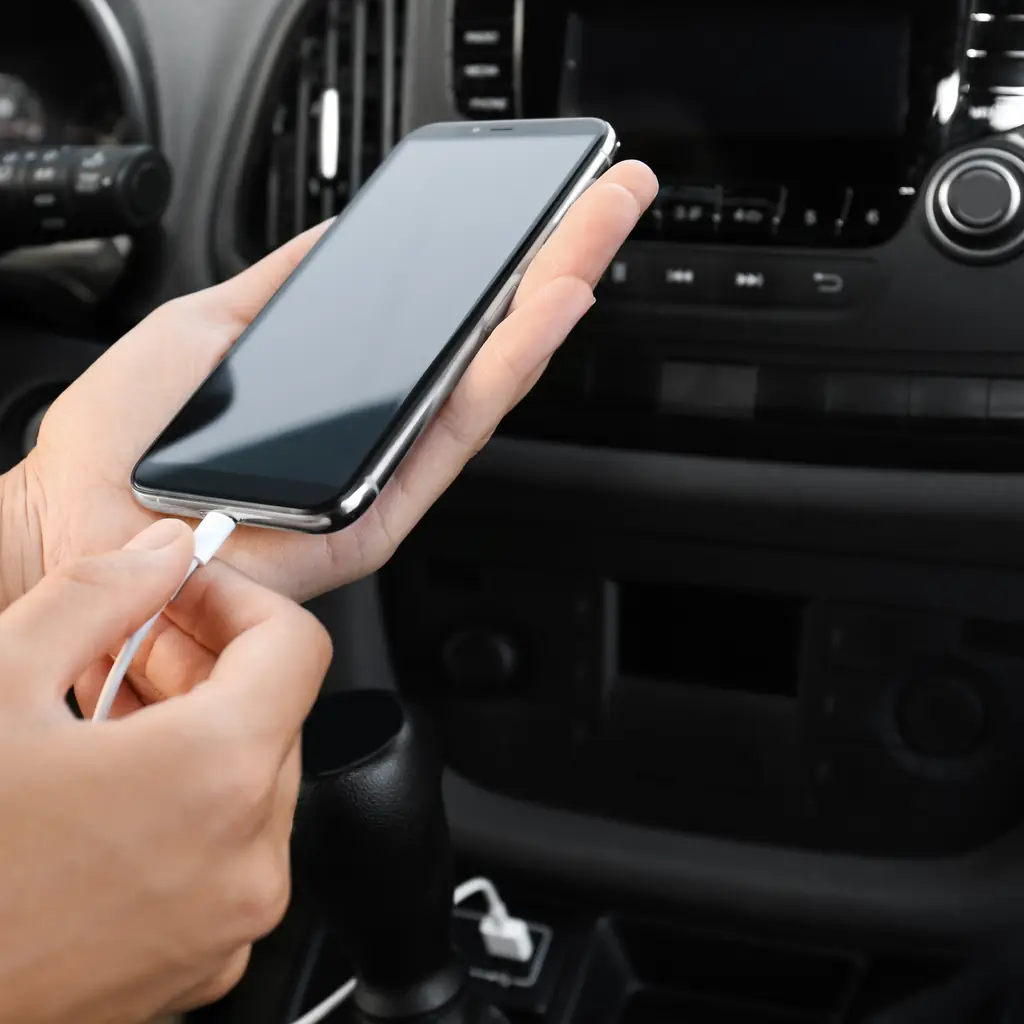
The 2025 Trax offers wireless phone integration, but a successful call connection does not necessarily mean the navigation interface is ready. Pair the actual phone while parked and complete the prompts on both screens.
Test calls, music and directions, then check that the phone also receives enough power for the trip. Wireless connection and wireless charging are separate features; a car can support one without the other.
Place the phone securely and route any cable clear of the selector and cup holders. Keep a known-working spare cable in the car. If the connection fails, use Chevrolet’s supported troubleshooting before deciding the screen or phone needs replacing.
4. Fold part of the rear seat for long items
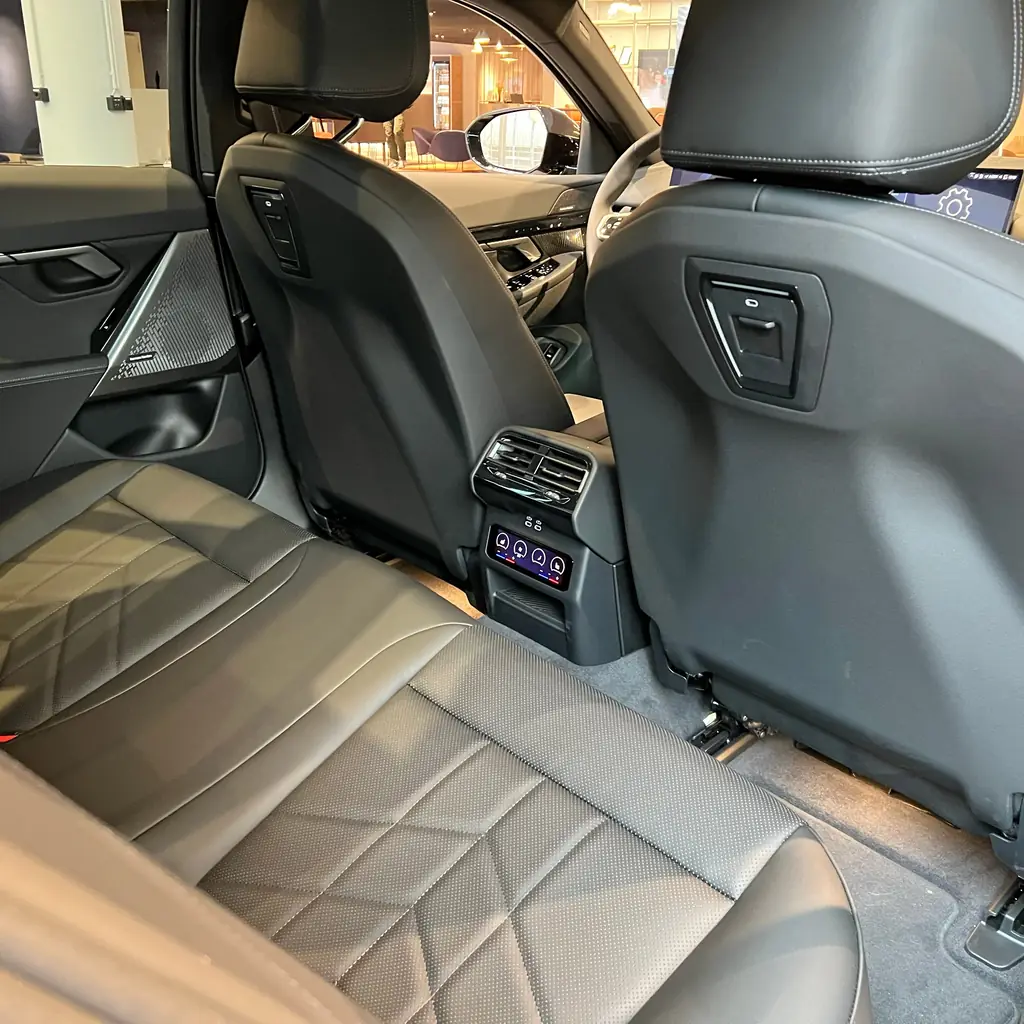
The Trax’s 60/40 split rear seat can make a long item manageable without turning the whole rear cabin into cargo space. Decide which passenger positions must remain available before folding anything.
Follow the seat-folding instructions, keep belt hardware clear and make sure the seatback returns to a locked position when restored. Secure the load so it cannot slide into an occupied seat or toward the driver.
Our RAV4 cargo guide uses the same people-first approach. A small SUV becomes more useful when the load fits the remaining safe space. It does not become a cargo van simply because the folded seat creates a longer visible floor.
5. Choose which phone connects first
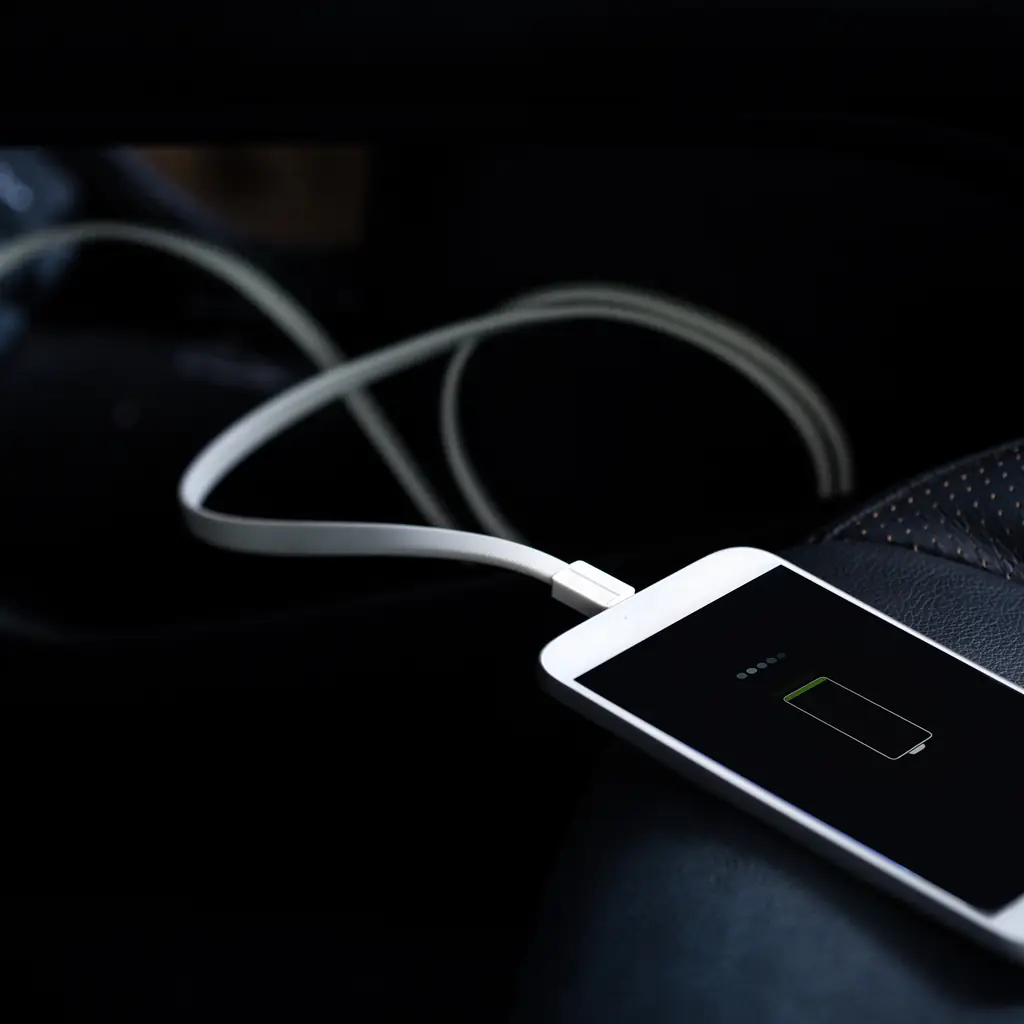
If the passenger’s phone grabs the connection, directions or music may come from the wrong device. Review the available phone-management preferences on your Trax’s infotainment system and remove pairings you no longer use.
Test the departure routine with both current phones inside. Confirm which device handles calls and which supplies the projected interface, since the settings may differ. A clear household agreement can be as useful as a menu option.
The Sierra guide describes a specific connection-priority feature on another GM system; do not assume the same menu appears on every Trax. Use the controls your screen actually provides and complete the setup before driving.
6. Learn how to use remote start safely

Remote start is available on specified Trax equipment packages. If yours has it, learn the correct fob sequence and the steps required after entering the vehicle instead of pressing buttons until the engine happens to run.
Check how the climate system and any available seat-heating preferences behave during a remote start. Set expectations with the other driver so the feature does not become a mystery when the weather changes.
Our Tucson setup guide distinguishes fitted hardware from app features. Use remote start only where engine operation is safe, never in an enclosed garage. An app button does not remove exhaust risk or the need to follow local idling rules.
7. Adjust the screen brightness for night driving
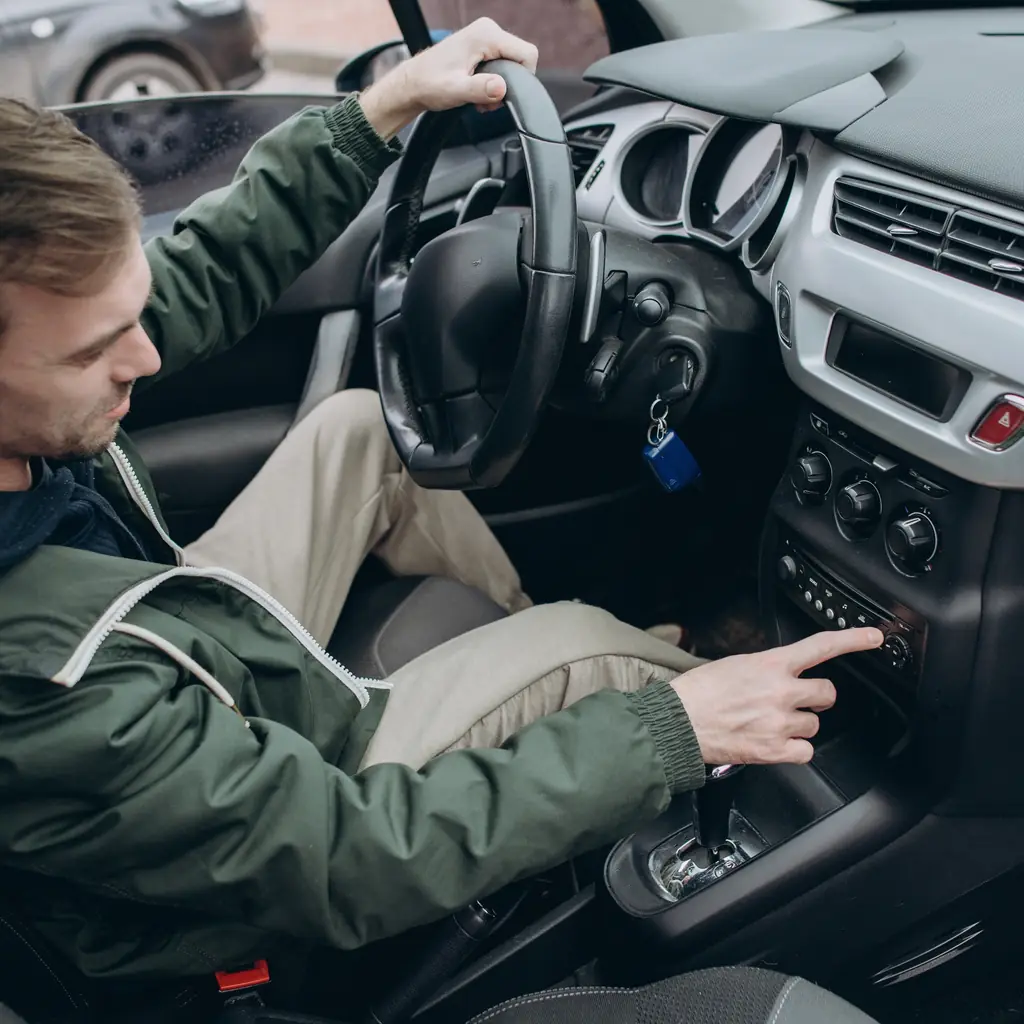
A bright screen can feel distracting after dark even when it looked comfortable at noon. Find the display and instrument-lighting controls while parked, and test the night appearance in suitable conditions.
Keep essential indicators readable. Check whether a day/night setting follows the headlights or another preference, and avoid covering sensors to force the screen into a different mode.
The dashboard-control walkthrough begins with another lighting trap: illuminated instruments do not prove the correct exterior lamps are on. Adjust screen comfort and exterior visibility as separate tasks. If the display behaves unexpectedly, identify the setting before treating it as a fault or trying an unsupported reset.
8. Learn what the rear camera can and cannot show
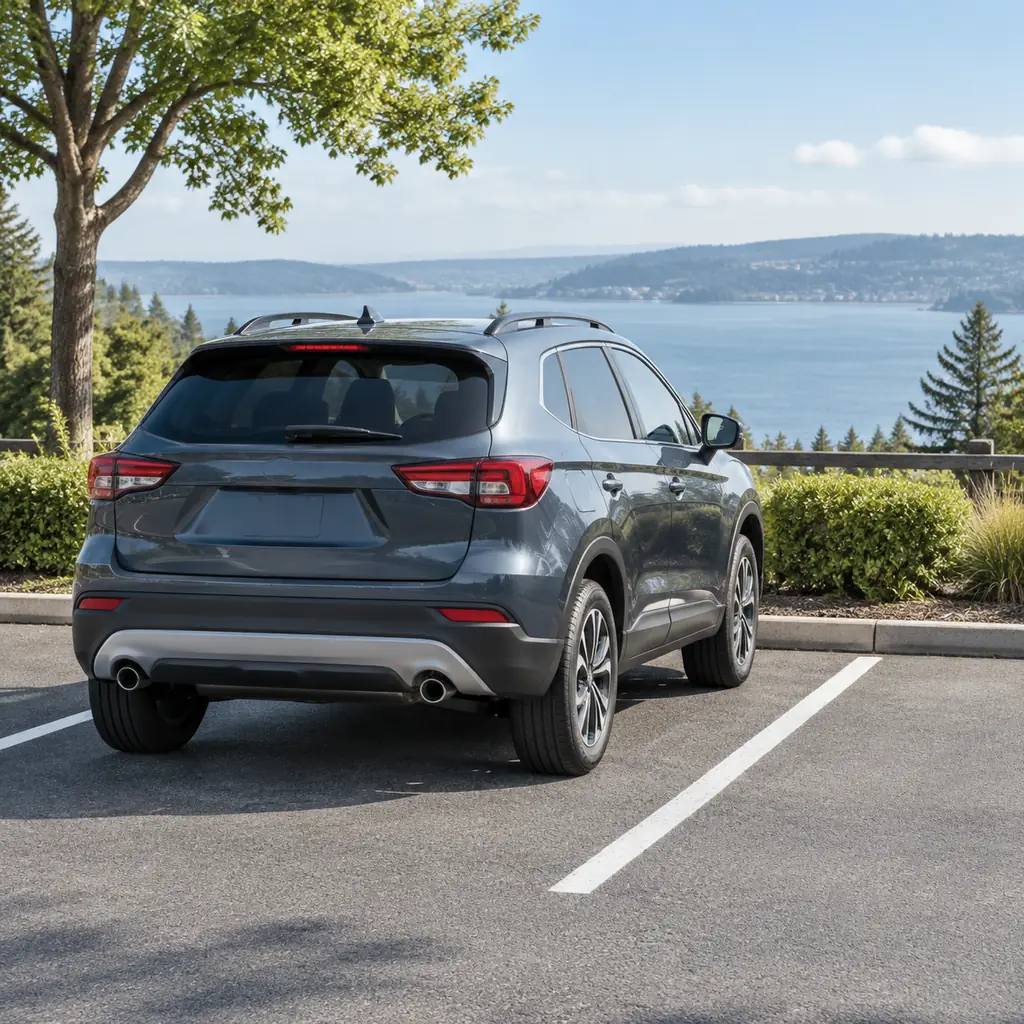
The standard rear camera can help position the Trax, but its image does not show every possible obstacle. Compare the displayed view with the real space around the bumper while the vehicle is stationary.
Notice the perspective and the areas outside the image. Keep the lens clean using the owner’s instructions and remember that rain, darkness or dirt can reduce useful detail.
Our Grand Cherokee parking guide makes the same point with different equipment. Before backing out, look around the actual vehicle and keep checking as you move. A small SUV is easier to place than a large truck in some spaces, but the camera still cannot replace observation.
9. Find the spare tire and tire-changing tools
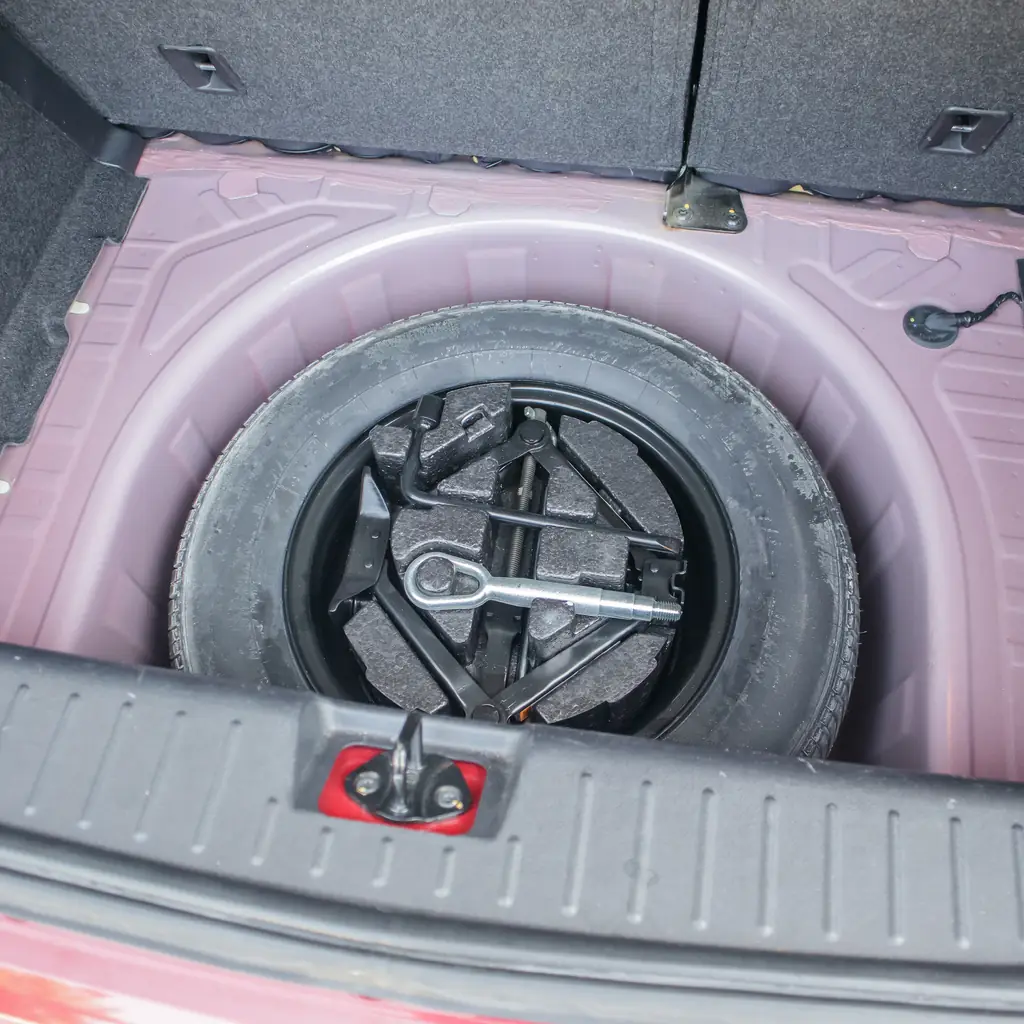
Open the tire-equipment area and identify exactly what your Trax carries. Find the instructions, the correct jack and wheel tools, and any wheel-lock key needed for the wheels currently fitted.
Check the condition and pressure of a fitted spare according to the manual. Learn its temporary-use restrictions rather than assuming it can be driven like the normal tires. Afterward, secure every tool in its intended position so it does not rattle or shift.
The used-car inspection guide explains why this matters even when the car looks tidy. Missing equipment is easy to overlook during purchase and much more inconvenient when the nearest help is far away.
10. Check the back seat when the reminder sounds
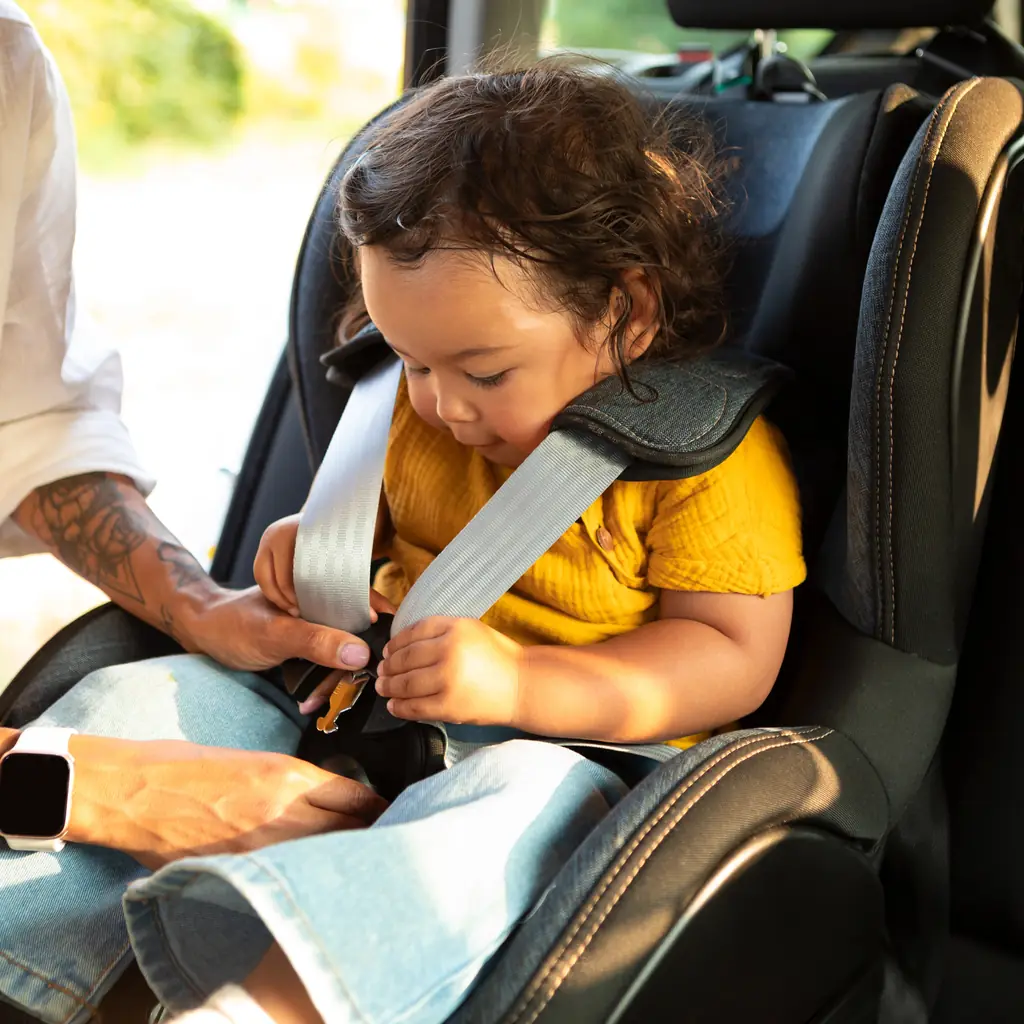
Chevrolet lists Rear Seat Reminder on the 2025 Trax. Learn the conditions that trigger it, then use the message as a cue to account for passengers and belongings before walking away.
Do not assume the reminder detects every occupant or guarantees an empty back seat. Physically check for a child, pet or vulnerable passenger every time, especially when the usual driver or routine changes.
A reminder can also prompt you to collect a bag, but that convenience is secondary to the people in the vehicle. Never test the system by leaving someone inside. The reliable habit is the check you perform, supported by the alert rather than delegated to it.
11. Check whether your Trax has adaptive cruise control

The 2025 Trax offers Adaptive Cruise Control as available equipment. That does not mean every car with ordinary cruise control also adjusts its speed to a vehicle ahead.
Confirm the actual option on your Trax and learn its indicators, controls and limitations before use. If the expected distance-setting control is absent, do not assume a hidden menu can add missing hardware.
Keep responsibility for speed, following distance and braking. Weather, visibility and traffic conditions can limit assistance. A clear understanding of the fitted system is more useful than a long feature list copied from another trim. Ask Chevrolet to resolve uncertainty about the specific VIN rather than relying on a generic listing.
12. Know why the 2025 Trax is not rated for towing

A vehicle can be useful for weekend travel without being suitable for towing. Chevrolet states that the 2025 Trax is not rated to tow, a distinction worth knowing before shopping for a hitch and small trailer.
A receiver accessory or another owner’s photograph does not create a towing rating. Check the permitted use of any carrier and account for its weight within the vehicle’s limits. Keep the load secure and preserve required lights and visibility.
Use the Trax’s cabin and split-seat flexibility for the jobs it can do. When the trip genuinely needs a trailer, choose a properly rated vehicle and complete the relevant setup rather than trying to turn an accessory into permission.
Sources & photo credits
Sources & references Manuals and supporting information
Photo credits Photographers, sources and licences
Featured collage
- 2024 Chevrolet Trax 1.2 RS in Ziggy Solid, 06-30-2024.jpg by Ethan Llamas, CC BY-SA 4.0.
- 2024 Chevrolet Trax ACTIV, front left, 07-12-2023.jpg by MercurySable99, CC BY-SA 4.0.
Featured collage
- Chevrolet Trax Activ (2024) (53619877105).jpg by Charles from Port Chester, New York, CC BY 2.0.


_(53619877105).jpg)