

Before another organizer goes in your RAV4, take a closer look at the cargo floor and the settings you already have. These checks use 2025 US models, with optional equipment identified.

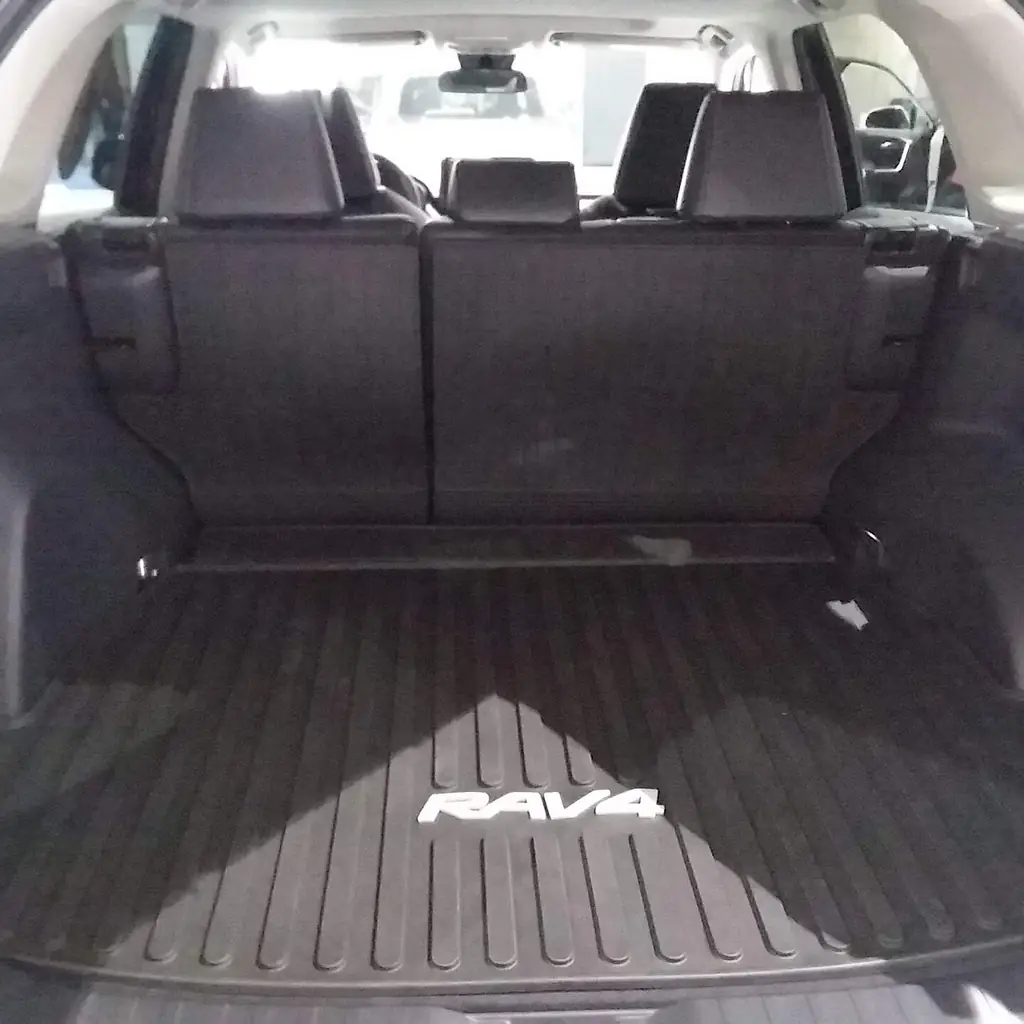
1. Try both cargo floor positions
The 2025 RAV4 Hybrid manual shows a cargo deck that sits at two heights. The lower position makes more room above the floor, while the upper position suits a more level loading surface.
Remove bags before moving the panel and locate the intended supports.
Try the actual suitcase or cooler you carry. Refit the board securely and check your exact model’s arrangement before copying a photo from another market.
2. Turn the cargo floor to its easy-clean surface
The cargo deck shown in the 2025 RAV4 Hybrid manual has a resin reverse side. That surface can be more practical for a dirty bag than leaving grit in the carpeted side.
Lift the empty board and turn it over using the manual’s instructions. Keep the board supported in its proper position.
A harder surface does not secure luggage. Restrain the load and clean the panel before turning the carpeted side back up.
3. Stow the luggage cover in its holders
An equipped RAV4 has designated holders for the luggage-cover unit beneath the deck. You can remove the cover when a taller load needs the space without leaving the unit loose in the cabin.
The manual shows how the deck and side covers move for storage.
Put both ends in their holders and check the cover is secure. Do not place bags on the extended fabric; it is intended to conceal luggage.
4. Set the fitted power back door height
A fitted power back door can stop at a chosen height, which helps when a garage opening is lower than the door’s normal reach. Check for shelves and door tracks before trying it.
Use the save-height method in your RAV4’s manual, then test the opening from a safe position.
Leave enough clearance for your head and keep everyone out of the travel path. A manual hatch does not gain this function through the screen.
5. Fold one rear seat for longer cargo
The rear backrests fold in separate sections, so one long object does not need the whole back seat. Start with the passenger seats you need to keep, then place the load around that choice.
Clear the seat and belt before pulling the release. Check the backrest latch after raising it again.
Our Trax phone and cargo checks uses the same selective-folding approach, with a different release arrangement.
6. Use the cargo hooks and side compartments
Raise the cargo hooks when you need to restrain a load, then stow them when they are unused. Look at the small side compartments as well before putting every loose item on the main floor.
Keep a charging lead or small emergency item where you can find it without unloading the car.
The Forester storage and travel checks offer another useful example of giving small storage areas a deliberate job.
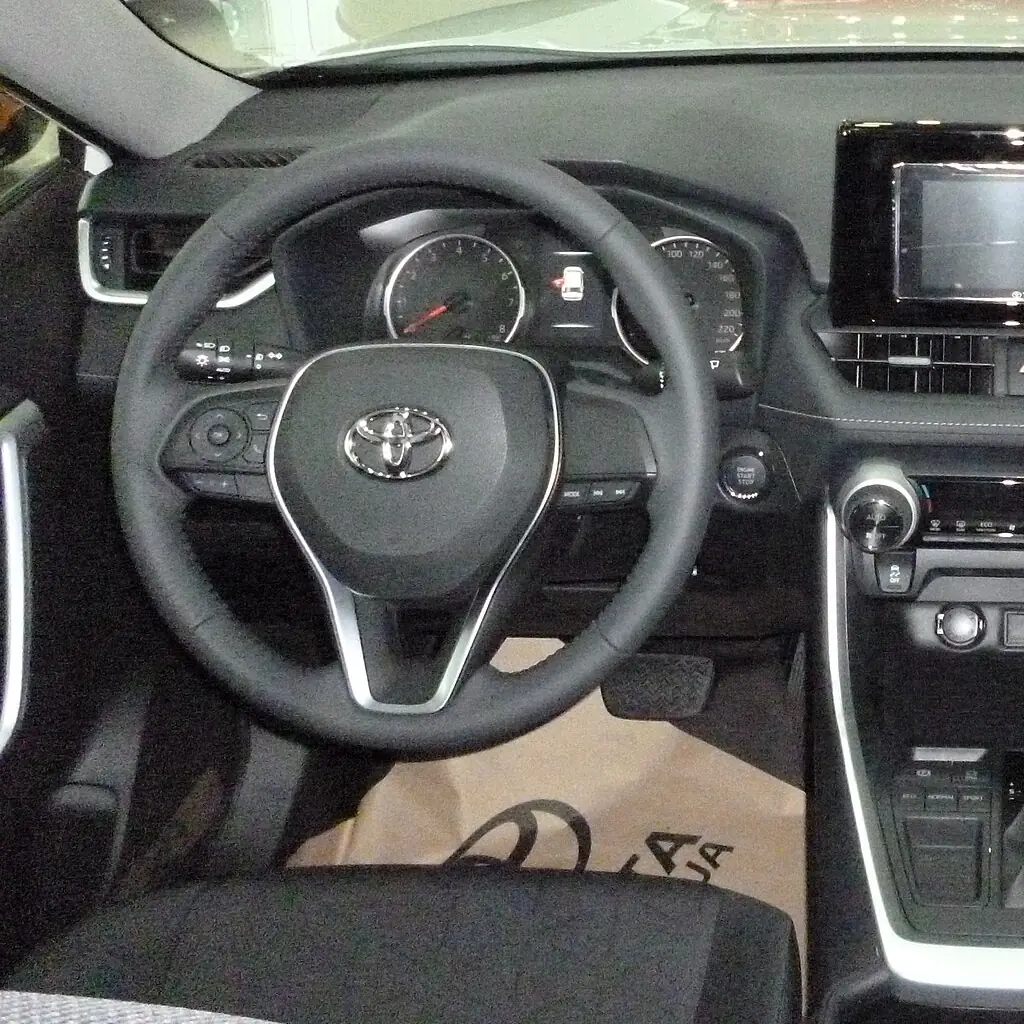
7. Save the fitted driver memory positions
Driving-position memory is fitted to some 2025 RAV4 equipment levels. Look for the actual memory controls before expecting an infotainment profile to move the seat.
Set your driving position while parked, then store and test the preset. Keep the area behind the seat clear.
Our Toyota settings guide explains why physical seat memory and a screen’s user profile are separate features.
8. Try a digital rearview mirror if equipped
A digital mirror is included in the 2025 Plug-in Hybrid XSE’s optional Weather and Premium Package. Its rear-camera view helps when luggage blocks the ordinary view through the cabin.
Try both modes while parked and keep the camera lens clear. Do not assume every RAV4 has this equipment.
The overlooked dashboard controls guide covers other visibility aids. Continue to check mirrors and surroundings directly.
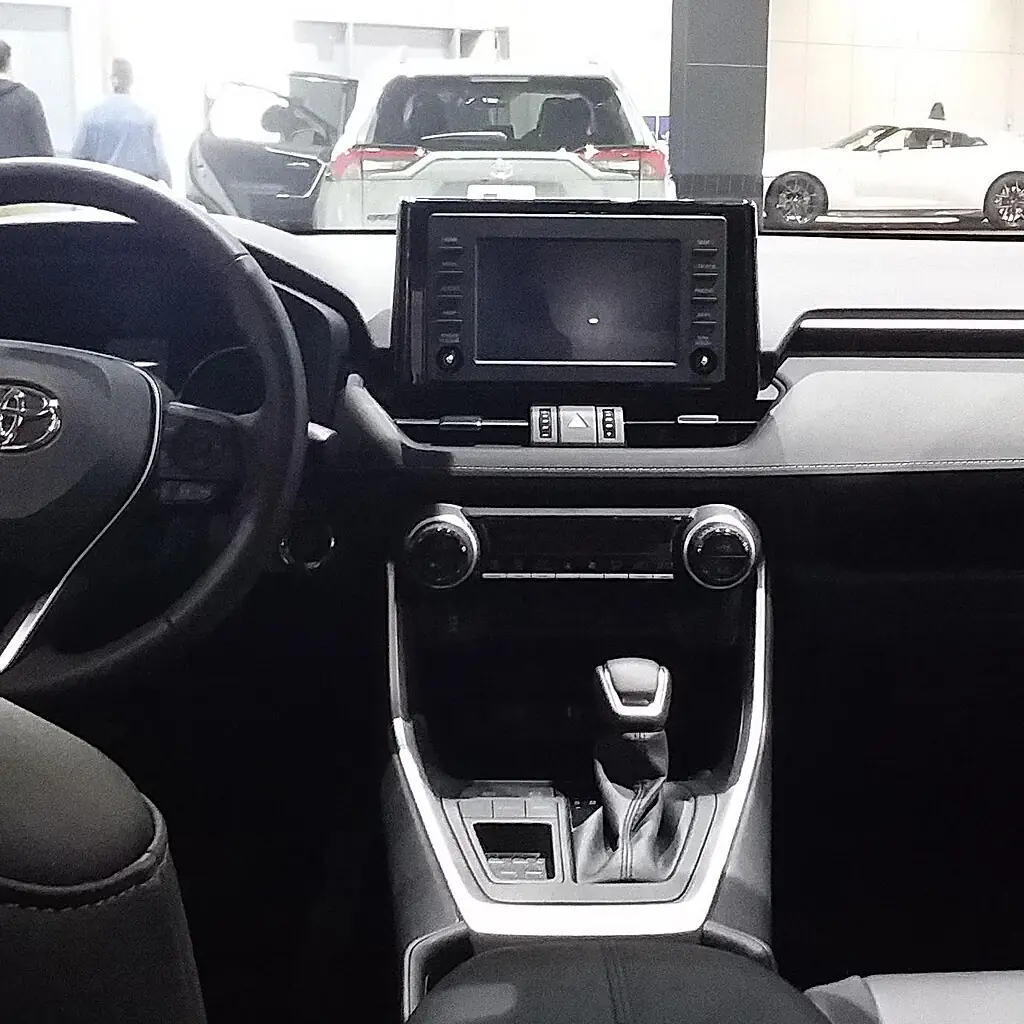
9. Set your preferred phone connection
Toyota’s multimedia settings let you choose how paired phones connect. If the screen keeps choosing the passenger’s device, check the primary-device setting before the next drive.
Test calls and directions after changing the preference. Then check charging separately, using the port or pad fitted to your car.
The CR-V control guide covers this distinction between a working screen connection and a phone that is actually charging.
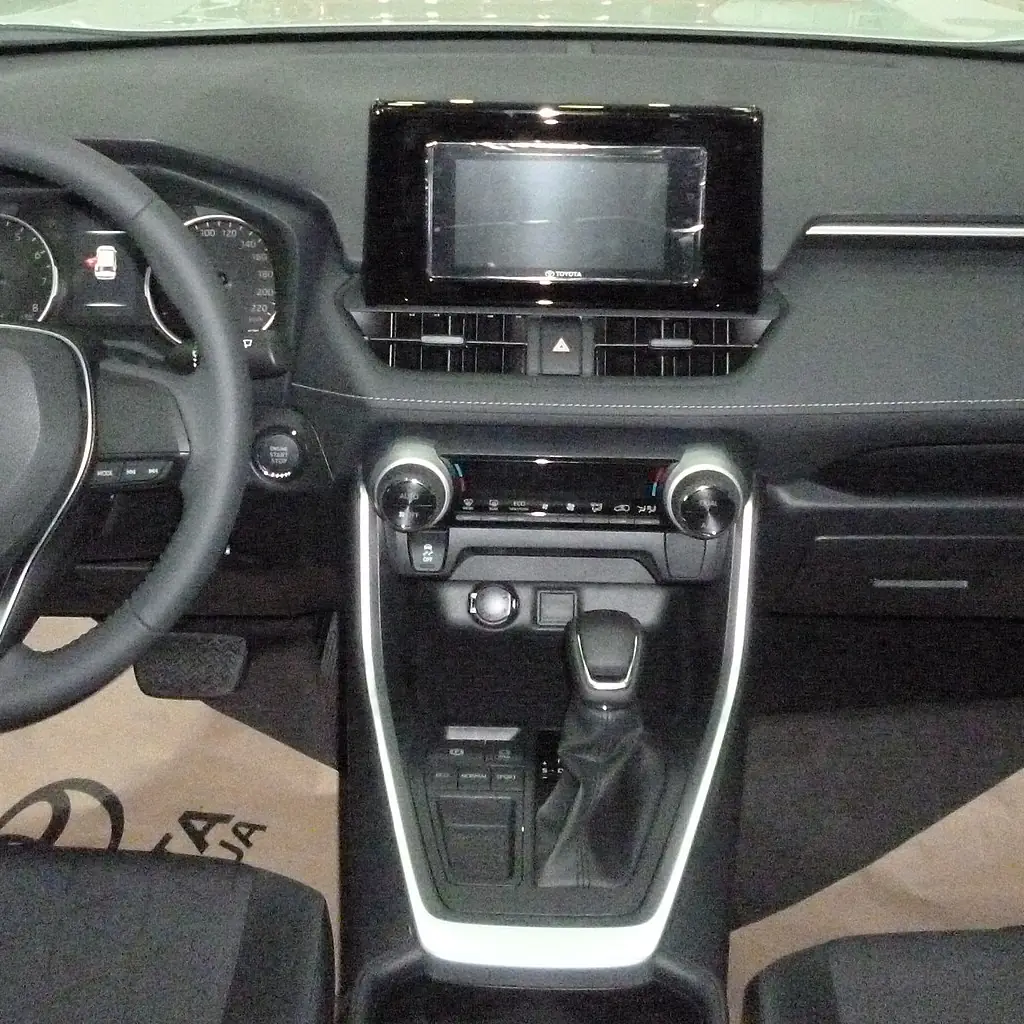
10. Understand Brake Hold and the parking brake
Brake Hold and the parking brake have different jobs. Brake Hold can keep the service brakes applied at a stop when its conditions are met; it does not replace securing the vehicle when you park.
Learn the display indicators and the operating conditions before using it in traffic.
Our dashboard-controls guide helps decode similar-looking controls. Keep the RAV4 manual’s limits in mind, especially if the system becomes unavailable.
11. Learn the fitted door-unlock preferences
Door-unlock preferences can change the small routine of getting passengers into the car. Check whether the first key-fob press or driver-door touch opens only one door or all of them.
Use the customization instructions for the fitted entry system and test the result while parked.
The remote and handle-based methods can have separate settings. Do not assume a change to one method automatically changes the other.
12. Check the charging ports and power outlet limits
Find which USB connection is intended for media and which ports are for charging. That distinction can save time when a cable powers the phone but the screen does not recognize it.
Check any fitted power outlet’s rating before using a larger device.
Keep leads clear of seat movement and close unused outlet covers. Avoid assuming a socket stays powered after shutdown; check its behavior in your exact vehicle.
Image credits
- Toyota RAV4 (XA50) Washington DC Metro Area, USA (35).jpg by OWS Photography / Wikimedia Commons, CC BY 4.0. Images cropped/resized and converted to WebP. The image derivative retains this license.
- Toyota RAV4 2019 (XA50) CUV Trunk.jpg by Alistair Fernandez / Wikimedia Commons, CC BY-SA 3.0. Images cropped/resized and converted to WebP. The image derivative retains this license.
- Toyota RAV4 4×2 XLE 2019 Interior.jpg by Captainmorlypogi1959 / Wikimedia Commons, CC BY-SA 4.0. Images cropped/resized and converted to WebP. The image derivative retains this license.
- Toyota RAV4 2019 (XA50) CUV Interior.jpg by Alistair Fernandez / Wikimedia Commons, CC BY-SA 3.0. Images cropped/resized and converted to WebP. The image derivative retains this license.