

Some Toyota annoyances have a setting; others depend on equipment your car may not have.
Check the useful possibilities first, then arrive at the dealer with a specific request. Features vary by model year and equipment; photos illustrate the situations and may show a different vehicle.
1. Check whether your key fob can open the windows
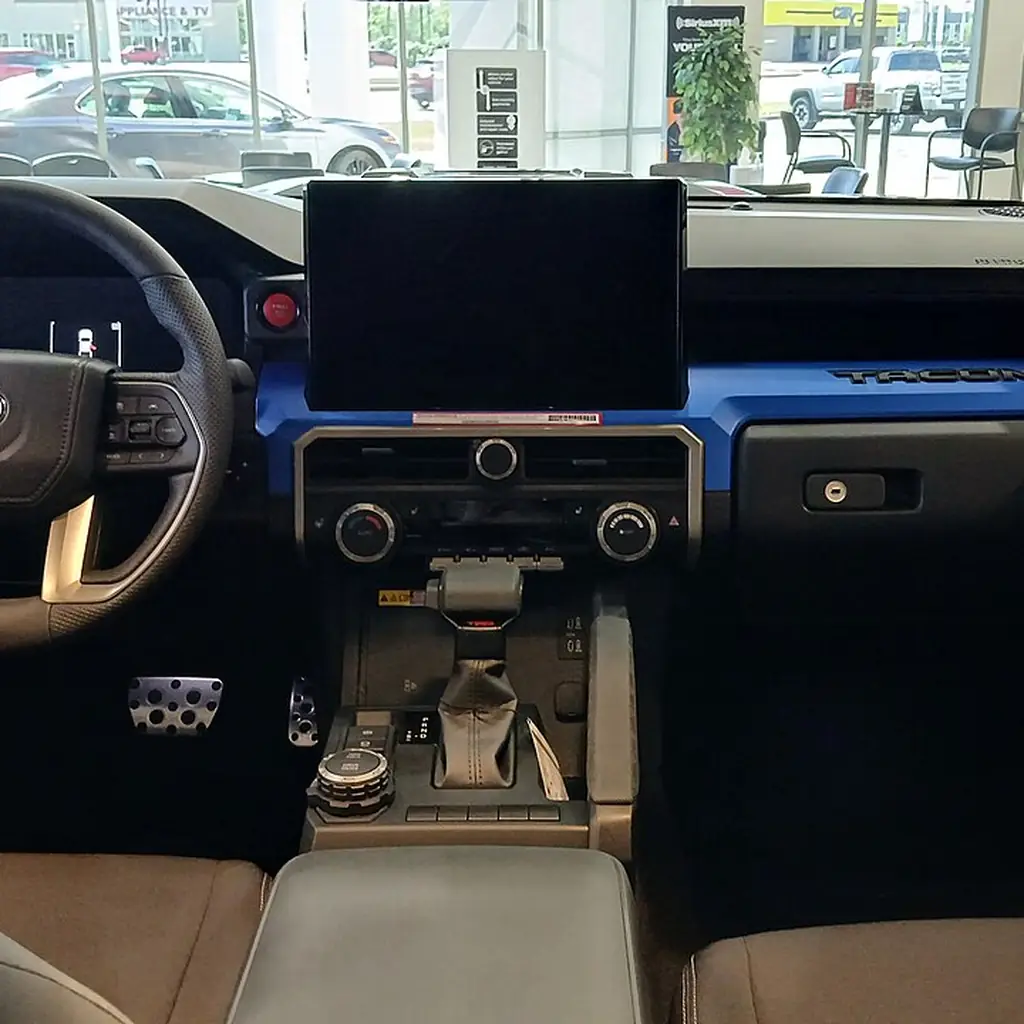
On some Toyotas, remote window opening is a configurable feature rather than a button labeled “windows.” Toyota’s official manuals document versions that require dealer customization. That is a useful question to ask, but not evidence that every Toyota can do it.
Look in your model’s key and customization sections for remote window operation. If it is listed, ask which windows it affects, how it is activated and whether the function is currently enabled. Do not pay for an aftermarket module before checking the supported factory option.
Once configured, learn the operation while you can see the entire vehicle and keep everybody clear of the windows. Do not use remote opening where it could admit rain or leave the car unsecured. The worthwhile result is a verified convenience on your own car, not a viral key sequence borrowed from an unrelated model.
Ask for a demonstration when you collect the vehicle. Stand where you can see every opening and repeat the action yourself before leaving. If a function does not behave as described, resolve it there rather than assuming a second undocumented button combination must be the missing step.
2. Choose which doors unlock on the first press
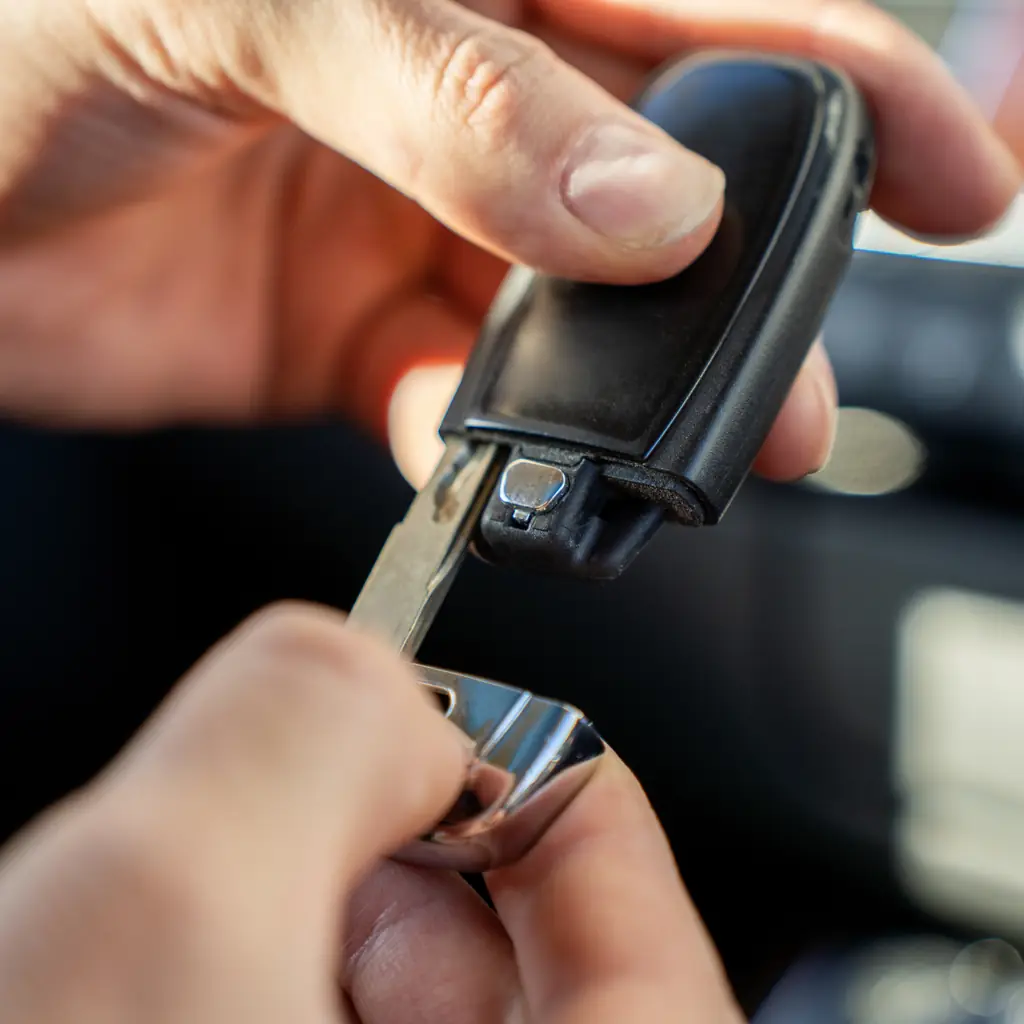
If one person waits by a locked door every time you arrive together, review the available unlock customization. Some Toyota manuals distinguish the driver’s first unlock from the second action that opens the other doors, with configurable behavior on eligible vehicles.
Choose deliberately between driver-only and all-door access according to how you use the car. Test the setting while parked with the key in your possession. The right preference is the one you understand and can use consistently.
Write the request down for the dealer if your manual identifies a dealer-only change. One precise question can be more useful than asking the service desk to activate every “hidden feature.”
3. Try the digital rearview mirror's different modes

A digital rearview mirror, where fitted, uses a camera image that differs from the ordinary reflected view. Toyota lists this equipment on selected RAV4 configurations; it is not a feature of every Toyota mirror.
Practice switching modes and adjusting the display while parked. Compare the view with the real scene behind the vehicle, then repeat with your normal luggage arrangement. Learn the relevant camera limitations and the conventional fallback.
Do not use the camera as permission to carry unsecured cargo or block necessary visibility. The useful discovery is knowing which fitted view helps you assess the surroundings, and when dirt, lighting or another condition reduces its usefulness.
4. Set a comfortable liftgate height
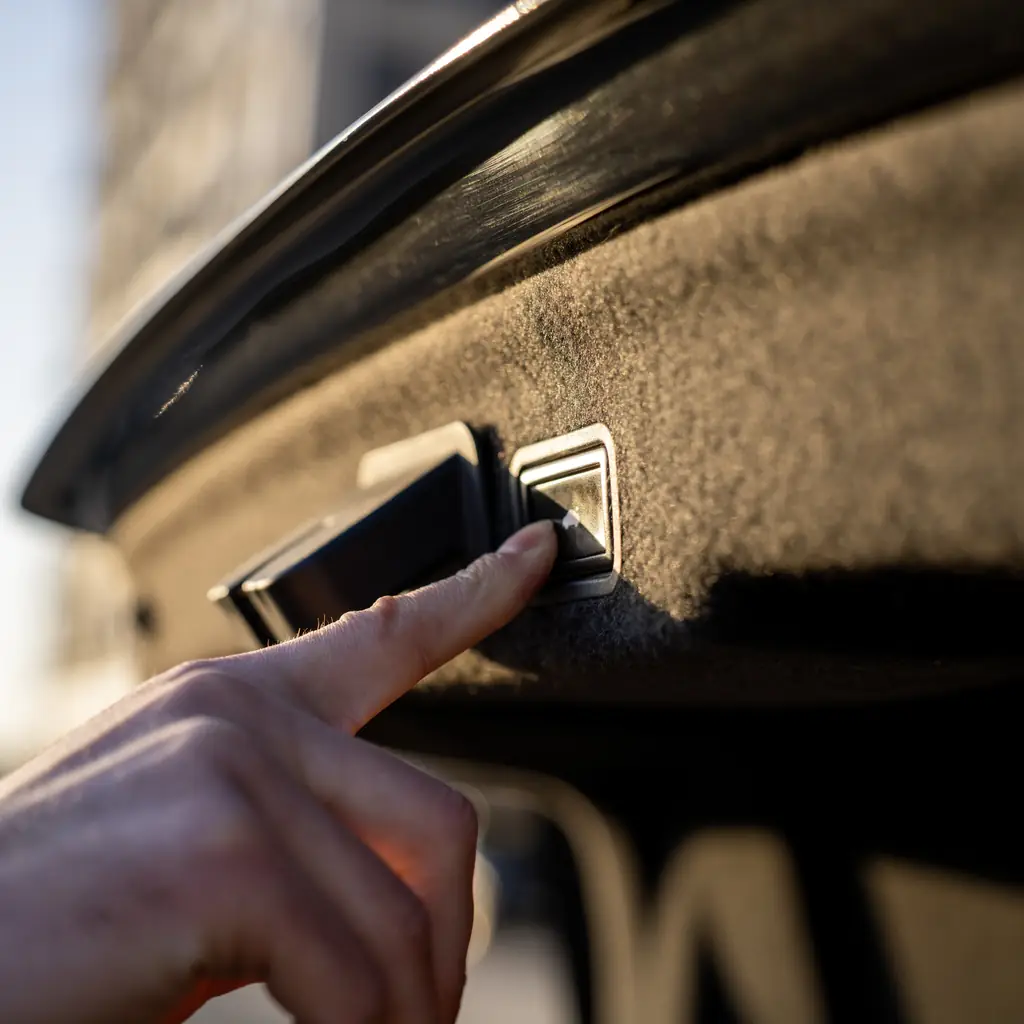
A programmable power back door can stop an equipped Toyota’s hatch at a useful height. That may solve both an overhead-clearance problem and an awkward reach for the person closing it.
Check the procedure for your exact model and leave generous clearance below garage hardware. Save the setting, then test a full cycle from a safe position. A different parking position can change the available space.
The RAV4 cargo guide connects the hatch setting to loading. A useful height should still let you retrieve bags without leaning under an inconveniently low edge, and everybody must remain clear while the hatch moves.
5. Check remote-start availability and subscription costs

Toyota’s remote-start eligibility and service requirements vary by vehicle, production details and connected-services arrangements. A three-press demonstration on one owner’s fob does not establish what your car supports or what happens when a trial ends.
Use Toyota’s current vehicle-specific service information and your account to check availability, enrollment and cost. Ask for confirmation before paying for another remote-start system. Keep app-based commands, key-fob functions and Digital Key distinct when discussing the feature.
Our Highlander setup guide takes the same equipment-first approach. Never remotely start a vehicle in an enclosed space or use climate functions as a reason to leave a child or pet unattended.
Save the trial-expiry date and the exact service name in your records. If you choose not to renew, ask which functions will remain available on that vehicle. An answer about a different model year or an earlier connected-services package may be accurate for that car and still wrong for yours.
6. Set up both drivers' phones
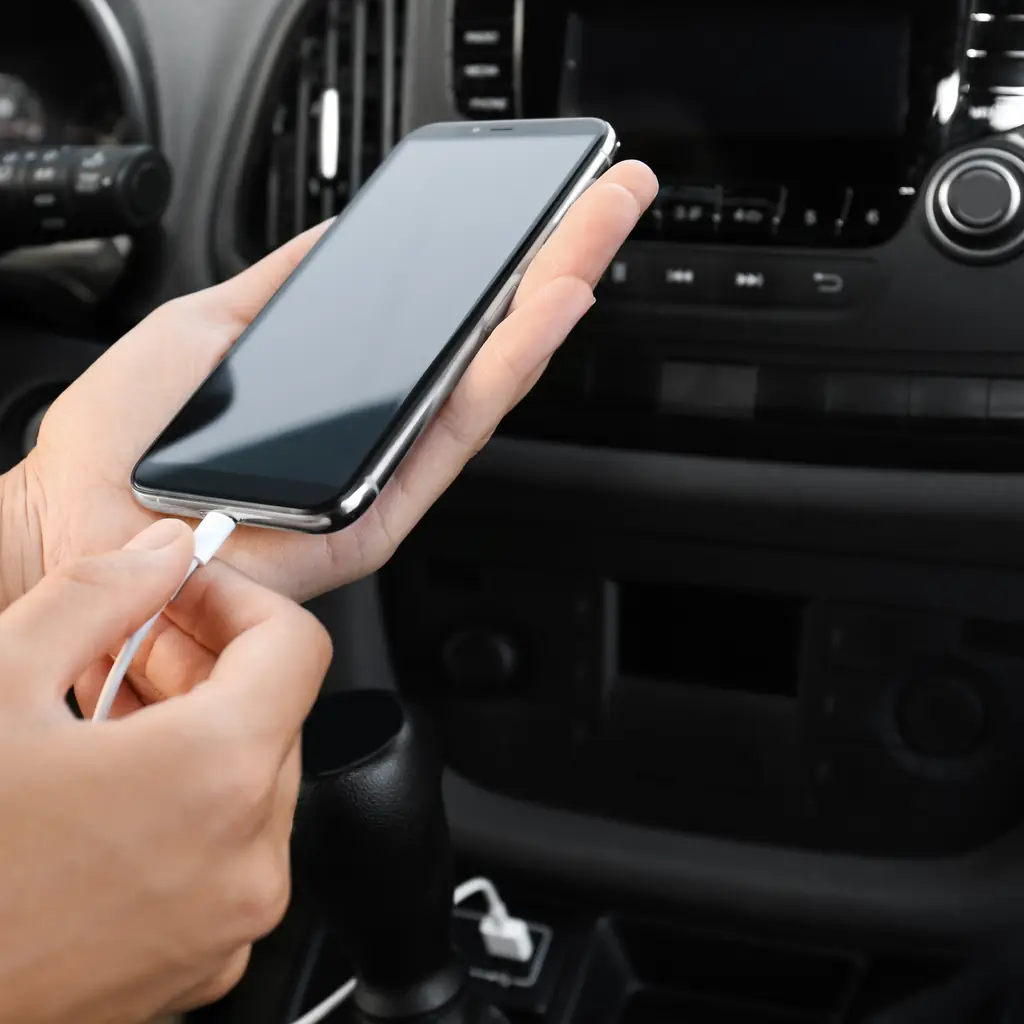
Set up the phones together rather than letting the first successful connection decide the household routine. Choose the main device, test what happens when both phones enter the car and learn how to change the active connection while parked.
Separate smartphone projection from the vehicle’s own connected navigation or remote services. They can have different requirements and costs. A working music connection does not prove that every advertised online feature is active.
The family-trip setup guide uses a practical test: seat the actual passengers and connect the actual devices. It reveals cable access and connection conflicts before they compete with navigation on the road.
7. Get familiar with the parking camera views
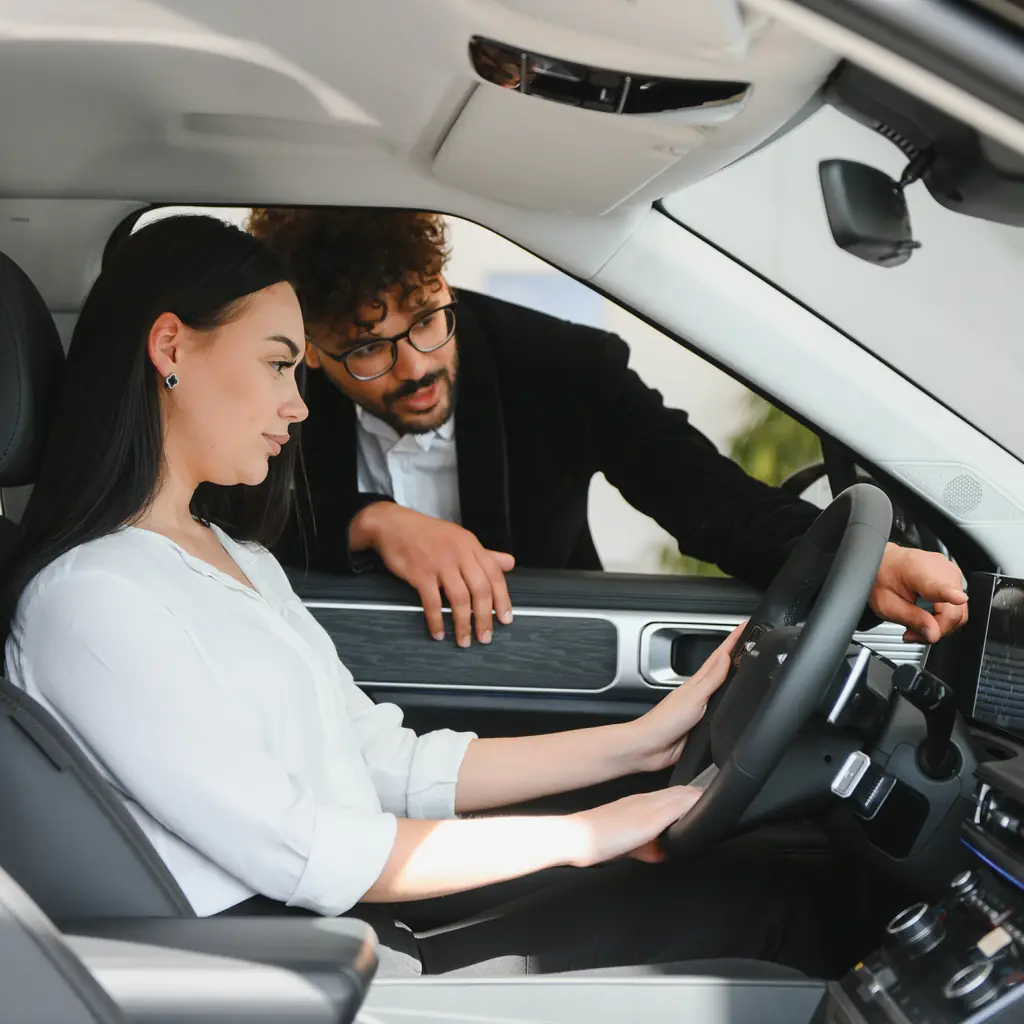
An equipped panoramic or surround-view system can make a low curb easier to understand. Explore its available views while parked, with a familiar object safely outside the vehicle’s path.
Walk around first, then compare the camera image with what you saw. Notice the blind areas and distortion. Keep people clear and do not use a person as an obstacle for a demonstration.
Our Tacoma guide applies the same approach to its available Multi-Terrain Monitor. The feature should answer a specific positioning question; the driver must still inspect the surroundings and remain responsible for the maneuver.
8. Check your cargo-floor options
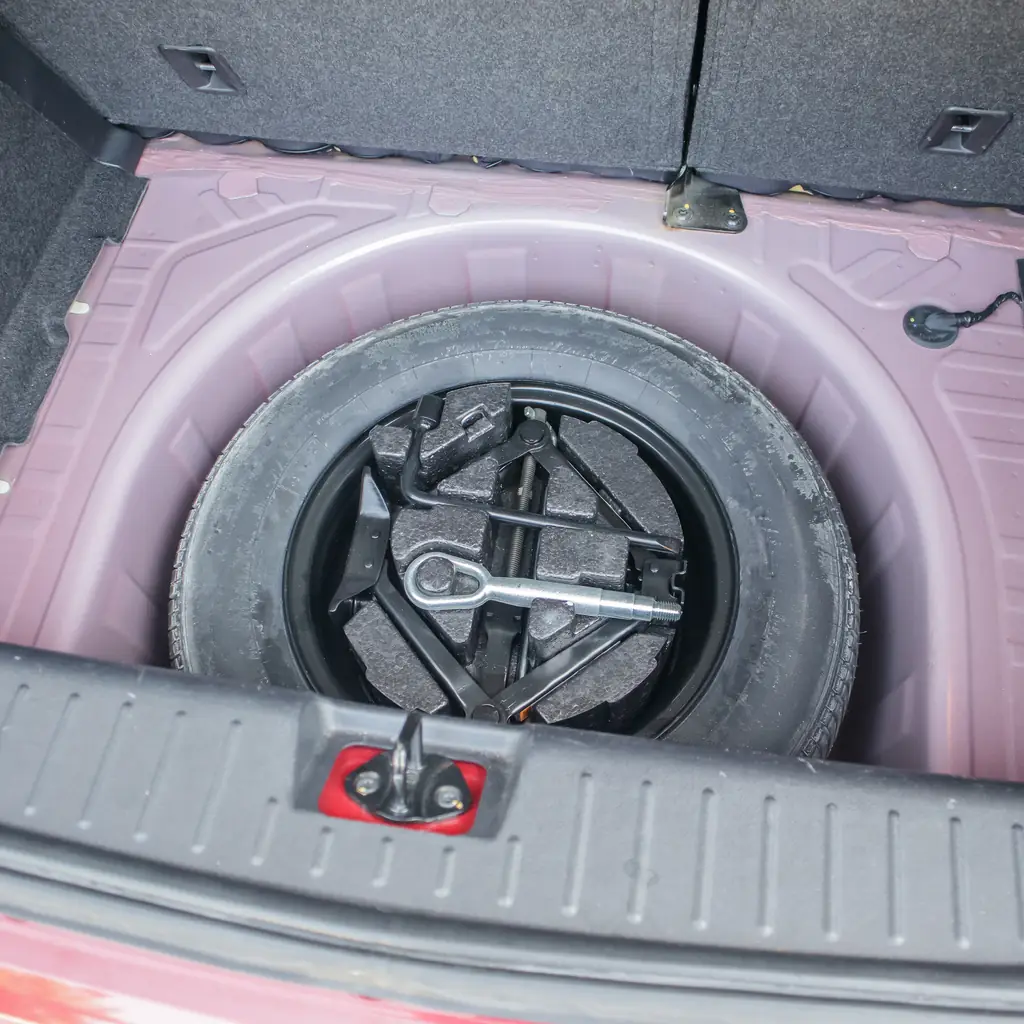
Some Toyotas provide an adjustable or reversible cargo-floor arrangement, depending on model and equipment. Lift the floor while the cargo area is empty and compare the documented positions before ordering a large organizer.
Try a real item such as a cooler or upright suitcase. Extra height can matter more than another divided bin. Keep the floor correctly supported and respect the stated load limits.
The car-camping rehearsal starts with physical fit for the same reason. A cargo-volume figure cannot tell you whether the particular item you own will sit level, remain accessible and travel securely in the arrangement you plan.
9. Learn how to override automatic high beams
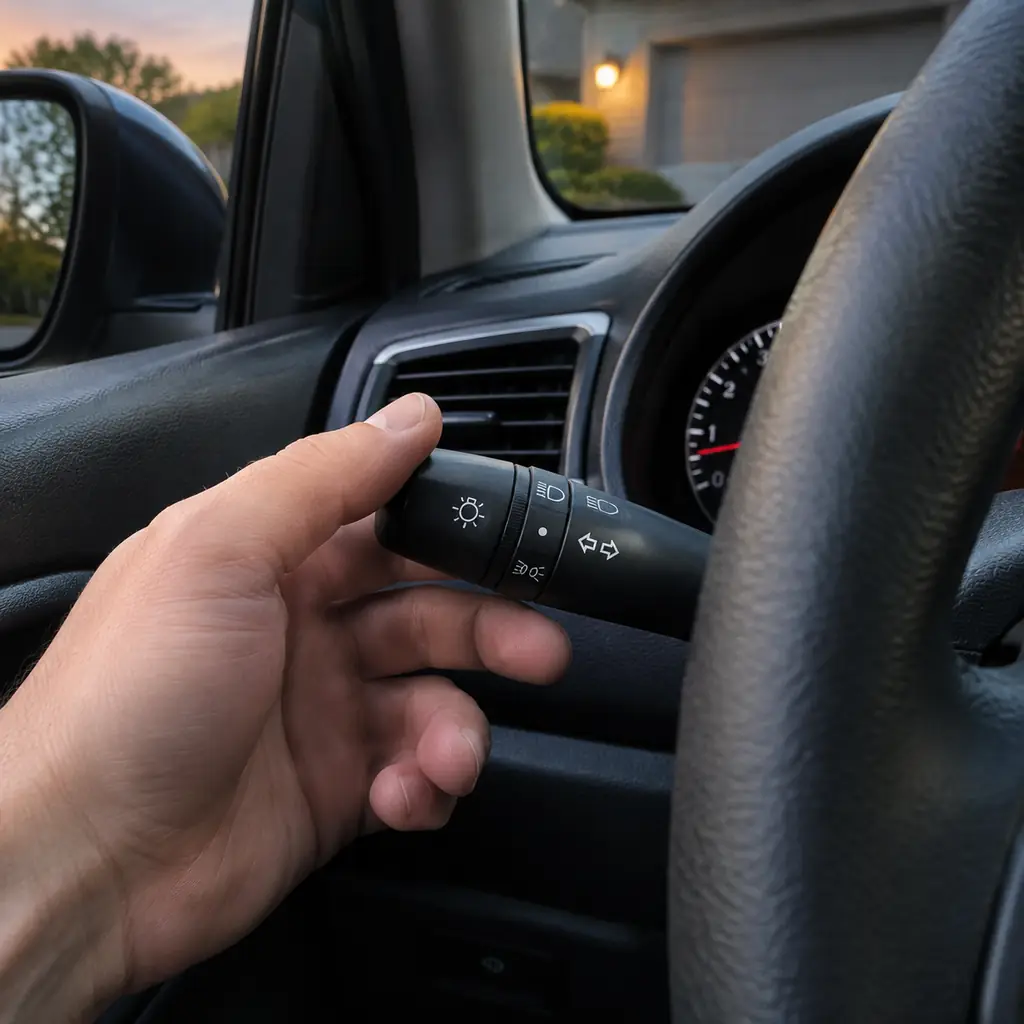
Automatic high beams, where fitted, assist with switching light levels under specified conditions. Learn how the system is enabled and how to return to manual control before a night drive.
Keep the windshield and relevant sensing area appropriately clean, and understand that weather, lighting and other conditions can limit the system. The driver still needs to respond when the beams are unsuitable for traffic or visibility.
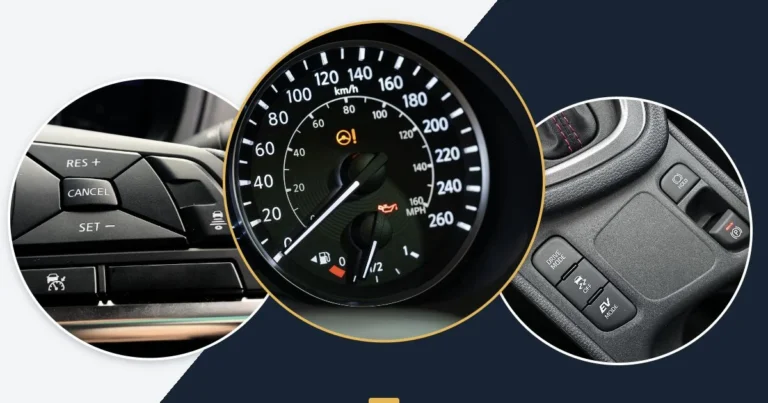
Our dashboard-control guide explains the related difference between daytime running lights and the full lighting you may need. Recognizing an icon is only useful when you also know the function it indicates and the action required.
Try locating the manual override without looking down at it, while the vehicle is parked. Then confirm the indicator that shows the current mode. Knowing both the physical action and the dashboard feedback makes it easier to respond appropriately when lighting conditions change during the journey.
10. Compare tire pressure with the vehicle's recommended setting

A tire-pressure display can help identify which tire needs attention on an equipped Toyota. The number must be compared with the vehicle’s recommended cold pressure, not simply the maximum written on the tire sidewall.
Find the tire-and-loading label and keep a suitable gauge available. Follow the vehicle’s instructions for checking and correcting pressure. A warning reset is not a repair for a puncture, a leak or an incorrectly inflated tire.
If a warning returns, arrange appropriate inspection. The useful feature is earlier information about a problem. Clearing the light without finding the cause removes the information while leaving the condition unchanged.
11. Reset maintenance reminders only after the work is done

A maintenance reminder can help you track required work, but its reset function does not perform that work. Read the schedule for your exact Toyota and the operating conditions it describes.
Keep the invoice or your own complete record when maintenance is actually completed. If a reminder remains after a service, ask the provider to explain the correct reset for that model rather than copying a sequence from a different dashboard.
When buying used, check whether the records support the apparently clear display. A quiet reminder is not evidence that every required fluid, filter or inspection is current. The vehicle’s history matters more than whether the screen looks tidy.
12. Prepare a clear list of requests for the dealer

Finish the check with a short list: the feature you have confirmed is supported, the behavior you want changed and the question the manual did not answer. Add the model year and exact trim so the conversation starts with the right vehicle.
Ask whether the change is owner-accessible, dealer-configurable, subscription-dependent or unavailable. Request a price before agreeing to work. That distinction can save time and prevent a vague request from turning into an unnecessary accessory purchase.
Afterward, test each agreed change while parked and keep the relevant instructions. You should leave with a convenience you can demonstrate, not merely the feeling that an invisible setting must have been improved.
Sources & photo credits
Sources & references Manuals and supporting information
Photo credits Photographers, sources and licences
Other photography
- Image 1: 2024 Toyota Tacoma TRD Sport interior.jpg by Deathpallie325, CC BY-SA 4.0. Cropped and resized.
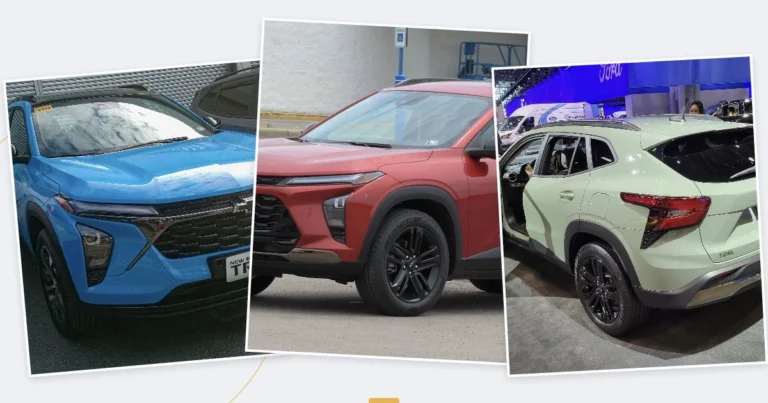
Featured collage
Featured collage
- 2024 Toyota Tacoma TRD Sport front view.jpg by Deathpallie325, CC BY-SA 4.0.
- 2021 Toyota Land Cruiser 300 (Russia) front view.jpg by Авто Плюс Новости, CC BY 3.0.


_front_view.jpg)