

A few seat and cargo adjustments can make your Highlander easier to load before everyone climbs in. These examples use the 2025 US Highlander, with fitted equipment called out separately.

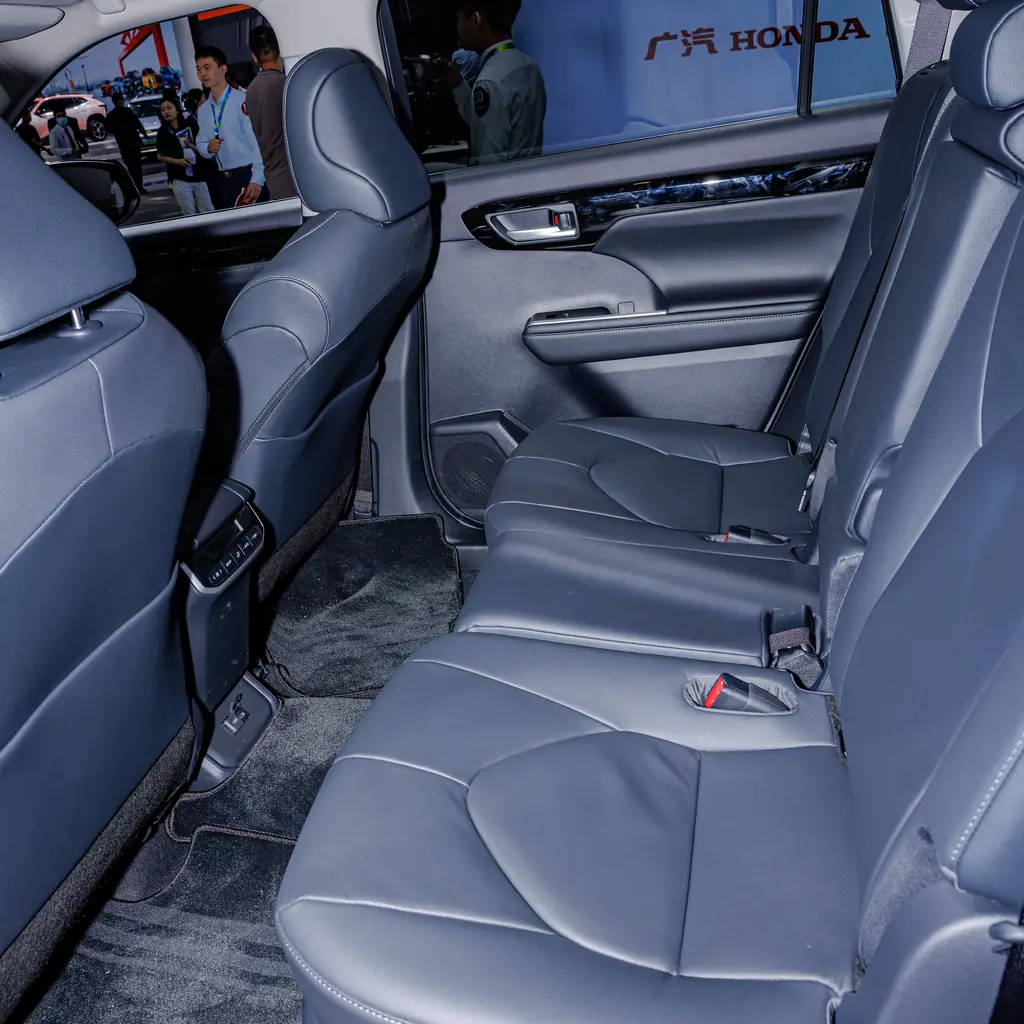
1. Slide the second row before loading the third
The second-row seats can move forward and backward, which helps you divide legroom between the two rear rows. Try the adjustment with the people who will actually sit there.
Make the change on level ground while parked. Give the third row enough space before placing bags behind it.
After moving a seat, check that the seat and seatback lock securely. Keep fingers, feet and luggage away from the moving parts.
2. Fold one third-row seat for a long bag
The third row folds in separate sections, so you can keep a passenger seat while making room for a long bag. Clear the seat first and put the belt in the position Toyota specifies.
Fold the section you need rather than flattening the whole row out of habit.
Keep every passenger in a proper seat with the belt available. The flat cargo surface is for luggage, not an extra riding position.
3. Store the luggage cover under the cargo floor
The luggage-cover unit has a storage position beneath the cargo deck. An equipped Highlander does not need the cover left loose on top of the bags when you need more open space.
Toyota gives different steps for arrangements with and without a side deck board. Match the drawing to your cargo floor.
Compress and secure the unit as instructed. Keep items off the cover; the fabric is not a cargo shelf.
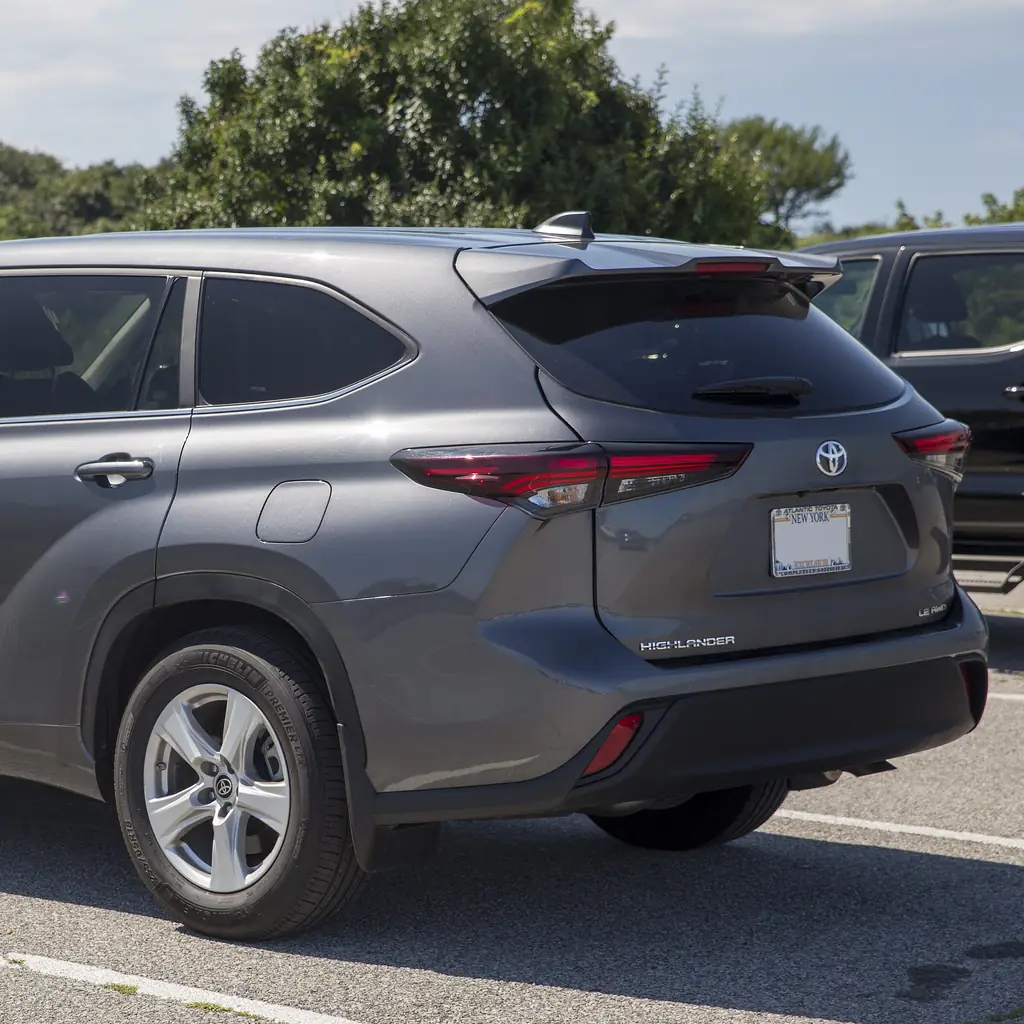
4. Set the power back door opening height
A fitted power back door can remember a lower opening height, which is useful under a garage door or ceiling shelf. Check the whole travel path before raising the door.
The 2025 manual describes saving the chosen position with the back-door switch. The display also offers opening-position settings.
Leave yourself enough head clearance and test the result carefully. Do not use your body to test the jam-protection sensors.
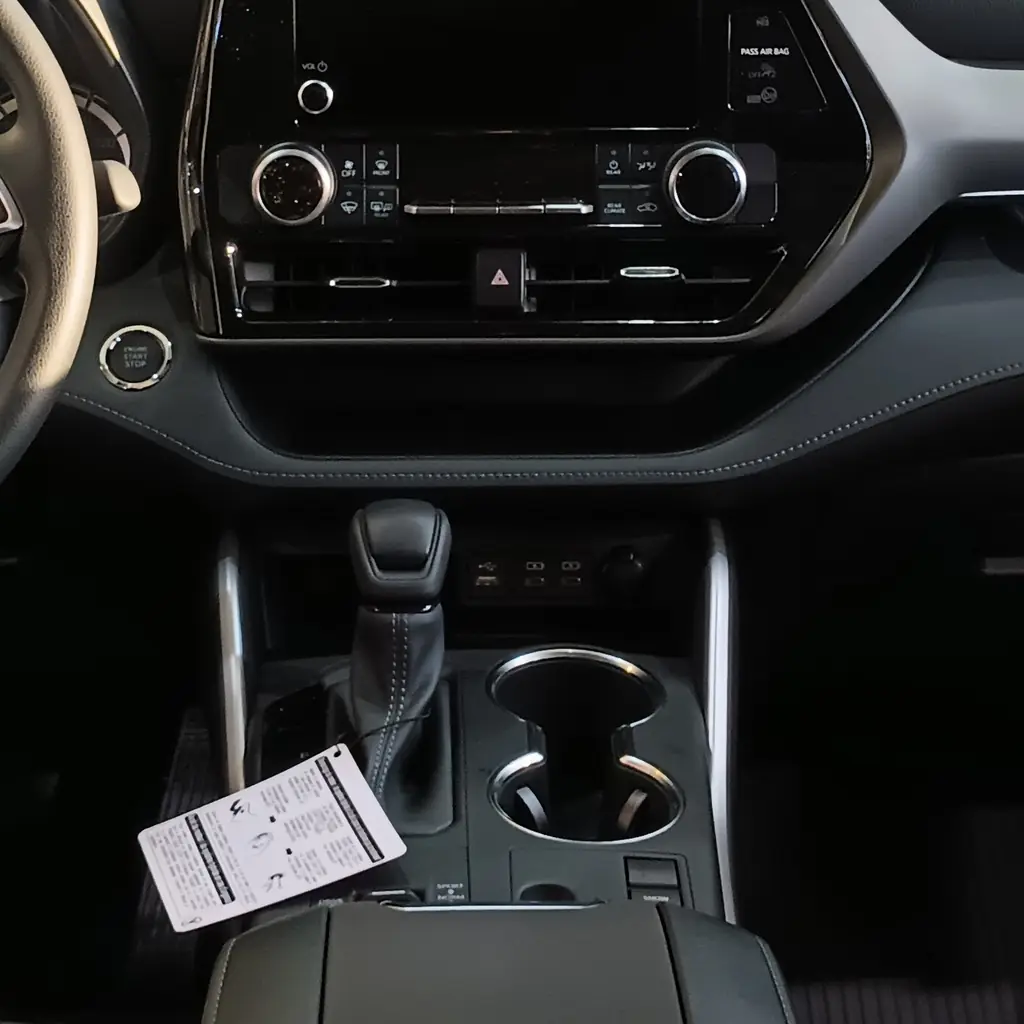
5. Set the rear climate controls before leaving
The Highlander has rear climate controls, so the back rows do not have to accept whatever temperature suits the driver. Find the rear setting on the front panel before the trip starts.
Set the temperature, fan and control access while parked. A bag pushed against a rear vent can spoil an otherwise sensible setting.
Our overlooked dashboard controls explains other cabin symbols that are worth learning before a long drive.
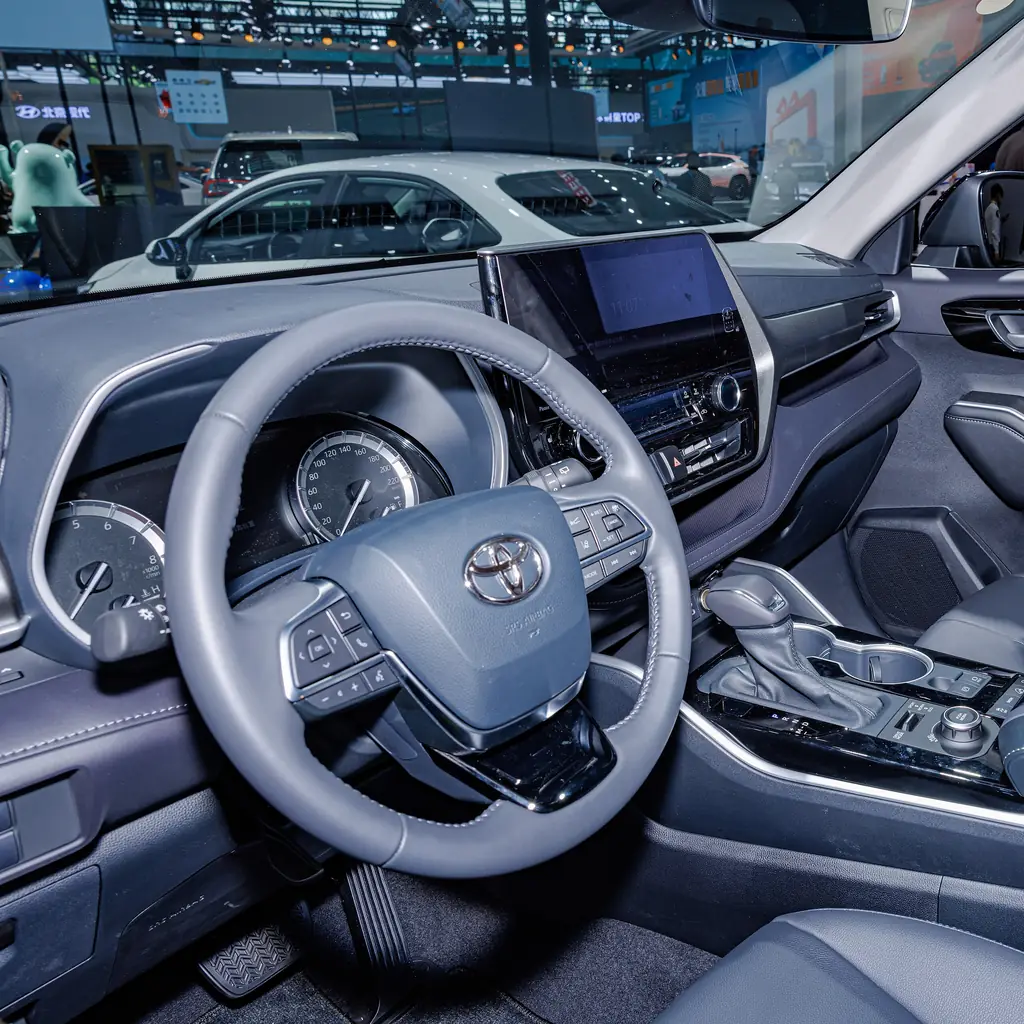
6. Save driving position memory if fitted
Driving-position memory, where fitted, saves a useful starting point for two drivers. Set the seat and mirrors for your actual posture before storing a position.
Check which adjustments your Highlander saves; a multimedia profile is not the same as a seat-memory button.
The Toyota settings guide makes that distinction across Toyota equipment, but the matching Highlander manual controls the save and recall procedure.
7. Try the digital rearview mirror with a loaded cabin
The 2025 Platinum has a digital rearview mirror that uses a rear camera image. A tall stack of bags can block an ordinary mirror, so compare the two modes before the cabin fills up.
Adjust the optical mirror and the screen settings while parked. The camera view has a different appearance and field of view.
Our dashboard-control guide is a useful companion for understanding screen-based assistance.
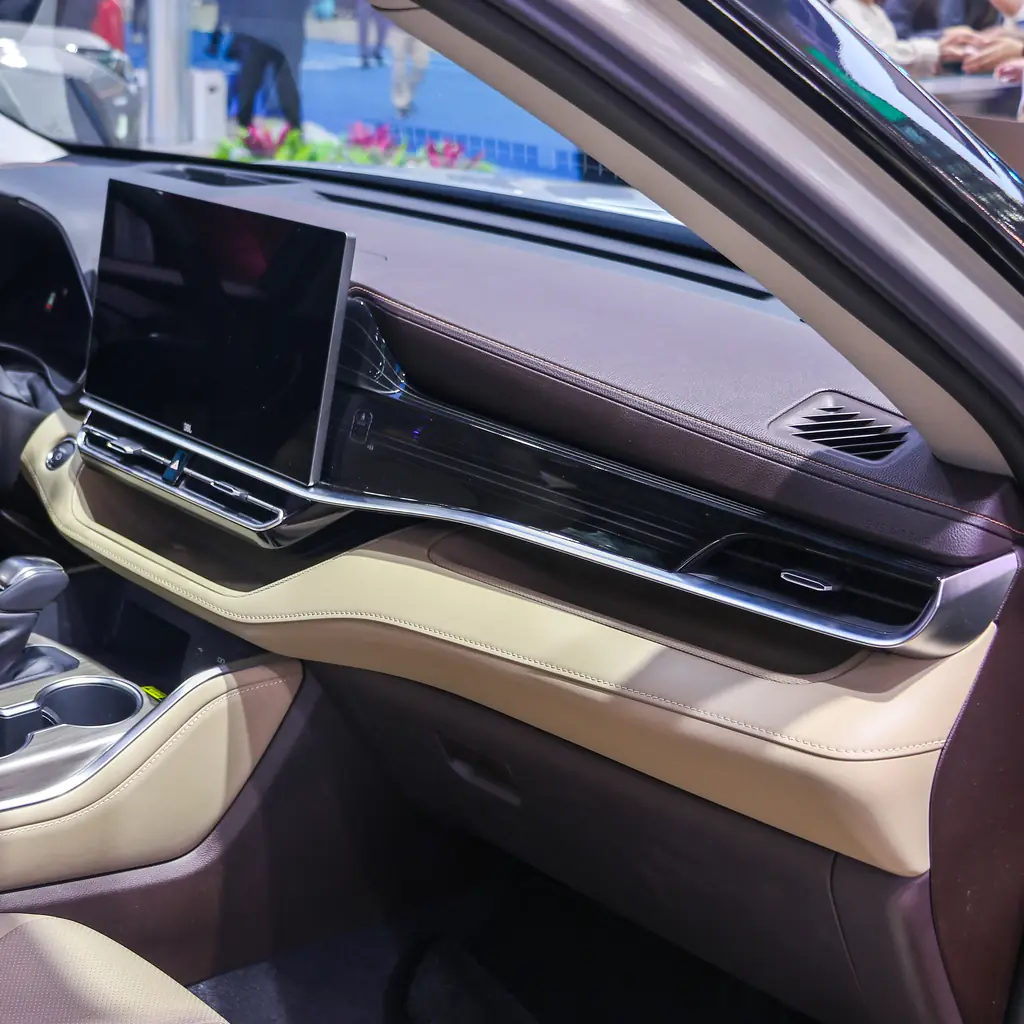
8. Choose which phone connects first
If two paired phones compete for the screen, check the primary-device setting before the journey. The Toyota multimedia manual separates pairing a phone from choosing which device connects automatically.
Select the phone you normally use for calls or directions, then reconnect it to confirm the choice.
The Trax phone and cargo checks shows why phone priority and phone charging are separate checks, even when both happen in the same cabin.
9. Understand Brake Hold before using it
Brake Hold can keep the service brakes applied after you stop when its operating conditions are met. It is separate from the parking brake and is not permission to leave the driver’s seat.
Read the display indicators and exact activation steps before using the function in traffic.
The CR-V control guide explains the same difference in another vehicle. Keep your Highlander’s warnings and operating limits in view.
10. Check the door-unlock preferences
Door unlocking can be customized, so the first press need not always unlock the same set of doors. Check the available settings if a passenger regularly waits while you press the button again.
Make the change while parked and try both the key-fob and handle-based entry methods.
Our Toyota convenience-feature guide covers this wider issue without assuming every Toyota has the same menu.
11. Use the fitted rear sunshades
Rear-door sunshades are built into equipped models, so check the doors before ordering another passenger screen. Pull the shade up gently and attach it to its intended hooks.
Keep the shade housing clear of toys, bags and anything that could snag the material.
Do not hang objects from the shade or use it as a handle. A built-in shade is useful only if its thin mechanism stays intact.
12. Map the charging ports and outlet limits
Find the charging ports your passengers can reach before bags cover them. Toyota distinguishes USB charging ports from the media connection used by the audio system.
Check the rating on any fitted power outlet before plugging in a cooler or larger device. The manual describes different outlet equipment.
Keep leads out of seat tracks and door openings. A cable that reaches the third row should not cross anyone’s exit path.
Image credits
- 2024 Toyota Highlander LE AWD in Magnetic Gray Met., front left.jpg by Mr.choppers / Wikimedia Commons, CC BY-SA 3.0. Images cropped/resized and converted to WebP. The image derivative retains this license.
- TOYOTA HIGHLANDER (XU70) CHINA VERSION INTERIOR (3).jpg by Dinkun Chen / Wikimedia Commons, CC BY-SA 4.0. Images cropped/resized and converted to WebP. The image derivative retains this license.
- 2024 Toyota Highlander LE AWD in Magnetic Gray Met., rear left.jpg by Mr.choppers / Wikimedia Commons, CC BY-SA 3.0. Images cropped/resized and converted to WebP. The image derivative retains this license.
- 2023 Toyota Highlander interior.jpg by deathpallie325 / Wikimedia Commons, CC BY-SA 4.0. Images cropped/resized and converted to WebP. The image derivative retains this license.
- TOYOTA HIGHLANDER (XU70) CHINA VERSION INTERIOR (2).jpg by Dinkun Chen / Wikimedia Commons, CC BY-SA 4.0. Images cropped/resized and converted to WebP. The image derivative retains this license.
- Toyota Highlander 2025 interior.jpg by Nissangeniss / Wikimedia Commons, CC BY-SA 4.0. Images cropped/resized and converted to WebP. The image derivative retains this license.