Those paddles behind the wheel may control slowing down rather than changing gears.
These CR-V examples separate useful everyday features from assumptions that can trip up a new owner. Features vary by model year and equipment; photos illustrate the situations and may show a different vehicle.
1. Learn how the hybrid's deceleration paddles work
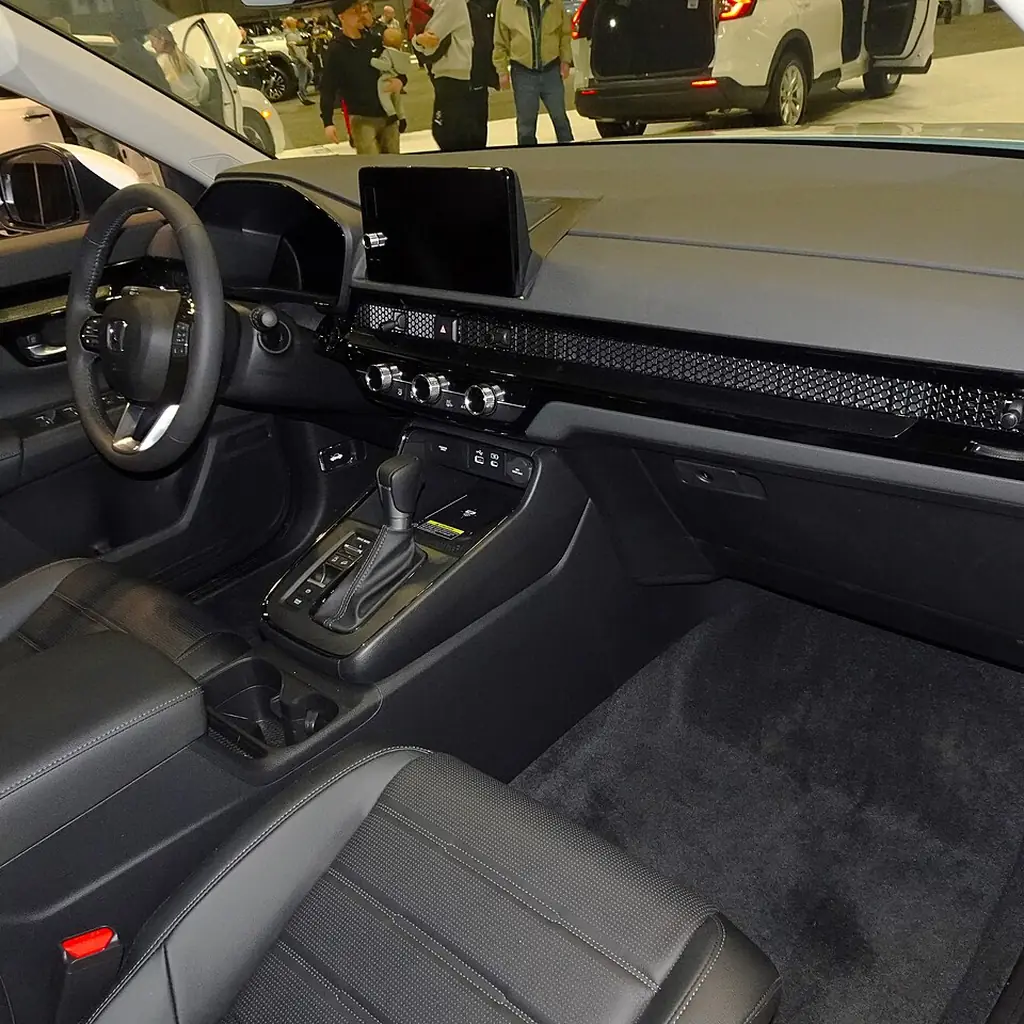
On a 2023 CR-V Hybrid, the steering-wheel paddles select among four stages of deceleration when you release the accelerator. They do not work like conventional gearshift paddles. The left paddle increases the selected deceleration; the right reduces it.
The useful discovery is the relationship between the selection and the car’s response, not an excuse to stop using the brake pedal. Battery conditions and operating mode can affect availability or persistence, and the paddles do not guarantee a complete stop.
Read Honda’s operating instructions before a gradual, controlled familiarization drive in suitable conditions. Do not increase deceleration abruptly on a slippery surface. Honda specifically warns that a rapid change can cause a skid.
If your car is a different model year or a gasoline CR-V, first identify the actual system. A familiar-looking paddle is not proof that a video about another Honda applies to yours.
2. Understand Brake Hold and the parking brake
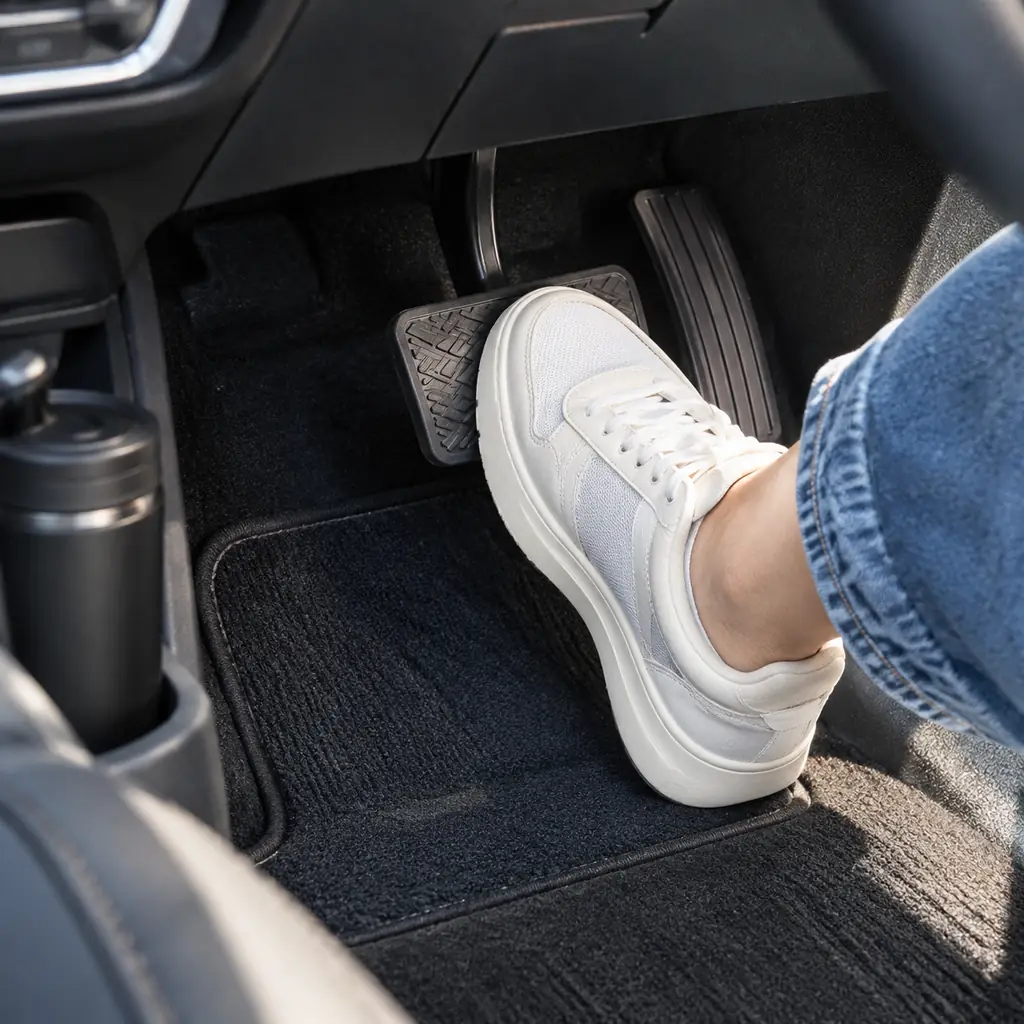
Brake Hold can maintain braking after a stop so the driver can temporarily relax pressure on the pedal. The electronic parking brake secures the parked vehicle. Treating them as the same feature can lead to a poor handover between driving and parking.
Honda uses separate enabled and active-hold indicators. Learn both, along with the door and seat-belt conditions for your CR-V. Keep your attention on the car’s status rather than assuming the button press alone means it is holding.
When you park and leave, follow the parking procedure in the manual. Brake Hold is a convenience for an attentive driver, not permission to leave the driver’s seat.
3. Set the power tailgate height to clear your garage
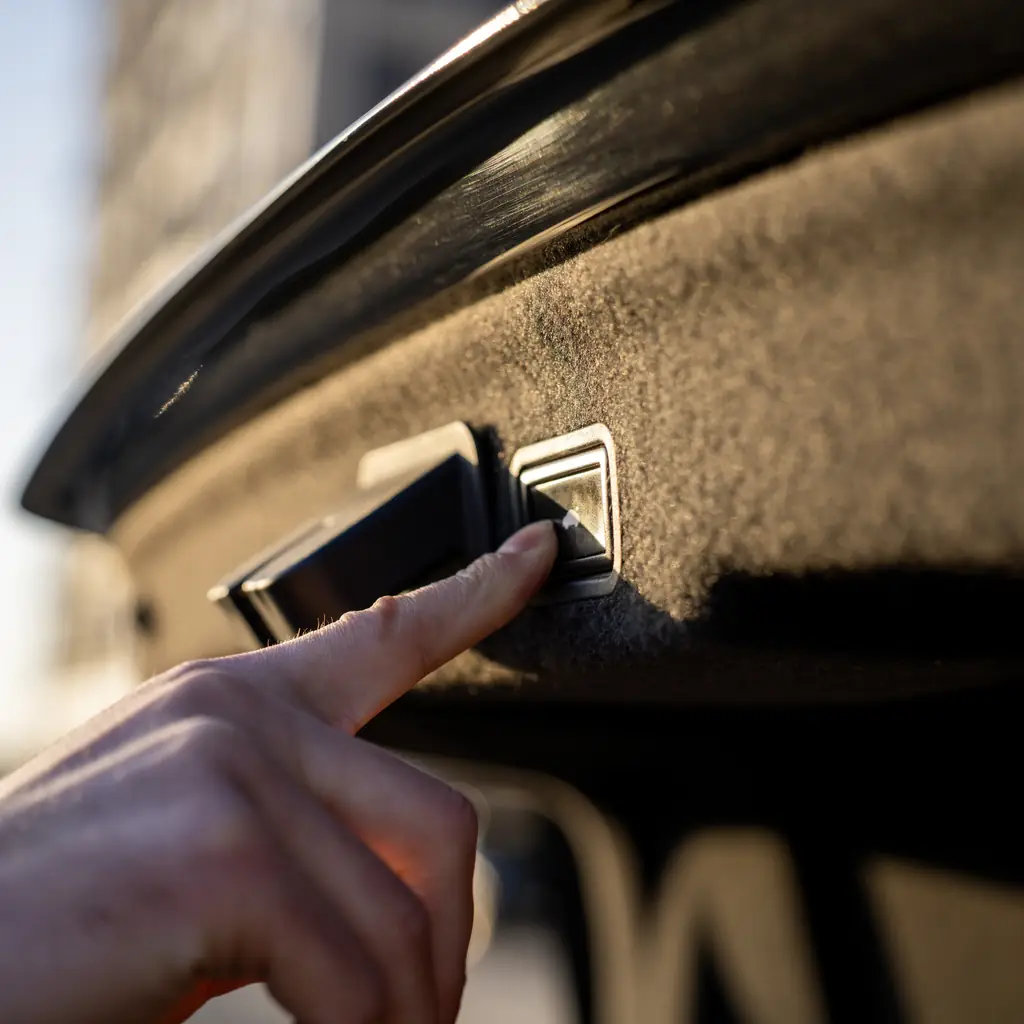
A saved tailgate height can prevent a daily reach problem and reduce the chance of contact with a low obstruction. It is available only on CR-Vs fitted with the relevant power-tailgate system.
Set it in open space using the procedure for your year, then test the result with the area clear. Leave enough clearance for changes in parking position and ground slope. A garage-door hinge may be lower than the ceiling you measured.
Check the setting again after loading a roof accessory. If a used CR-V stops its gate unusually low, investigate the stored position before deciding the mechanism is faulty or forcing it farther.
4. Choose which doors unlock on the first press
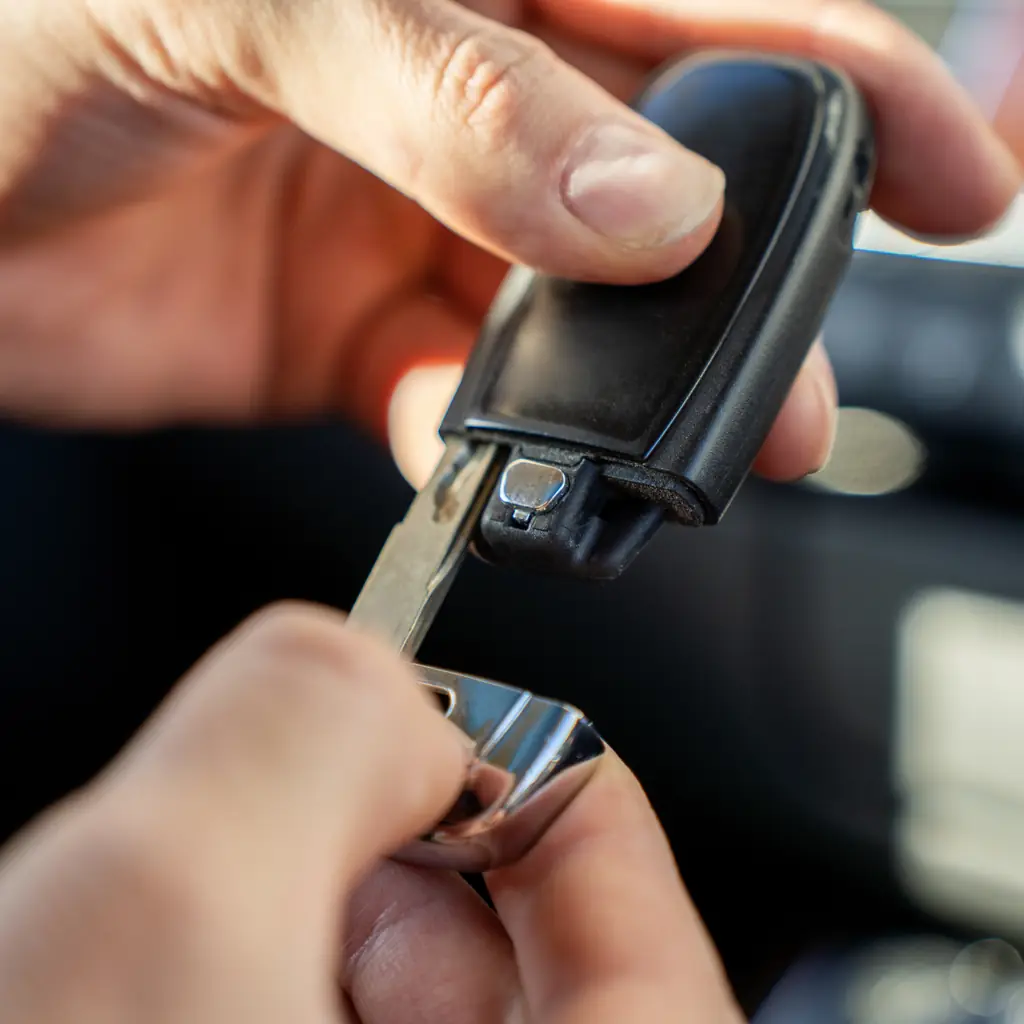
One press may unlock only the driver’s door, while another releases the remaining doors. That can be convenient for a solo driver and irritating when several passengers arrive together.
Review the CR-V’s door-unlock customization while parked. Choose the behavior that suits your normal use, then test both the remote and Smart Entry where fitted. They may have separate settings.
The Toyota convenience guide tackles the same household problem, but the menu paths are different. Keep security in the decision: a preference that suits a private driveway may be less desirable in another parking environment. The useful result is predictable behavior, not merely the fewest button presses.
5. Learn the two stages of Walk Away Auto Lock

Honda’s documented 2023 CR-V Hybrid procedure first requires the remote to be near the vehicle as the doors close. The initial beep indicates activation; a later confirmation follows when you move away and the doors lock.
That distinction matters when someone closes a rear door after the driver has already walked off. An open door, another remote inside or a detection problem can interrupt the expected sequence.
Enable the feature only after reading its conditions, then verify the lock rather than treating silence as success. Our dashboard and control walkthrough encourages the same habit: learn what the signal means, not just what action usually produces it.
6. Try the rear camera's different views

The CR-V’s multi-angle rear camera provides different perspectives on equipped models. A wider view can help reveal approaching movement; another view may be more useful when judging position near the rear bumper.
Explore the choices while stationary and compare them with the actual surroundings. Camera perspective can distort distance, and guidelines are aids rather than a guarantee that the path is clear.
The Grand Cherokee parking guide shows why an overhead-looking image should not be mistaken for a complete survey. Keep the lens clean using Honda’s instructions. Before reversing around children, pets or low objects, physically check the area and maintain direct observation as you move.
7. Understand the B1 maintenance code

In Honda’s U.S. 2024 CR-V Maintenance Minder table, B covers an oil-and-filter change plus specified inspections, while 1 calls for tire rotation. B1 is therefore more informative than a vague reminder that the car needs a service.
Ask the service writer to itemize the work against the exact code and your model’s schedule. Additional time-based or operating-condition requirements can still apply; the dashboard percentage is not the entire maintenance plan.
Our used-car records guide explains why the invoice should show what was performed. Save the dated receipt and reset only the completed maintenance items. Clearing a reminder does not perform the work or establish that a previous owner did it.
8. Know the difference between oil life and oil level

The oil-life display and the amount of oil in the engine answer different questions. A reassuring percentage does not tell you that the oil level is correct or that a warning light can be ignored.
Follow the manual’s oil-level checking procedure and service schedule. If a warning appears, identify it before continuing rather than assuming it is the routine Maintenance Minder. Warning colors and symbols carry different meanings.
This distinction also matters when comparing used luxury-car ownership costs. A tidy dashboard can hide an undocumented reset. Ask for service evidence, and have unexplained warnings inspected instead of buying an additive or performing an improvised reset.
9. Track fuel intervals and journeys with two trip meters

Two trip meters can be more useful than one if each has a consistent job. Use one for a fuel interval and the other for a journey, or keep one for a regular route you want to compare.
Honda’s 2025 CR-V Hybrid information display lets the driver switch between Trip A and Trip B with the selector control. Learn the reset action while parked so you do not erase the record you meant to keep.
The Highlander family-trip guide puts planning around real stops and loads. Trip information helps with that planning, but an estimated range is not a promise that the next remote fuel stop will be reachable.
10. Sync the climate-control zones
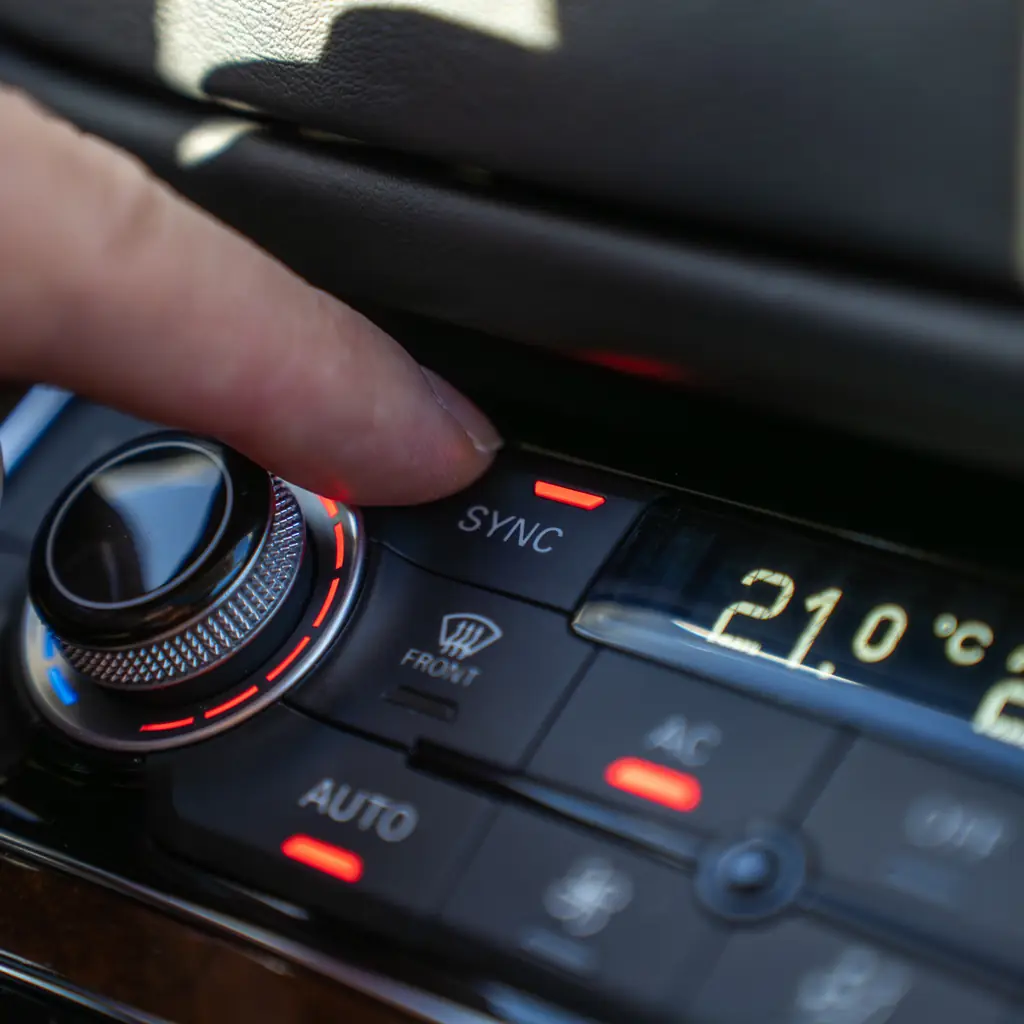
Separate temperatures can make a shared cabin more comfortable. They can also leave a solo driver wondering why the other side continues blowing a noticeably different temperature.
Use the synchronization control where fitted to bring the zones together, then separate them when a passenger needs another setting. Adjust the vents as well; a cold stream directly on a hand can feel uncomfortable even when the cabin temperature is reasonable.
For a fogging windshield, use the proper defogging setting rather than simply increasing fan speed indefinitely. Keep the intake and vents clear and investigate persistent poor airflow. A convenient climate shortcut should not conceal a maintenance problem or a blocked vent.
11. Learn what ECON mode changes
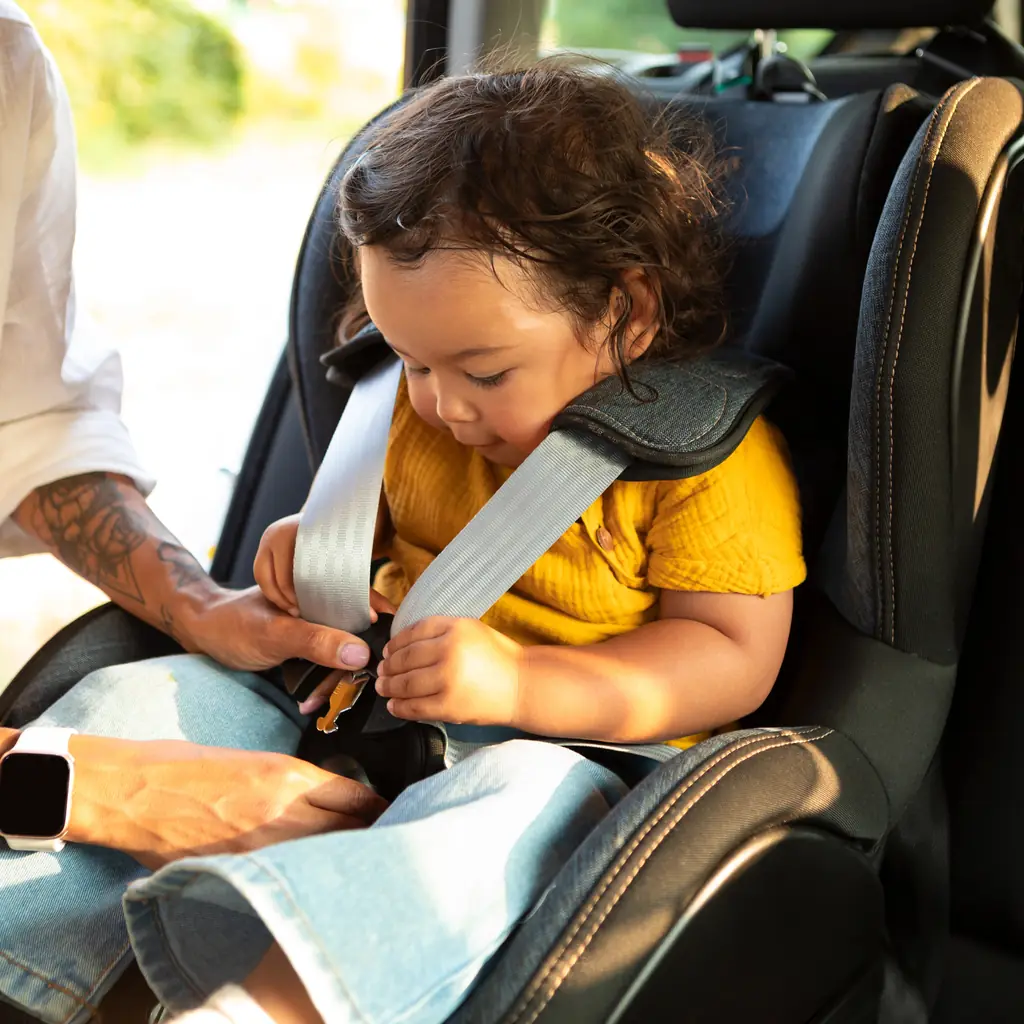
A drive mode can change the way the CR-V responds without changing the engine into a different engine. ECON and other available modes are described separately for gasoline and hybrid versions, so identify your powertrain first.
Try the normal setting as a reference, then compare the documented mode in appropriate conditions. Notice the response and climate behavior rather than assuming a fuel-economy label guarantees a saving on every trip.
Do not use a mode selector as a substitute for suitable tires, correct loading or sensible speed. If the car suddenly behaves differently without an intentional setting change, inspect the warning messages and have an unexplained fault checked.
12. Understand when Auto Idle Stop turns the engine off
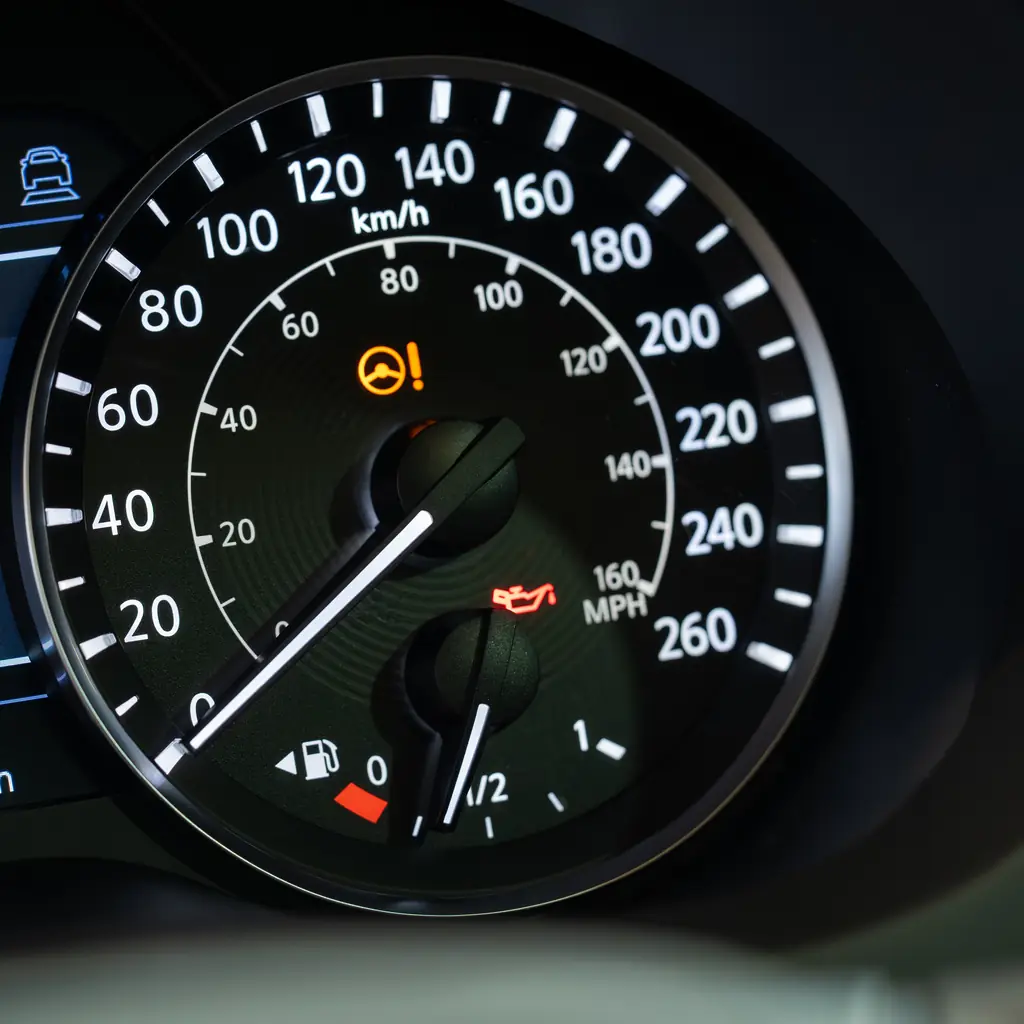
On a gasoline 2025 CR-V, Auto Idle Stop can shut down the engine temporarily when conditions allow. Honda lists several reasons the system may not activate, including temperature, battery and climate demands.
Learn the indicator and the normal restart behavior. A system that behaves differently on a hot day is not automatically broken, but an unexpected warning or a failure to restart deserves attention.
Do not transfer this explanation directly to the hybrid’s operation. The two powertrains manage engine running differently. Knowing which CR-V you own prevents a common mistake: treating all engine silence as the same event and trying to fix normal operation with an unrelated workaround.
13. Troubleshoot your phone connection
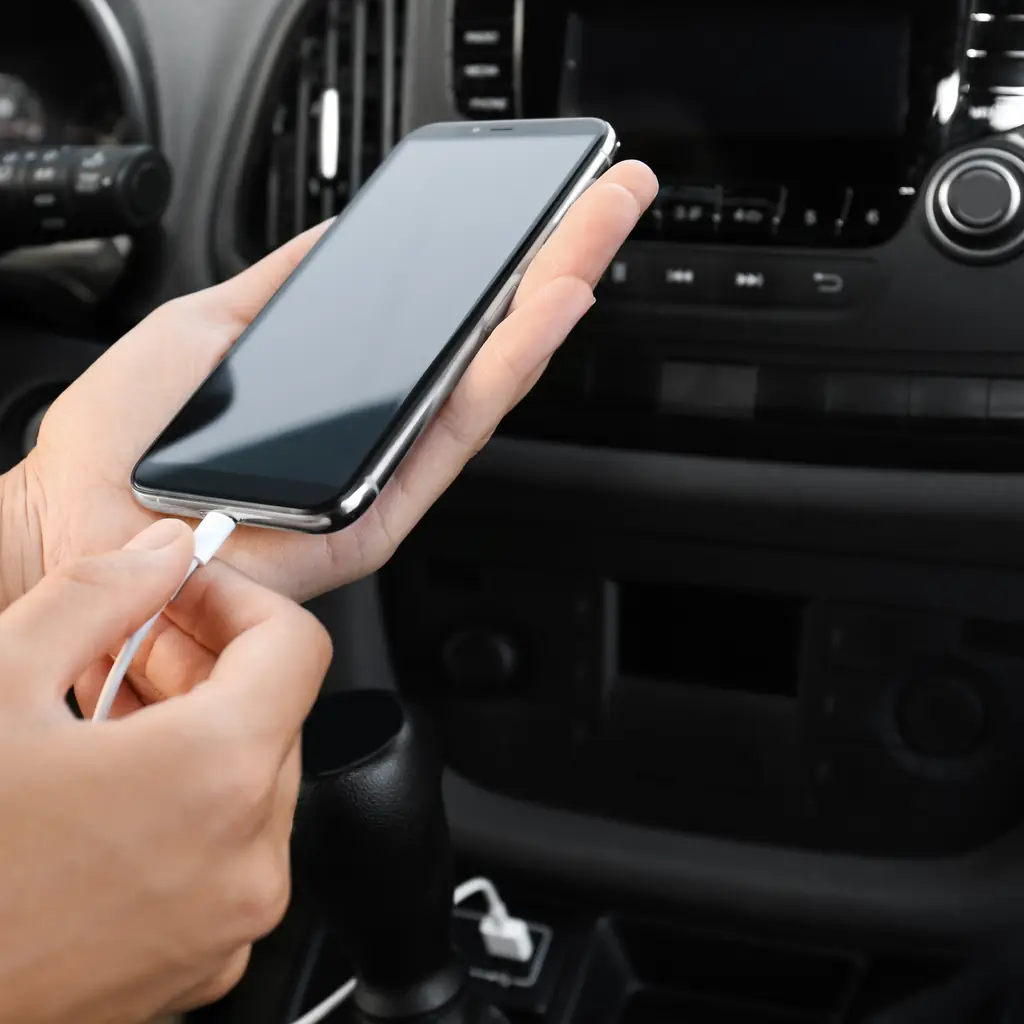
A charging cable is not always a suitable data cable, and a phone can be connected for calls without being connected to the interface you expect. Start with the connection type supported by your CR-V’s screen and trim.
Park, remove old or unwanted pairings as appropriate, and test a known-compatible cable or the documented wireless procedure. Confirm navigation audio, calls and music separately. Keep one working cable in the car even if wireless operation is your usual choice.
If the problem continues, use Honda’s supported troubleshooting and software advice. Avoid internet button combinations or resets that do not match your system. A connection problem should not become an unnecessary replacement purchase.
Sources & photo credits
Sources & references Manuals and supporting information
Photo credits Photographers, sources and licences
Other photography
- Image 1: Honda CR-V EX-L AWD (2024) (53625033461).jpg by Charles, CC BY 2.0. Cropped and resized.
Featured collage
- 2023 Honda CR-V EX-L AWD, rear right, 11-13-2022.jpg by MercurySable99, CC BY-SA 4.0.
Featured collage
- 2023 Honda CR-V EX-L AWD, front right.jpg by MercurySable99, CC BY-SA 4.0.