Editor’s note: Features and procedures vary by model year, trim, market and installed equipment.
One of the most commonly misunderstood controls is the headlight switch.
Here’s a few things to double-check before setting out on a long drive.
Check which exterior lights each dashboard setting turns on
With the advent of daytime running lights, it's common for the instrument panel to be illuminated while the parking and running lamps in rear aren't. Worse, lighting configurations vary from vehicle to vehicle, so it's easy to assume your headlights are on when they're not.
Have a helper stand behind the car to help you familiarize yourself with your car's lights before driving. Get out of the car and take a look around, too. Learn what each switch position does, especially if you'll be using them. With the parking brake set and your car safely parked, turn each setting and make sure you're comfortable with the change.
Ask your helper to tell you when the running lamps are on (less bright) and when the brake lamps are on (much brighter). Make sure you know which dashboard light indicates that your headlights are fully on, as well as your rear lamps.
Fog, spray, and rain can drastically reduce visibility. Using your headlights in poor visibility can help others see your car, and may improve your view as well.
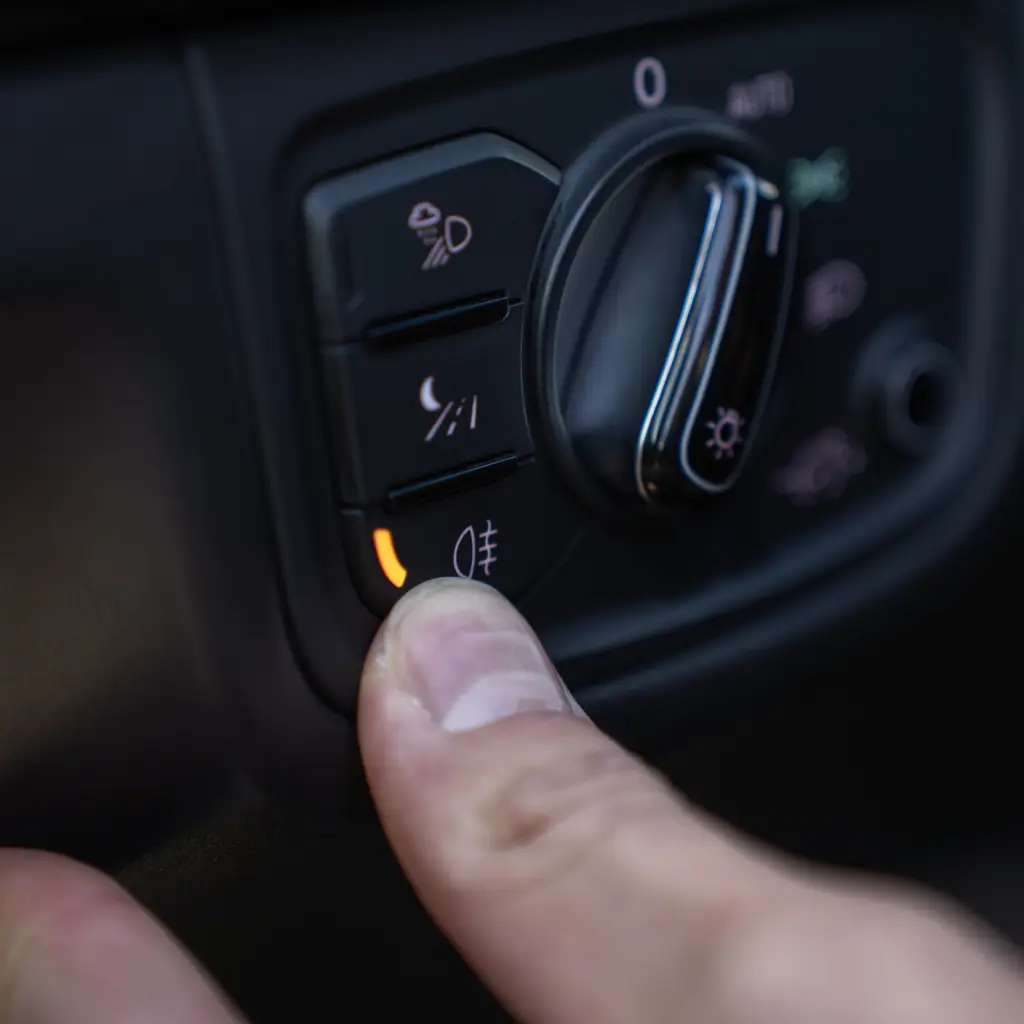
Some vehicles have a setting that automatically switches headlights on, but it may not always sense the need, particularly on a sunny but rainy or foggy day. Make sure to know how to override that system and turn your lights on by hand. Follow the vehicle’s instructions and local road rules.
Learn the front and rear defogging controls
While parked, Have a passenger tell you when windows begin to clear as you adjust the controls.
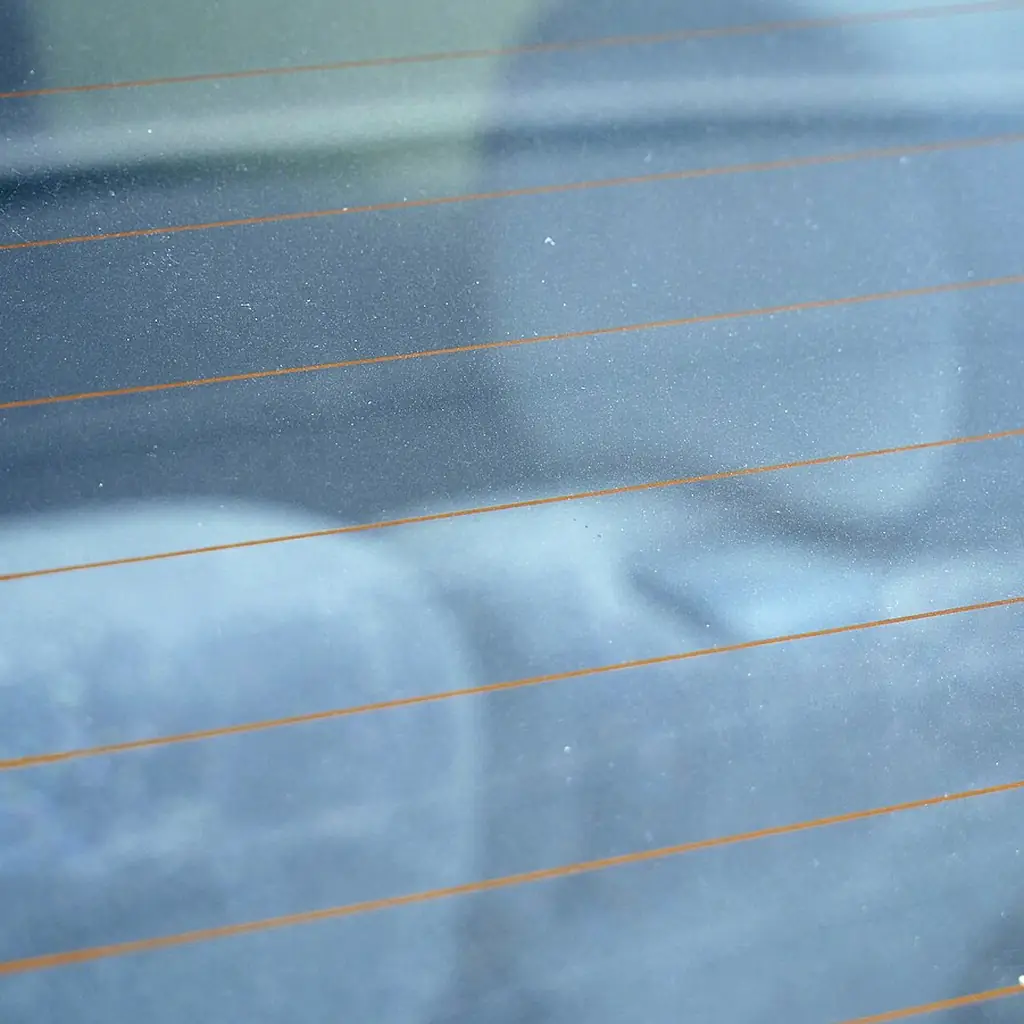
It may surprise you to learn that many of these controls turn on the air-conditioning to remove moisture from the air, not just for cooling. Also check to make sure you haven't selected the air-recirculate option, which can slow defogging by keeping moist air from being expelled.
Learn what the rear defogger is, too. The icons are similar, and the controls are often side-by-side. You won't have to hunt for it later. The rear defogger probably activates a heating element in the window, not the air-conditioning system like the front.
Make sure you're not blocking the defogger vents with a pile of soggy jackets on the dash or luggage piled up on seats. If the windows still fog despite correct operation, the problem needs attention; pushing more buttons is not a substitute for a clear view.
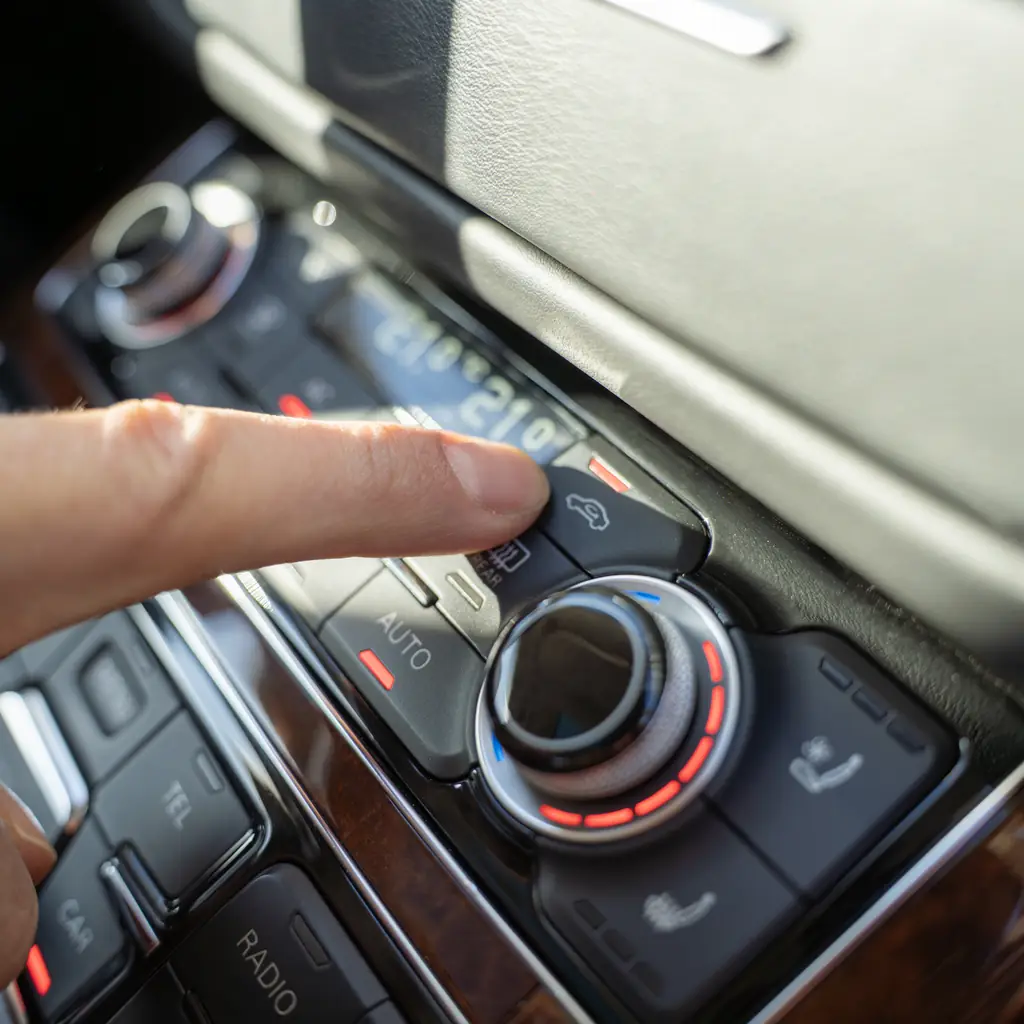
Also, defogging controls won't clear a dirty inside windshield, so keep a rag in the glove-box for wiping. This will improve night-time glare as well. Stop safely if visibility deteriorates on the road.
Set separate temperatures with dual-zone climate control
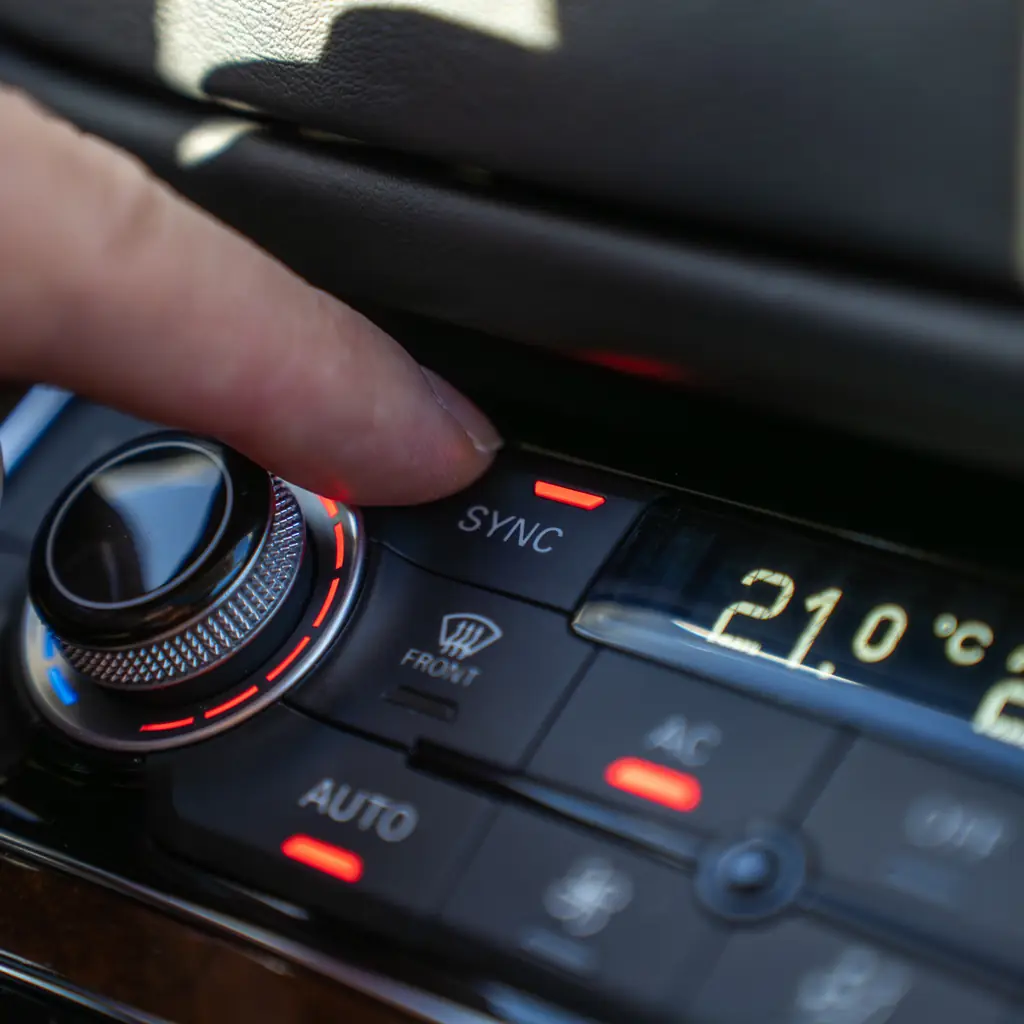
If your car has dual-zone climate control, take a few minutes to understand how it works. Many times, a front-seat passenger will ask why she's still hot or cold after you've adjusted the temperature, because dual-zone allows for a different setting for the passenger's side of the car.
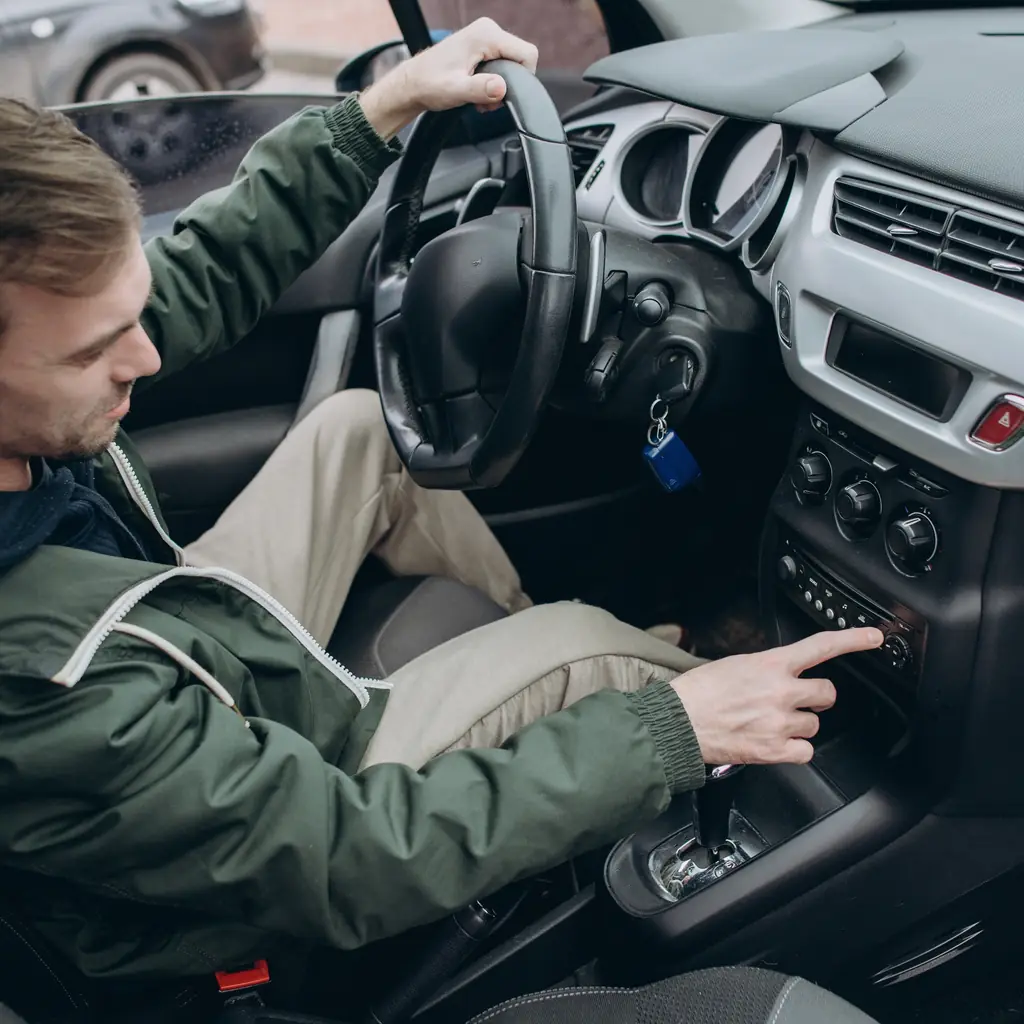
Find the sync control that will match her side with yours once she's out of the car, then spend a few moments to make sure you know how to change the temperature for just one side, then make sure they're synchronized before adjusting them again.
Pay attention to the numbers and feel the air from the vents to make sure you understand how to use all of it.
Temperature in the back: It might be perfect on your end, but someone else may freeze or bake in the back. Especially if the vehicle is unevenly shaded by the sun.
Confirm all air vents are unblocked, since jackets and other items can block vents while loading up for a trip, and rehearse how to operate any air-conditioning controls, including sliders or wheels that shut off air-flow to the back. The Highlander family loading rehearsal includes airflow too.
Learn how Brake Hold works
Automatic brake hold : If you haven’t used this feature before, confirm it’s working before you leave. It’s a traffic convenience, not a substitute for securing the vehicle with the parking brake when leaving it.
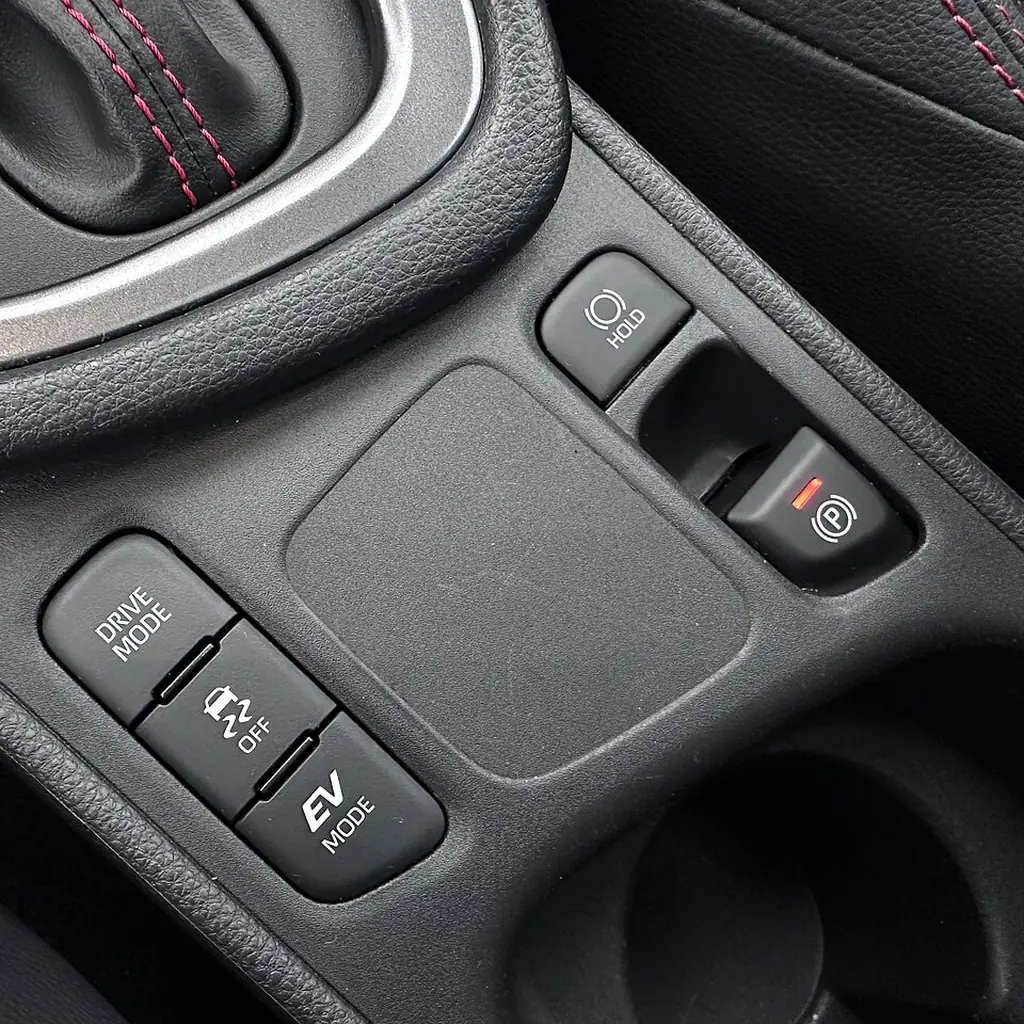
Activation conditions can include the driver’s seatbelt and door position; check your own manual. Read your owner’s manual.
Learn what color, text or symbol appears when the feature is enabled, and which one indicates it is actively holding the car.
Find out how to activate and deactivate it, and teach all household drivers. Especially important for a second driver who may not be expecting it.
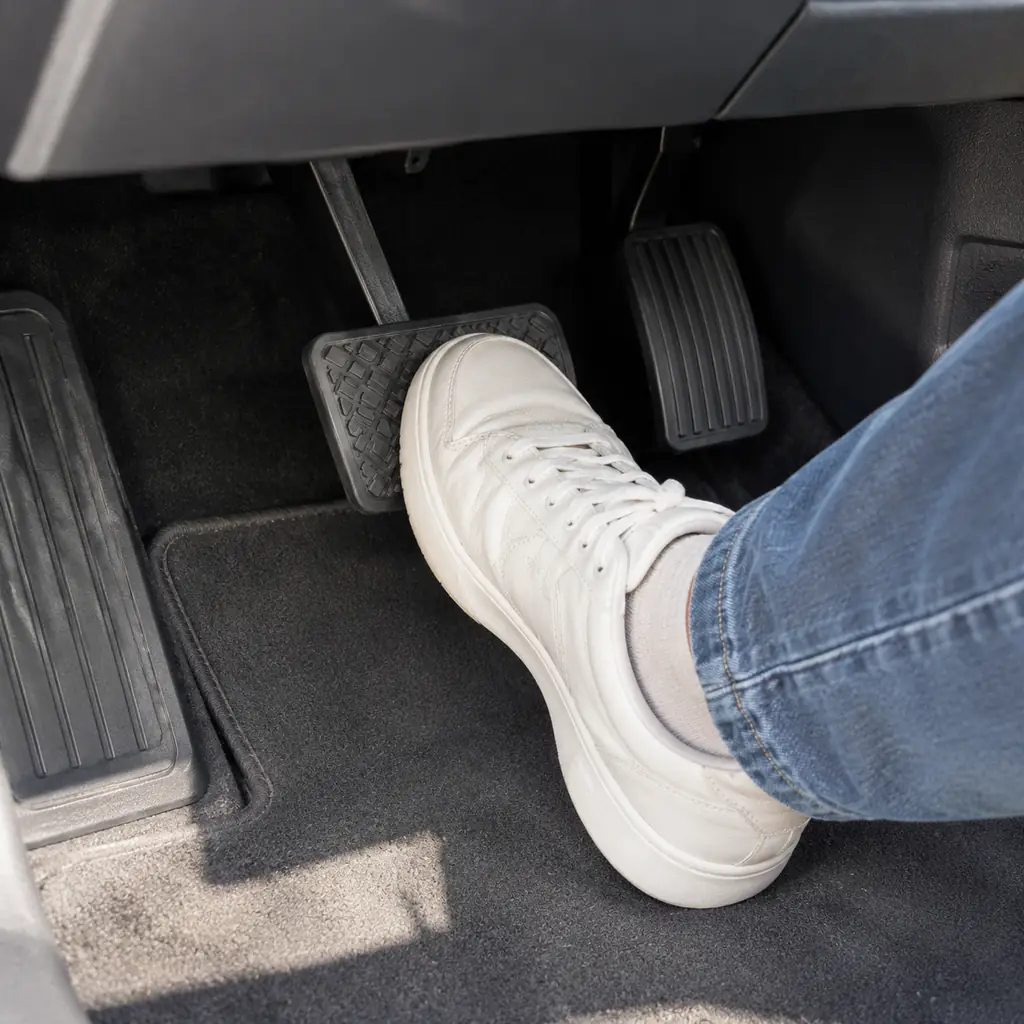
Our CR-V control guide explains how the hybrid’s deceleration paddles differ from Brake Hold. Don’t experiment on a steep driveway or in bumper-to-bumper traffic. Keep control of the brake pedal.
Identify the cruise-control and lane-assistance buttons
Adaptive cruise control / lane keep : These features, which vary from vehicle to vehicle and model year to model year and trim level, can be overwhelming to use. Adaptive cruise control regulates your SPEED and distance to the car in front of you; lane assistance regulates your LEFT/RIGHT positioning.
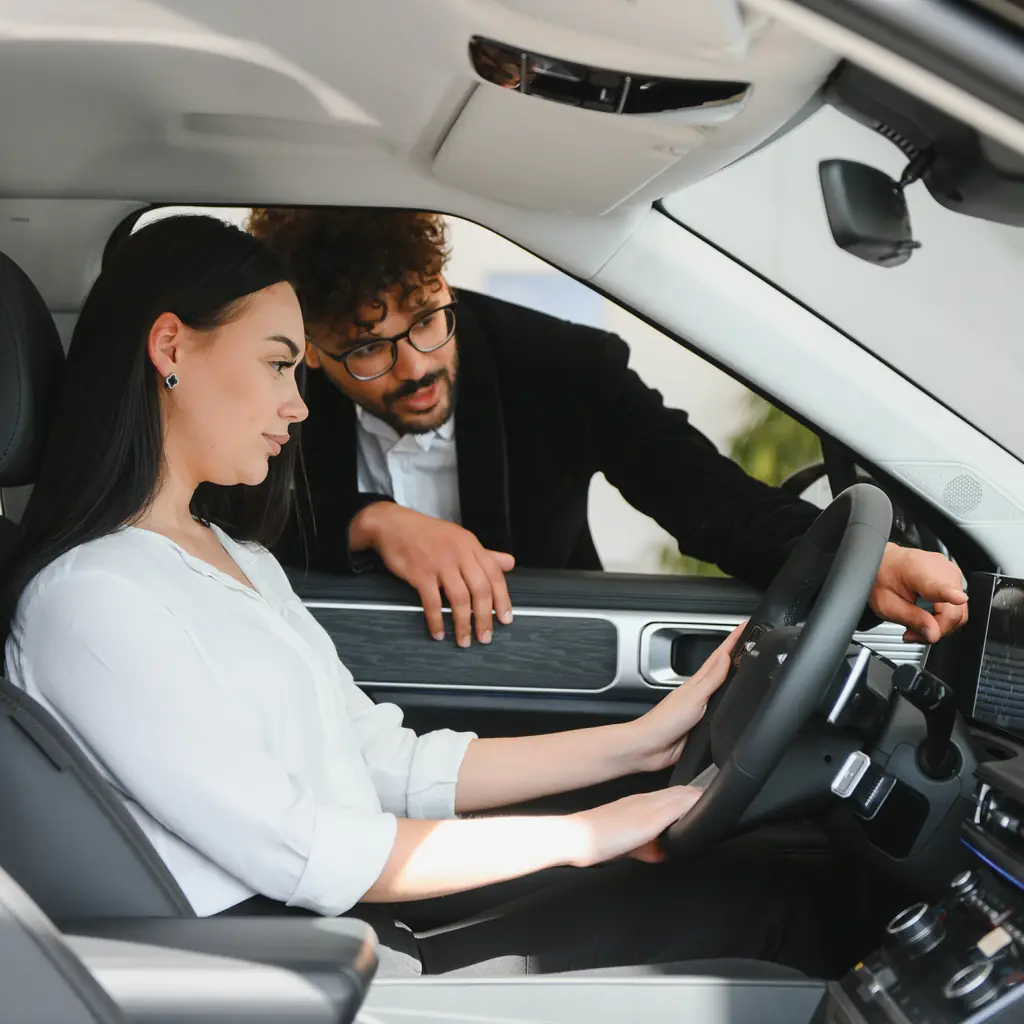
While parked, identify the indicators for assistance being available, active or unavailable, and learn how to cancel it.
Before driving, confirm which steering-wheel controls activate/deactivate it and how to adjust your speed or gap if applicable, so you’re not fumbling around or looking down when traffic starts to move.
If something goes wrong like a weird warning light or chime, focus on driving, have a passenger look it up in the manual when parked.
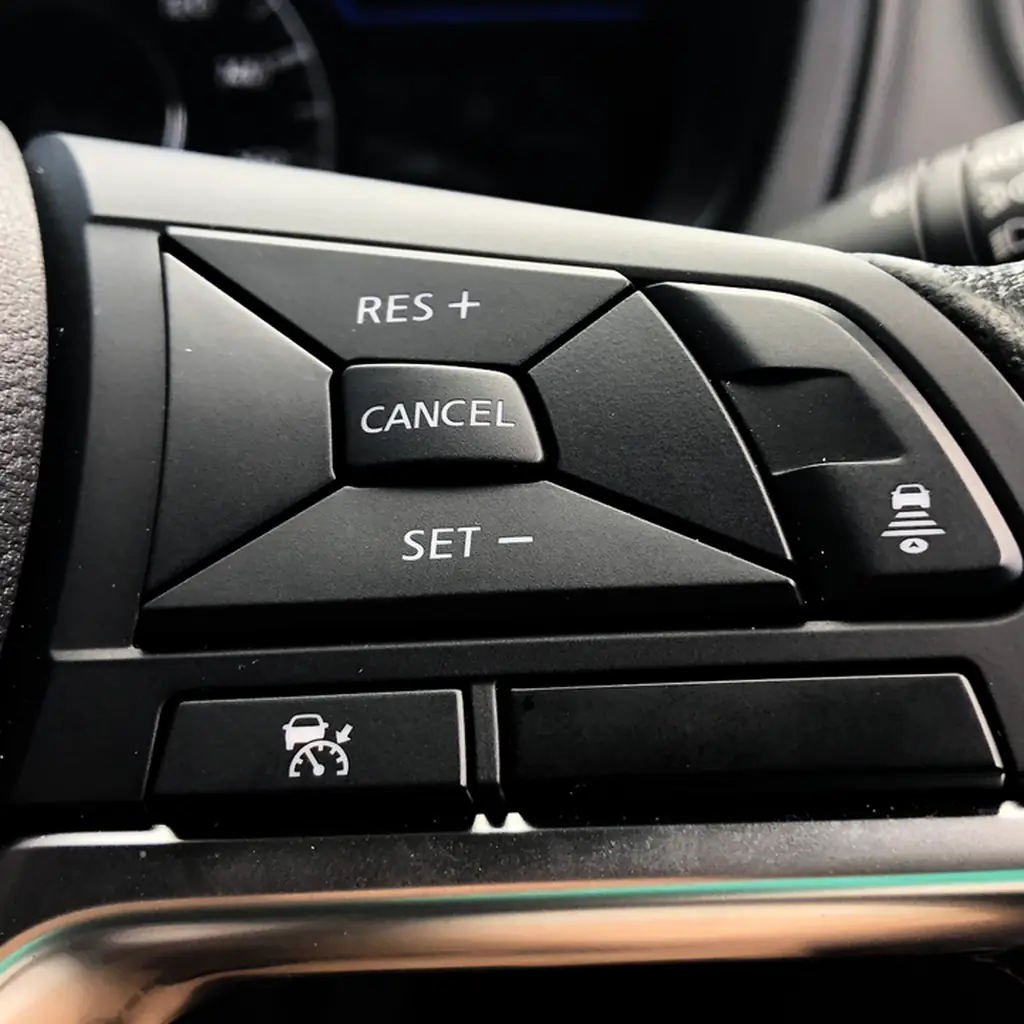
Bad weather can interfere with its ability to sense other cars or road markings. And they are NOT replacements for paying attention to other cars, steering, leaving ample following distance, etc. The Tucson setup guide shows why fitted equipment matters.
Adjust your seat and mirrors before loading
Seat, steering-wheel, and mirrors: Especially for a second driver, adjust the seat first, then mirrors. It is possible that the mirrors were aimed to see more of your bumper than traffic beside you.
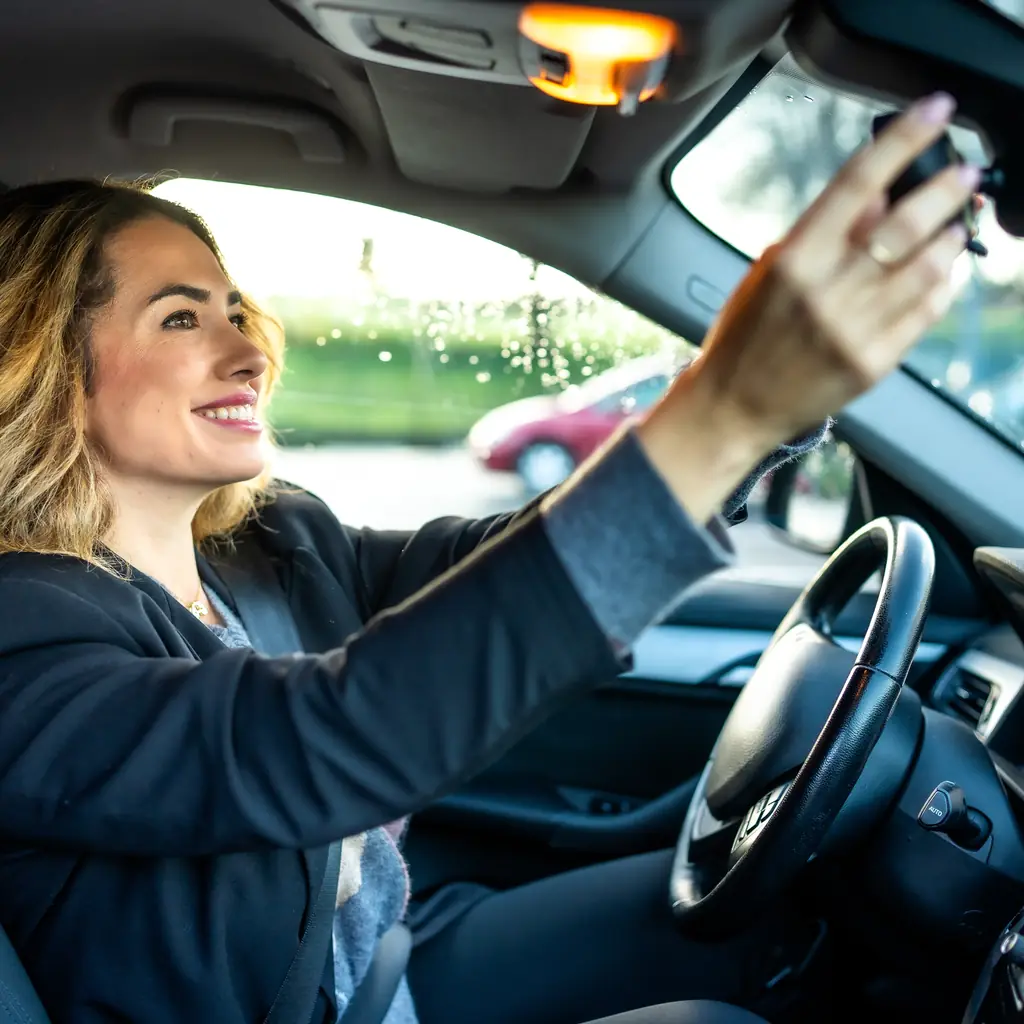
Check if there’s a driver profile that can be activated with your key that will adjust your seat and mirrors. Digital mirrors require their own adjustment.
Luggage loaded correctly? Check that you can see out of your rear window from the driver’s seat, not just with an open hatch from outside. That cooler on top of a folded-down seat might fit, but might also block out some of the lower part of the rear window from your seat.
If there are two or more drivers in the party, allow each to spend a few minutes adjusting mirrors and seats. Are you too tall or short? If someone else in the family normally drives the car, take a few minutes to adjust the seat and make sure you’re happy with the position of the mirrors from the new height.
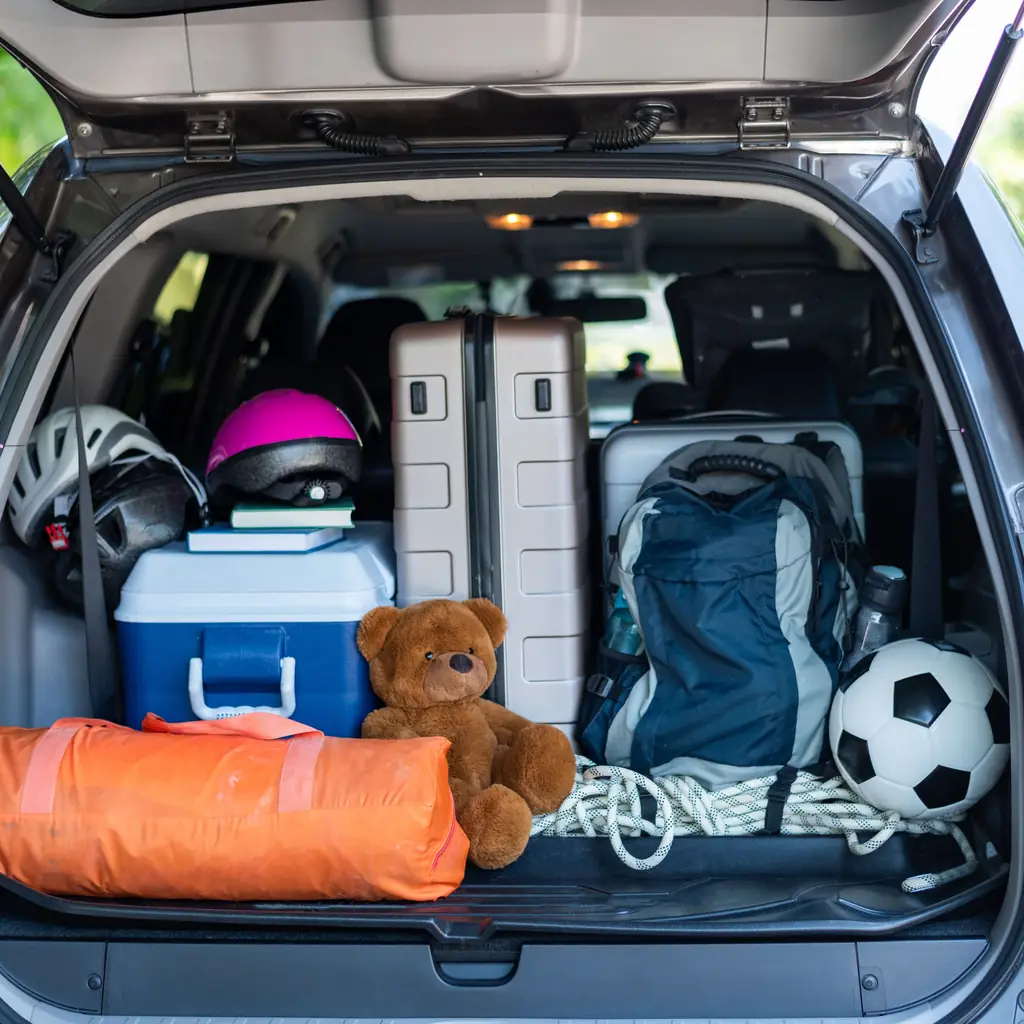
See our RAV4 cargo guide for more on stashing things correctly. Keep cargo secure and check camera limitations.
Set up navigation, charging and everyday controls
While parked, Before a long drive or road trip, spend a few minutes figuring out how to use your vehicle's sound and navigation systems, and make sure everything is working. You can refer to your Owner's Manual as needed. Once everything is working, try to avoid tinkering during travel. It's a major distraction that can compromise everyone's safety.
How bright should the screen be? Locate the brightness settings on your vehicle’s display and make sure you understand how to make it brighter during the day and dimmer at night.
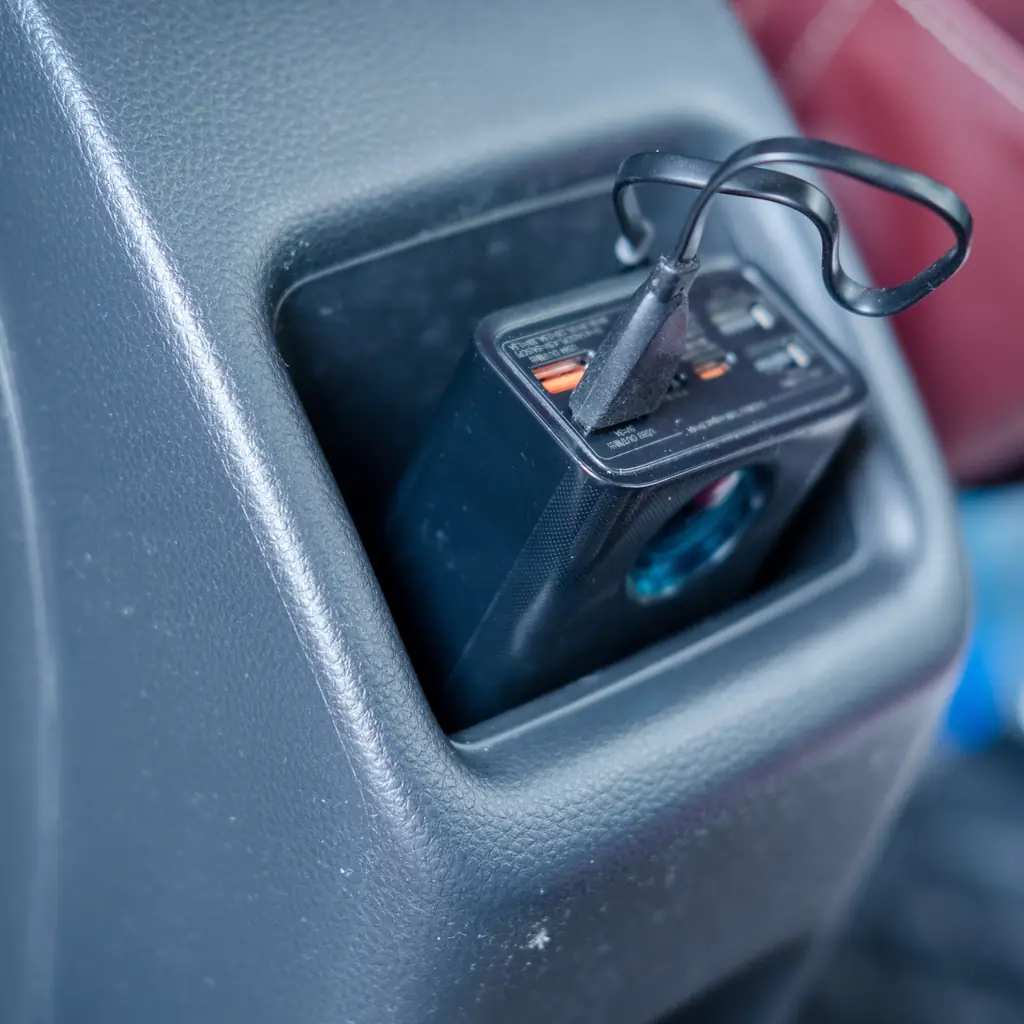
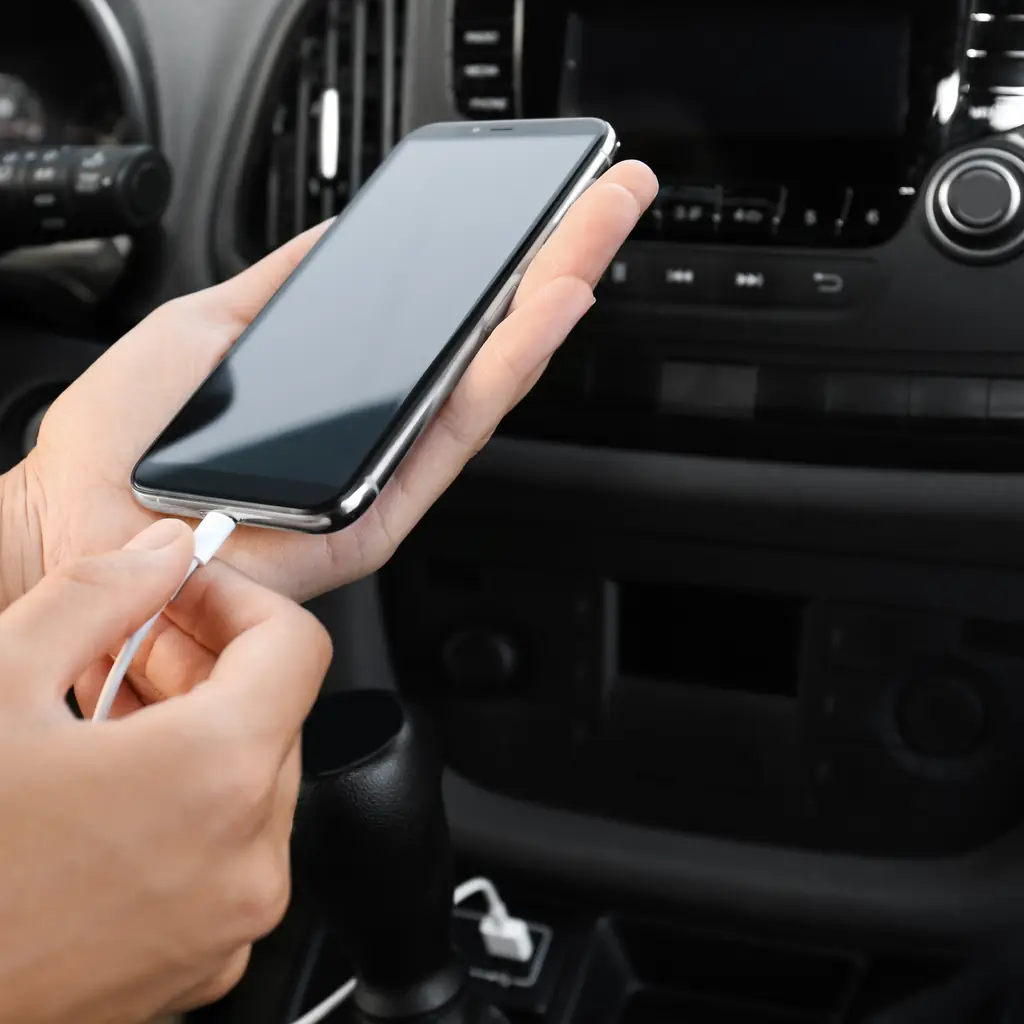
Make sure the phone charging cable you’ve brought works, and will reach the correct USB port, and doesn’t prevent closing a center console lid or make it harder to use the cupholders.
What happens when I unlock it with the fob? Some vehicles’ remote key fobs will unlock all of the doors, some will only unlock the driver’s side with a single press. Take a few minutes to figure it out now instead of wondering about it when you have to get a passenger out of traffic.
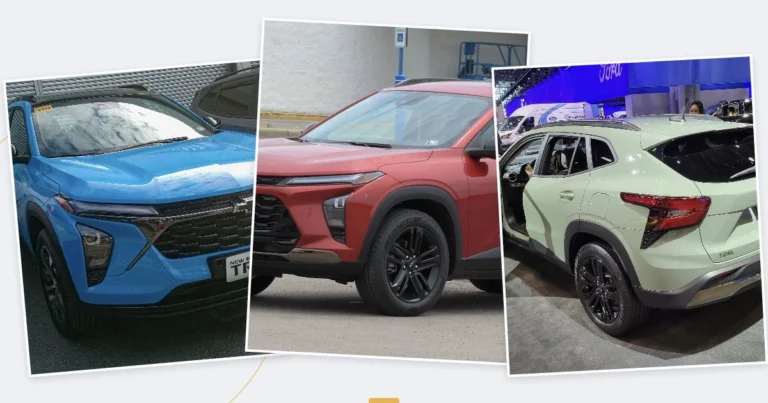
Our Trax setup guide covers the cabin walkthrough, while the inspection guide beyond mileage explains why fitted equipment is worth testing.
Locate the backup key, hazard switch and fuel-door release
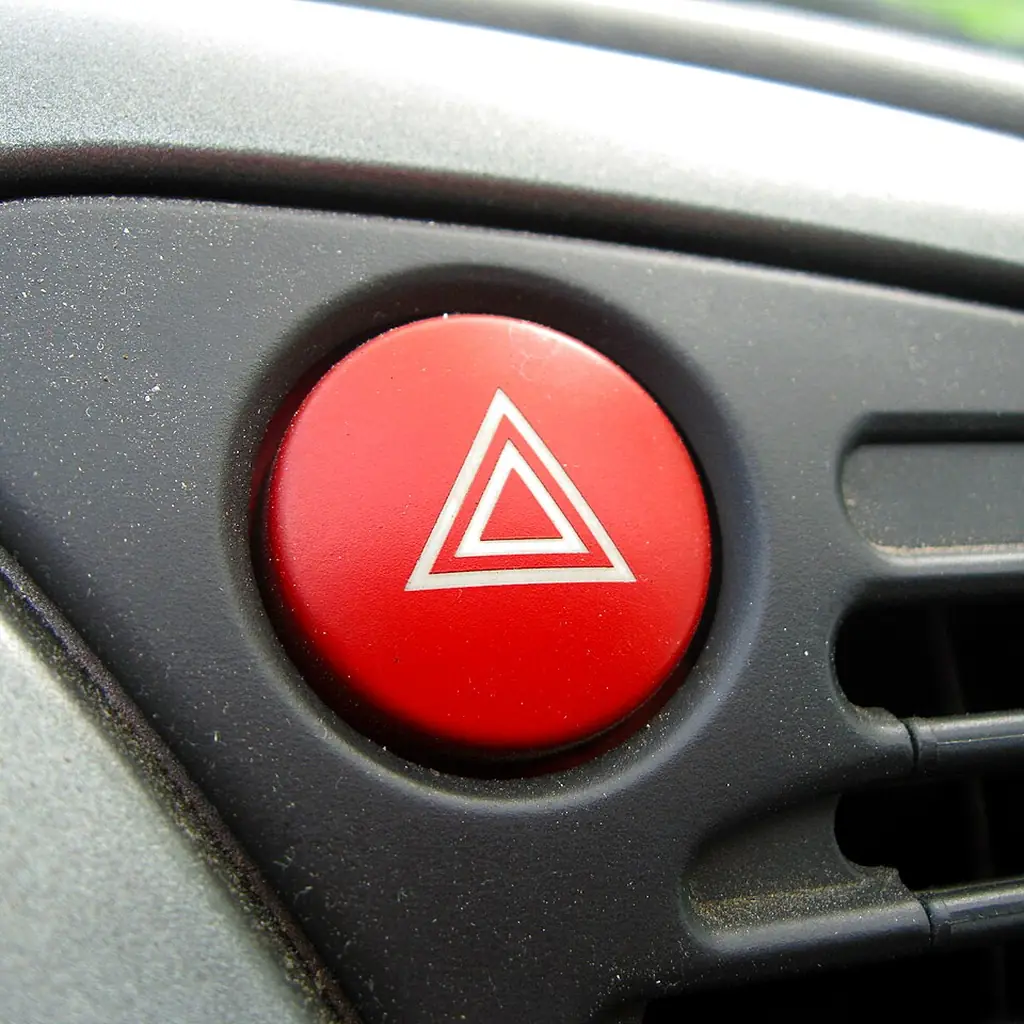
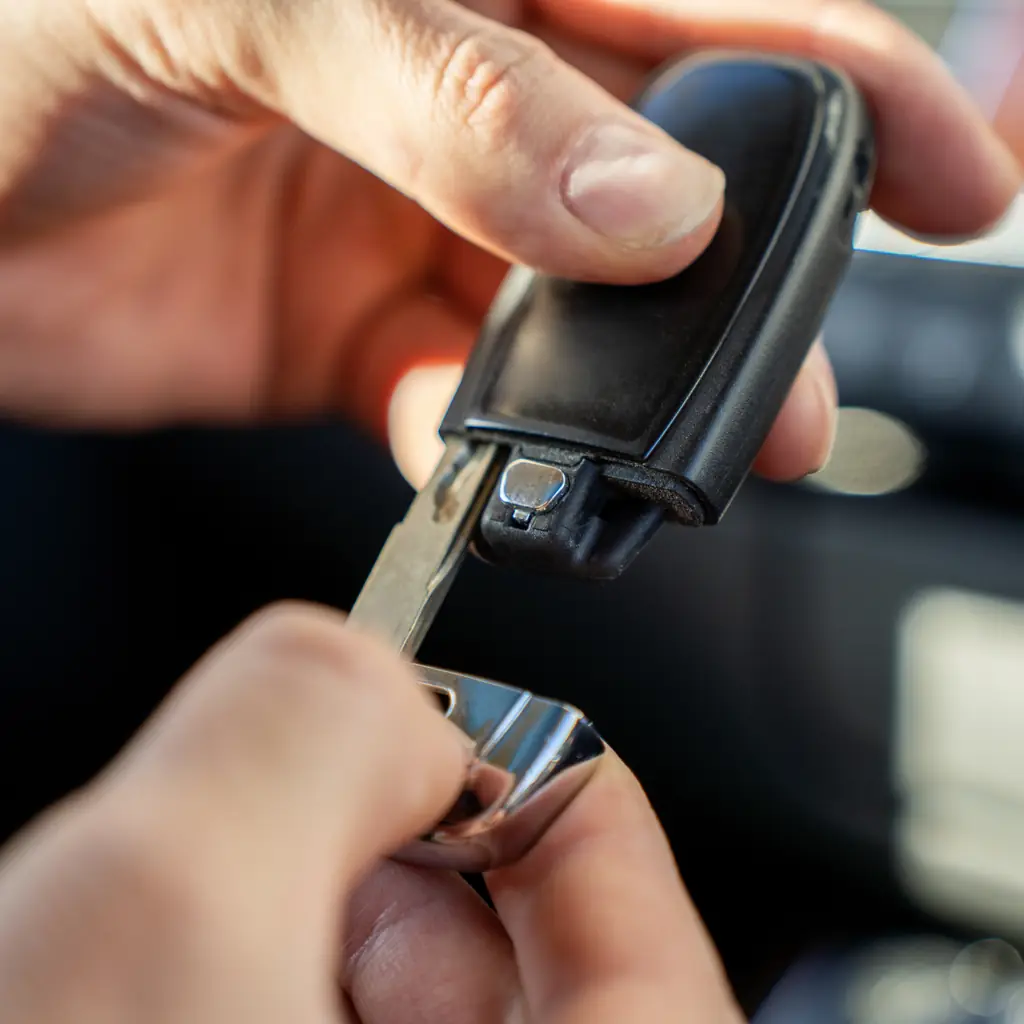
Where is the backup key? Know where your vehicle’s manual key is before you’re behind the wheel, not after. Same goes for the hood release, the hazards, etc. Same applies to figuring out how to get into your car with a dead key fob – procedures vary widely by vehicle. Also save your model’s dead-fob starting instructions.
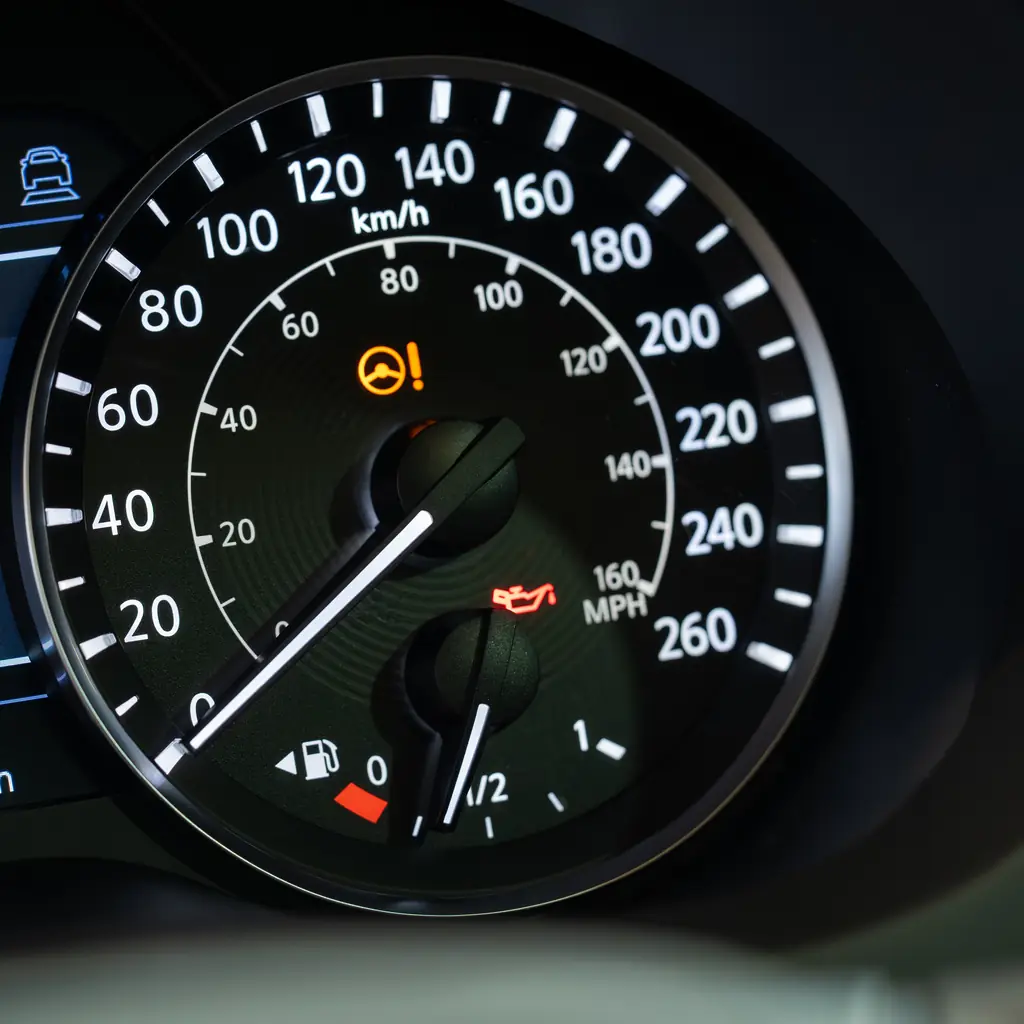
Where’s the fuel door release? Some vehicles have a button, some have a lever by your feet, some can only be opened with the car unlocked, some just push out. You can tell which side your fuel door is on from the little arrow on the fuel gauge, but you might not remember how to open it. Confirm the actual filler location too.
It’s helpful to have a passenger find it for you with your key in their hand so you can test how it opens.
Save the procedure somewhere accessible offline, instead of burying it inside your vehicle’s center screen.
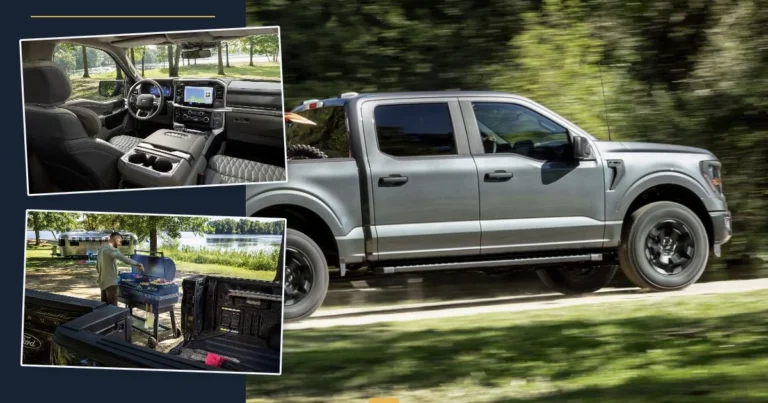
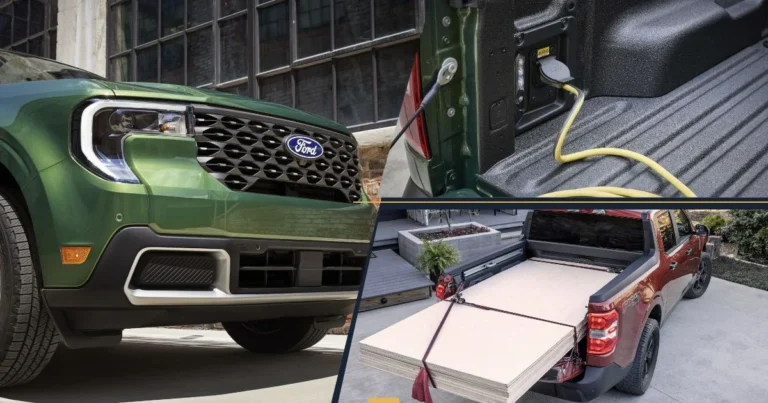
The Ford feature walkthrough adds cargo and trailer-light checks for pickup owners.
Sources & photo credits
Sources & references Manuals and supporting information
Photo credits Photographers, sources and licences
Other photography
- Image 3: Santeri Viinamäki, Wikimedia Commons, CC BY-SA 4.0; cropped and resized.
- Image 7: Acgskup, Wikimedia Commons, CC BY 4.0; cropped and resized.
- Image 10: Project Kei, Wikimedia Commons, CC BY-SA 4.0; cropped and resized.
Other photography
- Image 15: Santeri Viinamäki, Wikimedia Commons, CC BY-SA 4.0; cropped and resized.