

A useful Grand Cherokee adjustment may be waiting in the cargo area or the settings menu. These checks use the 2025 US Grand Cherokee and Grand Cherokee L, with fitted equipment identified.
1. Set the power liftgate height
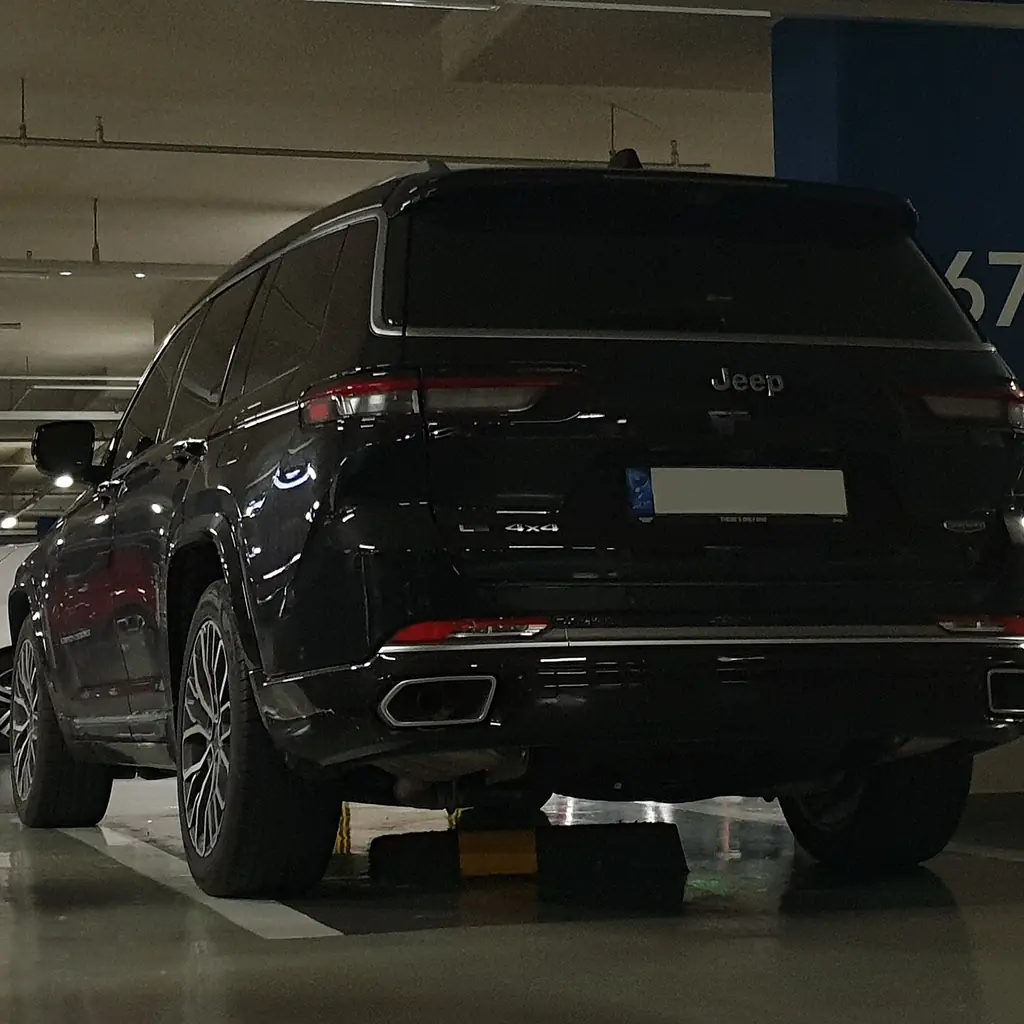
The power liftgate can remember a lower opening height, which helps beneath a garage door or shelf. Check the path before opening it fully, and stop where the door has safe clearance.
The 2025 manual specifies holding the cargo-area close button for three seconds to save the height.
Wait for the confirmation chime and test the result carefully. Keep people clear throughout; obstacle detection is not a substitute for watching the door.
2. Look beneath the cargo floor
Lift the cargo-floor handle before buying another organizer. The manual describes storage beneath the lid and, where fitted, a removable bin at the left side of the cargo area.
Give each compartment a specific job, such as a first-aid kit or a charging lead.
Keep emergency equipment accessible and close the floor before driving. The arrangement can differ between the two-row Grand Cherokee and the longer three-row L.
3. Use the cargo hooks for the right job
The cargo hooks are intended to secure loose loads, so find them before a grocery crate or suitcase covers them. Choose suitable restraints and check the anchor limits in the manual.
Do not confuse a cargo hook with a child-seat tether anchor. Those fittings have different jobs.
Keep luggage restrained even when a cargo cover hides it. The cover provides privacy, not protection from a moving load.
4. Save the fitted driver memory settings
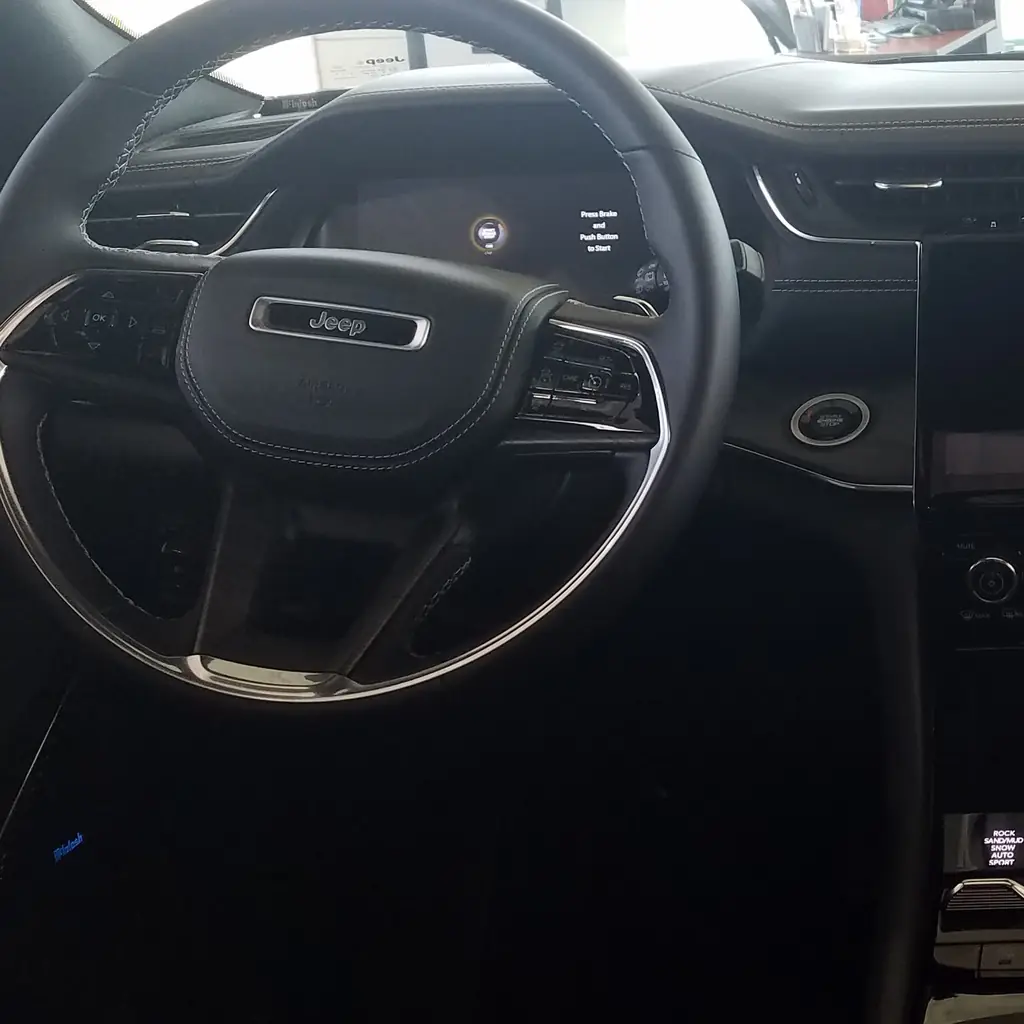
Equipped models have two driver-memory positions. The saved settings can include the seat, mirrors and other fitted adjustments, so the memory button can do more than move the cushion.
Create the preset while parked with your usual driving posture established.
Check what the vehicle recalls before linking a key fob. An old preset from another driver may leave the mirror or steering position somewhere you did not expect.
5. Choose whether the seat moves for easy exit
Easy Entry and Exit can move the fitted driver’s seat to make getting out easier. The option is controlled through Uconnect, so check whether it suits the way you use the cabin.
Keep bags and the rear passenger’s feet clear before trying it. Movement depends on the seat’s starting position.
The Forester storage and travel checks are a useful comparison for owners sharing a vehicle with different seat preferences.
6. Fold the correct rear-seat section
The two-row Grand Cherokee and three-row Grand Cherokee L do not have the same folding layout. Identify your manual’s illustration before pulling a release or trying a fitted power-fold control.
Clear the seat, belts and head restraints as instructed. Fold only the section needed for the load.
Our Trax phone and cargo checks uses the same planning approach, although the seat mechanisms and available rows are different.
7. Try reverse-tilting mirrors if fitted
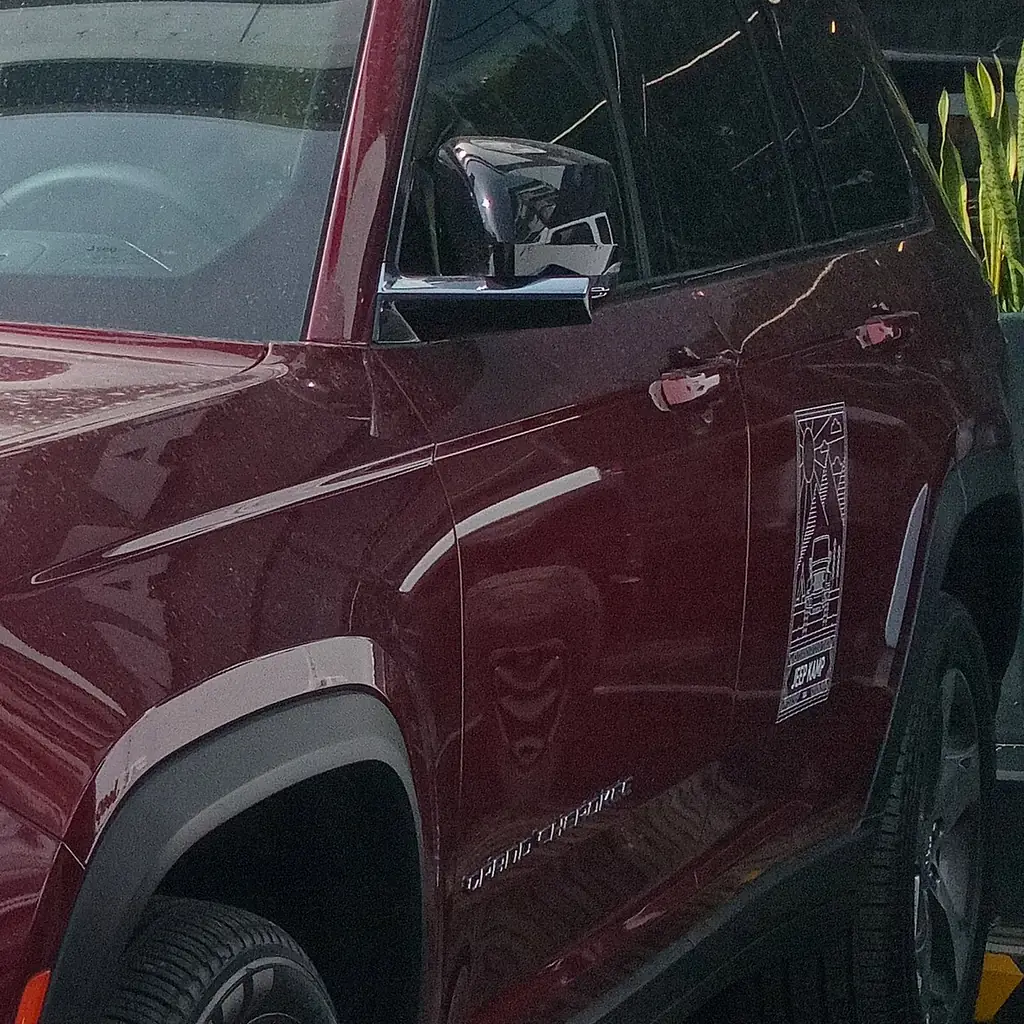
Reverse-tilting mirrors, where fitted and enabled, can show more of the area beside the rear wheels. Try the setting in a clear parking space before using it near a high curb.
Check the view from your normal driving position, and confirm that the mirror returns afterward.
For other visibility controls, see the overlooked dashboard controls. A useful curb view still does not show the whole space behind the vehicle.
8. Check the fitted camera views before a tight parking space
Your Grand Cherokee may have a rear camera, a surround-view system or additional fitted views. Explore the options the screen actually offers while the vehicle is stationary.
Notice where the image ends and how the guidelines relate to the bumper. Keep the camera lenses clean.
The CR-V control guide shows how useful camera views can differ. Continue to check mirrors and surroundings directly.
9. Choose your preferred phone in Uconnect
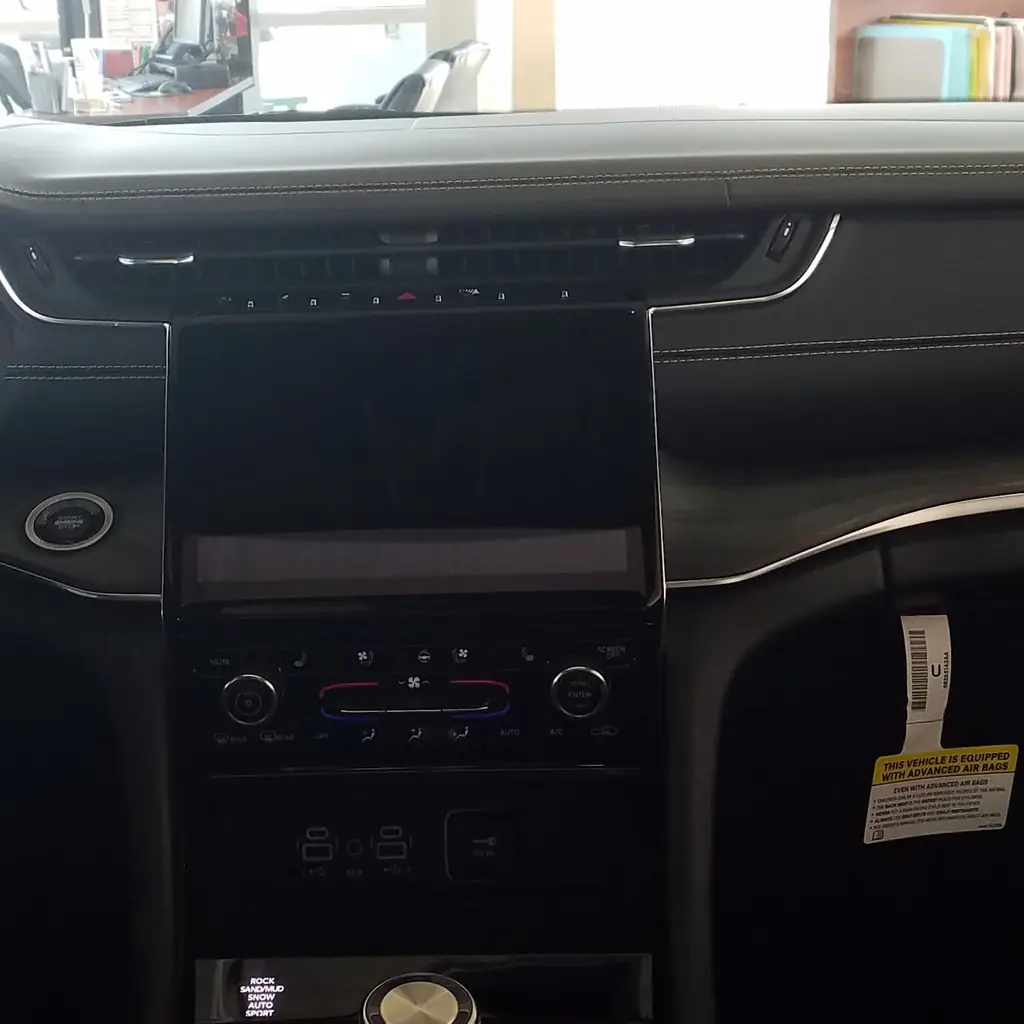
Uconnect can retain more than one paired phone. If it connects to the wrong device, check the phone list and available priority options while parked.
Confirm which phone handles calls, which supplies media and whether the cable you use carries data or only power.
Our Toyota settings guide makes the same practical distinction between a driver profile, a device connection and equipment that requires separate setup.
10. Set the rear climate zone if fitted
A fitted rear climate panel gives passengers a way to change their own temperature and fan settings. Check the front screen’s rear-control access before assuming the panel is faulty.
Set the cabin zones while parked and keep the rear vents clear of bags.
The cabin-control guide explains why separate zones and a shared temperature setting solve different passenger complaints.
11. Set up the fitted HomeLink garage-door opener
A fitted HomeLink opener can operate a compatible garage door without a separate remote clipped to the visor. Find the three buttons and indicator in your overhead console or visor.
Program the system while parked outside the garage, following the steps for your opener’s code type.
Keep people clear because the door may move during setup. Test the saved button, and erase your stored channels before selling the vehicle.
12. Check which outlets power your devices
Find the USB ports and any fitted power inverter before luggage covers the console or cargo area. The 2025 manual distinguishes charging connections from audio-system connections.
Read the rating for your actual outlet before connecting a larger device. A socket’s familiar shape does not mean it can power household equipment without limits.
Keep covers closed when unused and route cables away from seat tracks. Check whether the outlet stays live after shutdown.
Image credits
- 2023 Jeep Grand Cherokee Limited in Dark Garnet Red Pearl, front right.jpg by Ethan Llamas / Wikimedia Commons, CC BY-SA 4.0. Images cropped/resized and converted to WebP. The image derivative retains this license.
- Jeep Grand Cherokee L 3.6 Summit Reserve WL Diamond Black Crystal Pearl-Coat (4).jpg by Damian B Oh / Wikimedia Commons, CC BY-SA 4.0. Images cropped/resized and converted to WebP. The image derivative retains this license.
- 2021 Jeep Grand Cherokee L interior.jpg by deathpallie325 / Wikimedia Commons, CC BY-SA 4.0. Images cropped/resized and converted to WebP. The image derivative retains this license.