

Your next useful truck accessory might already be built into the Colorado.
These checks start with the bed, then move to the controls that remove small daily annoyances. Features vary by model year and equipment; photos illustrate the situations and may show a different vehicle.
1. Put the StowFlex tailgate storage to use
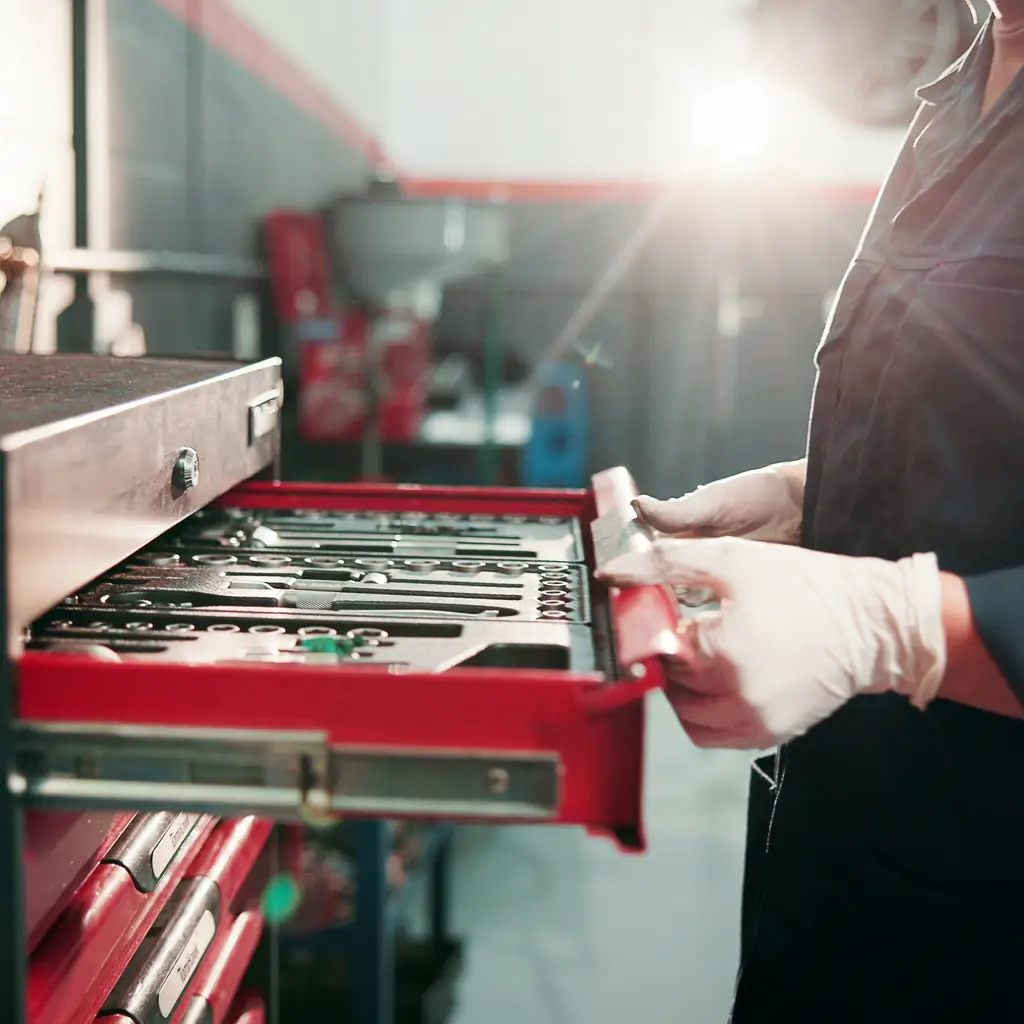
On an equipped 2025 Colorado, the StowFlex tailgate adds a storage compartment where many owners expect only a flat panel. Give it a deliberate job: items you need when standing behind the truck, rather than a collection of things with nowhere else to go.
Start with the gear’s shape and the compartment’s instructions. A small set of suitable straps or other approved items may be more useful there than in the cabin. Chevrolet’s manual warns against storing items that water can damage, so this is not the place to assume a laptop or paper file will stay protected.
Check the latch before driving and keep everything within the specified limits. After a wet trip, inspect the contents rather than leaving a damp bundle forgotten until next month. The useful discovery is not just another empty cavity; it is having the right equipment within reach when you unload.
2. Practice setting the tailgate to its middle position
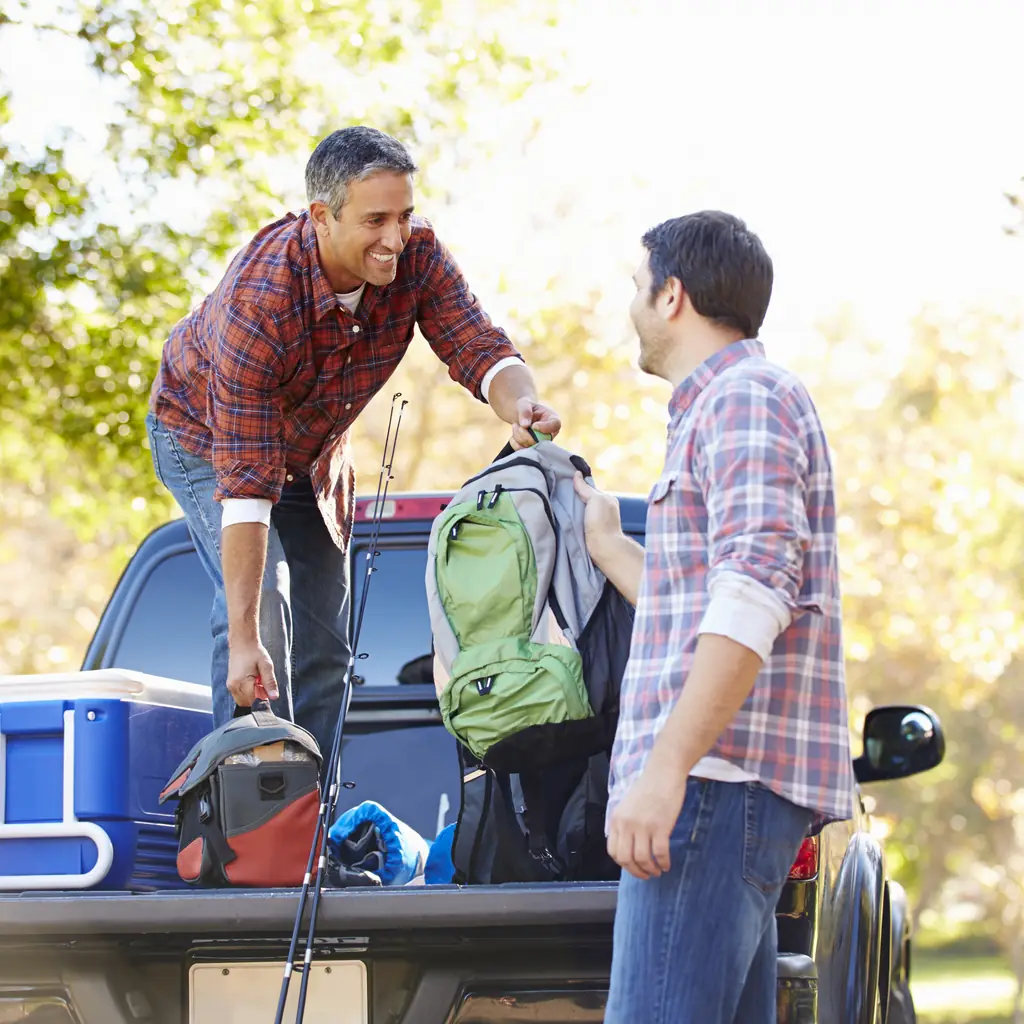
Chevrolet lists an available mid-position tailgate for the 2025 Colorado. It can change how you support a suitable long load, but the position and its limits deserve a dry run before the lumber arrives.
Follow the actual tailgate instructions and inspect the support arrangement while there is no cargo resting on it. Do not improvise a cable position from a picture of another truck. The supported load and the total truck load must remain within their respective limits.
Measure the material you intend to carry, then plan proper restraint and any legally required marking. A clever tailgate position does not secure the load by itself.
For the first real load, ask another adult to help assess the placement while the truck remains stationary. Look at both the support and the restraint path. If the arrangement depends on one object wedging another in place, redesign it before driving rather than assuming the clever tailgate position has solved everything.
3. Locate the tie-downs before loading
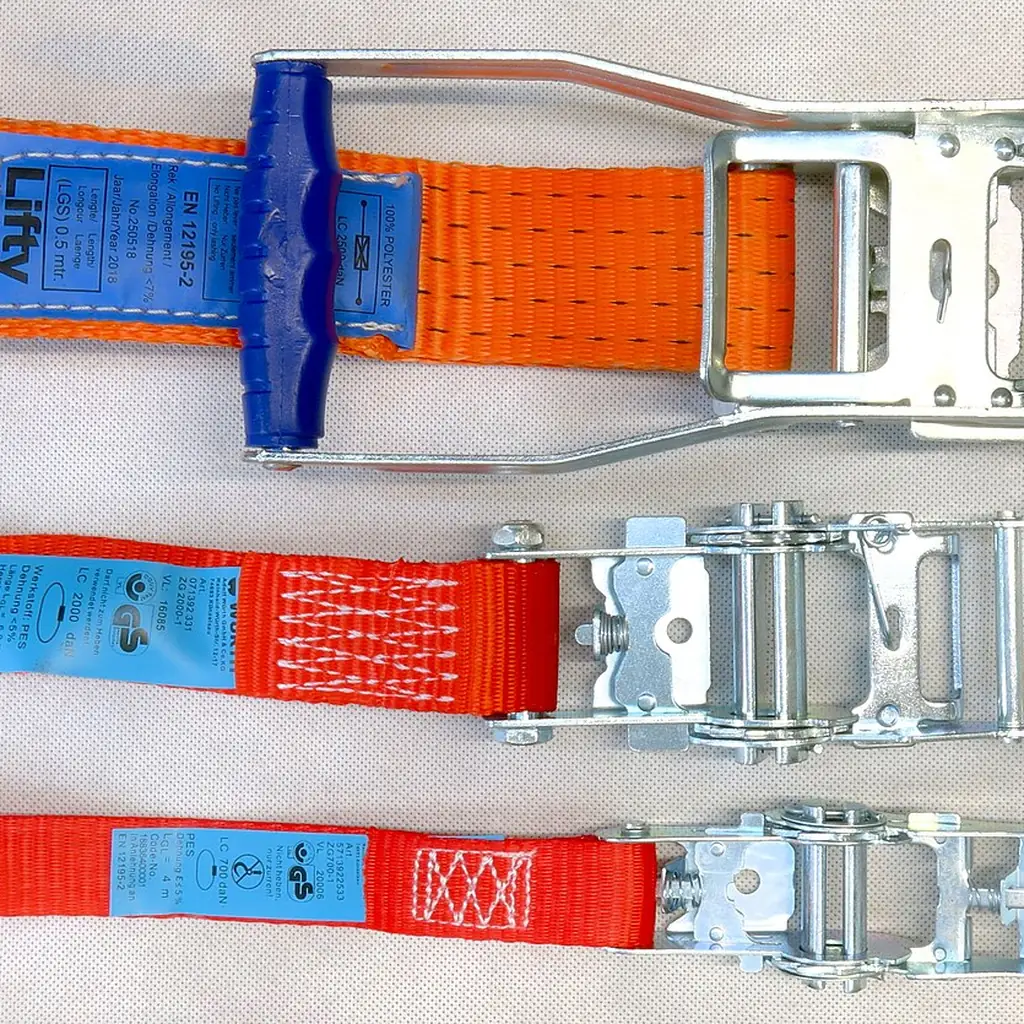
The 2025 Colorado offers up to 17 available tie-down points, but your truck may not have every position or accessory. Walk around the empty bed and identify the anchors actually fitted.
Plan the strap path before lifting in the cooler, bike or bulky box. An anchor buried beneath the first item cannot help much when the final item starts moving. Use suitable restraint equipment and the relevant load limits.
Keep a small inventory of the restraints that fit your usual jobs. That is more useful than buying the same missing strap at every hardware-store visit, and it prevents an ordinary loading task from turning into an improvised knot experiment.
4. Use the tailgate ruler for rough measurements

Chevrolet’s 2025 commercial Colorado information identifies a built-in tailgate measurement tool. It is handy for the rough question at the back of the truck: is this offcut long enough, or will this box fit the available space?
Use a proper measuring tool for a cut, clearance or safety-critical fit that needs accuracy. Dirt, viewing angle and the way an object sits can all make a casual tailgate reading less dependable.
Give the tailgate surface a quick clean before placing finished materials on it. The convenience is having a reference nearby, not turning a gritty work surface into a precision bench.
5. Use the hitch camera to line up your trailer
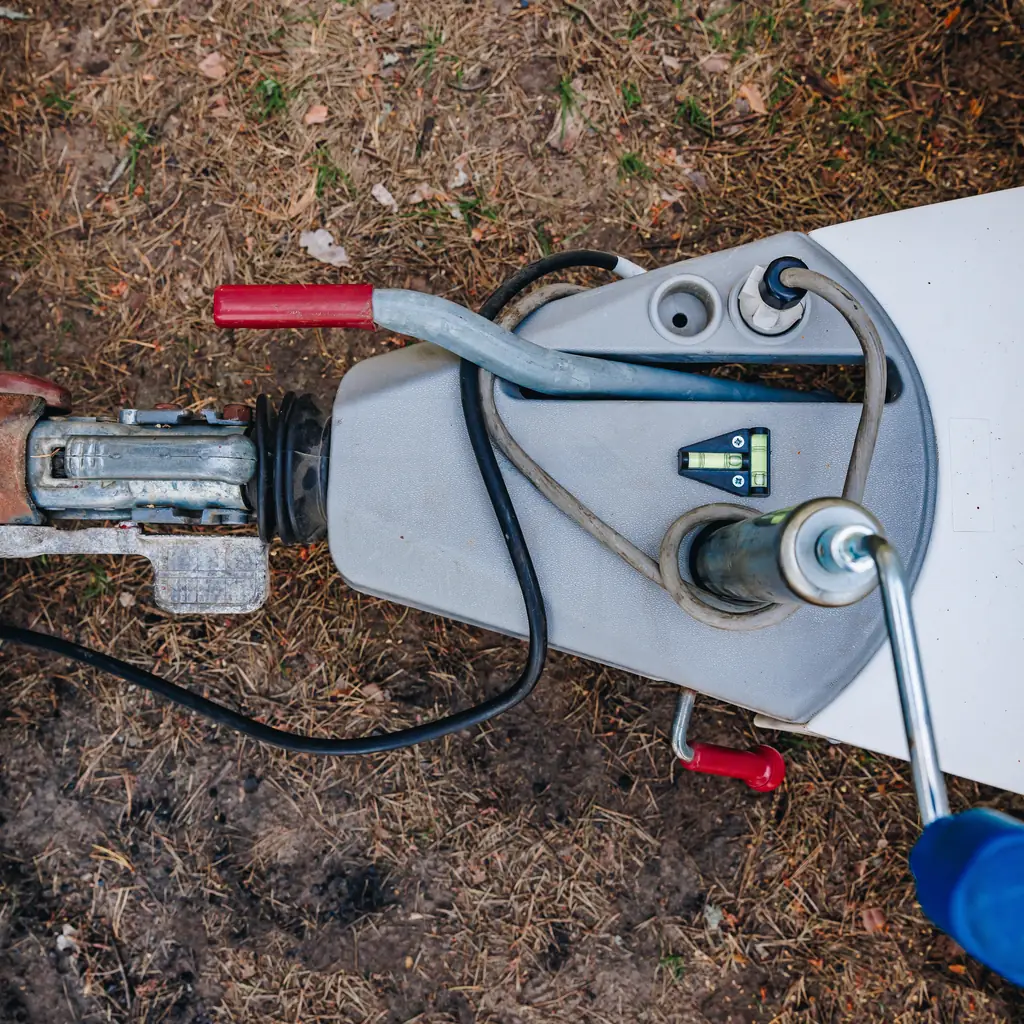
A fitted hitch-camera view can help line up the truck with a trailer, especially when the ordinary rear view makes the final distance hard to judge. Open the available camera views while parked and learn which one shows the coupling area.
Keep people out of the gap between truck and trailer during vehicle movement. Stop, secure the truck and inspect the physical connection rather than assuming the screen proves everything is correct.
The towing preparation guide covers the ratings and connection checks a camera cannot perform. Use the view to reduce guesswork in positioning; use the actual hardware and proper procedure to establish that the trailer is ready.
Learn how the view changes when the tailgate position changes, using the manual and a stationary test. A camera mounted in a moving panel may not show the same scene in every configuration. Recognizing that change prevents a familiar screen from giving unfamiliar information at the worst moment.
6. Choose which doors unlock first

If every shared trip begins with a second unlock press, review the door preferences while parked. Chevrolet groups relevant options under Settings, Vehicle, then Remote Lock, Unlock, Start or Power Door Locks, with available choices varying by vehicle.
Choose the behavior that suits how you use the truck. Driver-only unlocking may be preferable in some situations; all-door unlocking can be convenient when loading with family. Test the result from outside with the key in your possession.
The Trax setup guide covers the same small but noticeable improvement. Changing one repeated annoyance is more worthwhile than exploring every menu simply because it exists.
7. Choose which phone connects first
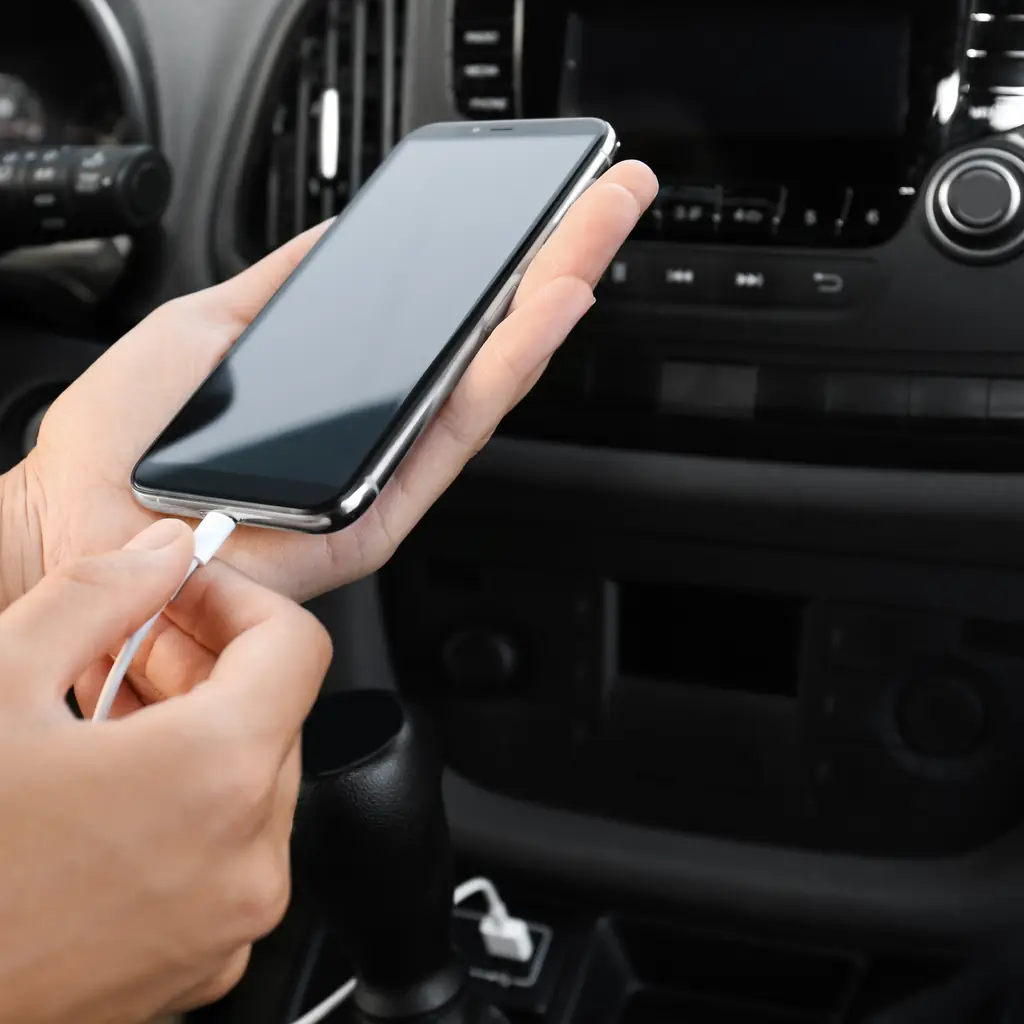
Two drivers can turn wireless phone connection into a daily negotiation. Pair the intended devices while the truck is stationary, then check which phone connects when both people are present.
Give each device an identifiable name and learn how to change the active connection through the normal menu. Delete an old owner’s connection after purchasing a used truck. Do not start tapping through menus when a navigation voice begins coming from the wrong phone on the road.
If your household also shares another vehicle, the Pilot trip setup offers the same practical rehearsal: test with the actual people and devices, not one phone in an otherwise empty cabin.
8. Check that the wireless pad charges your phone
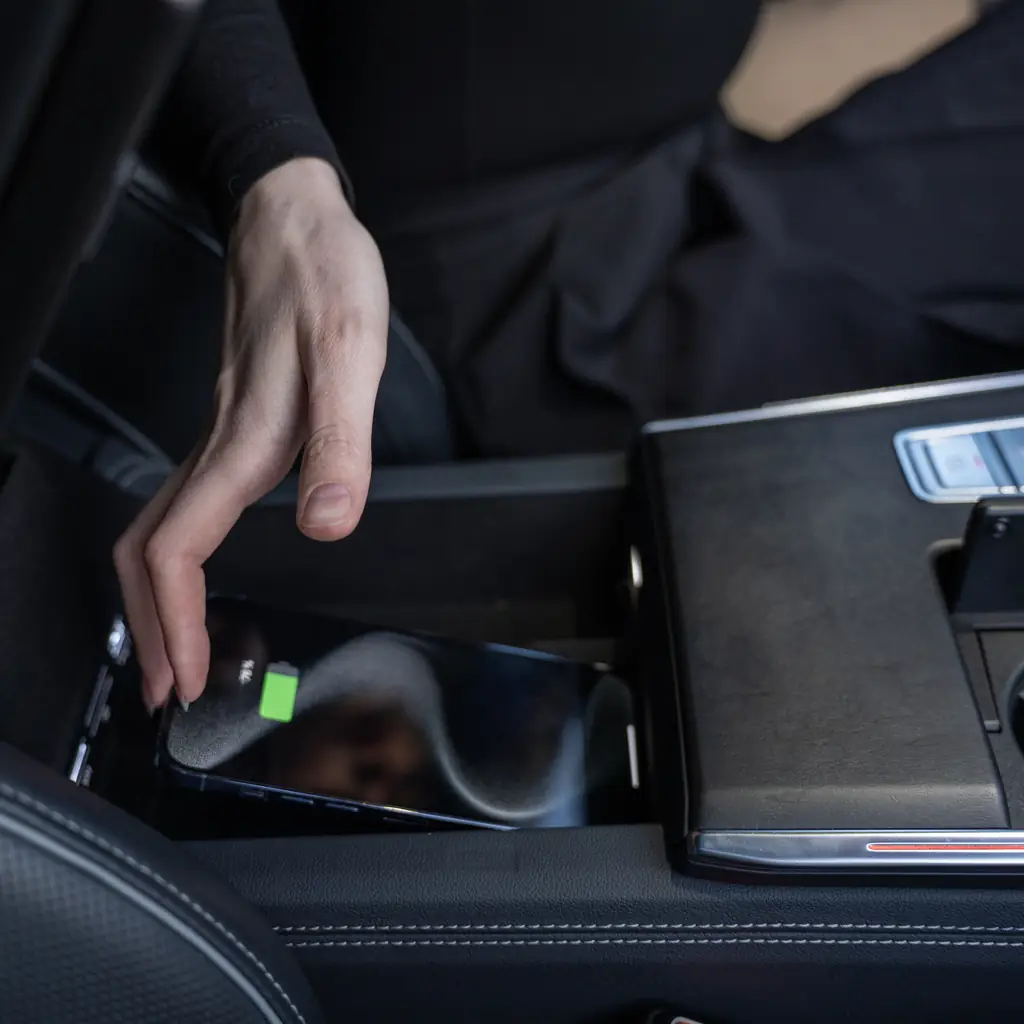
The 2025 Colorado has available wireless charging. Placement, device compatibility and a bulky case can affect whether the convenience works for your phone.
Test the pad with the phone you carry every day, then confirm charging rather than assuming contact with the surface is enough. Keep foreign objects away from the charging area and follow the equipment instructions. Retain a suitable cable as a practical alternative.
This is also a useful check before a remote overnight stop. The RV stopping guide recommends keeping communications ready; a phone that sat on a pad without gaining charge can be an unwelcome discovery after dark.
9. Use the bed lights when loading after dark
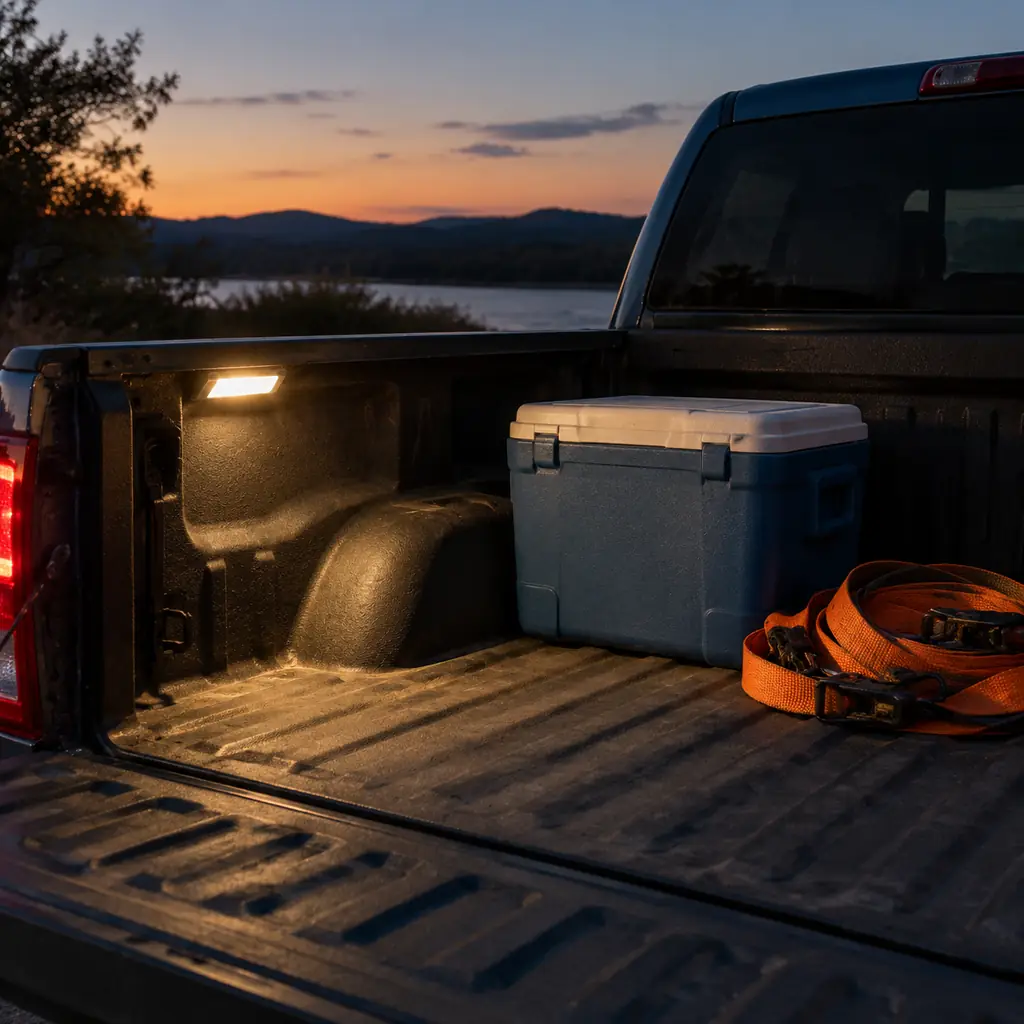
Available cargo-bed lighting can help you find a strap or check a load without holding a phone between your teeth. Try the light control before the truck is full, and see where the illumination actually reaches.
A tonneau cover or tall load may block part of the light. Put frequently used gear where you can reach it without climbing over other cargo, and carry an appropriate portable light for the remaining task.
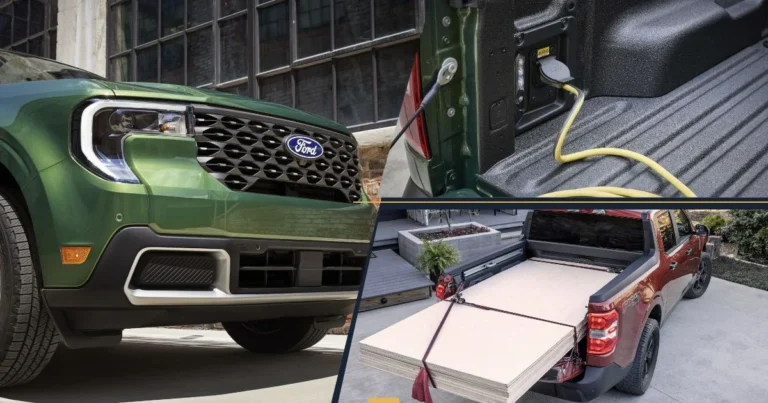
Our Maverick bed guide uses the same job-first approach. The factory feature becomes useful when you organize around it, rather than buying a second light before testing the first one.
10. Check the outlet's power limits
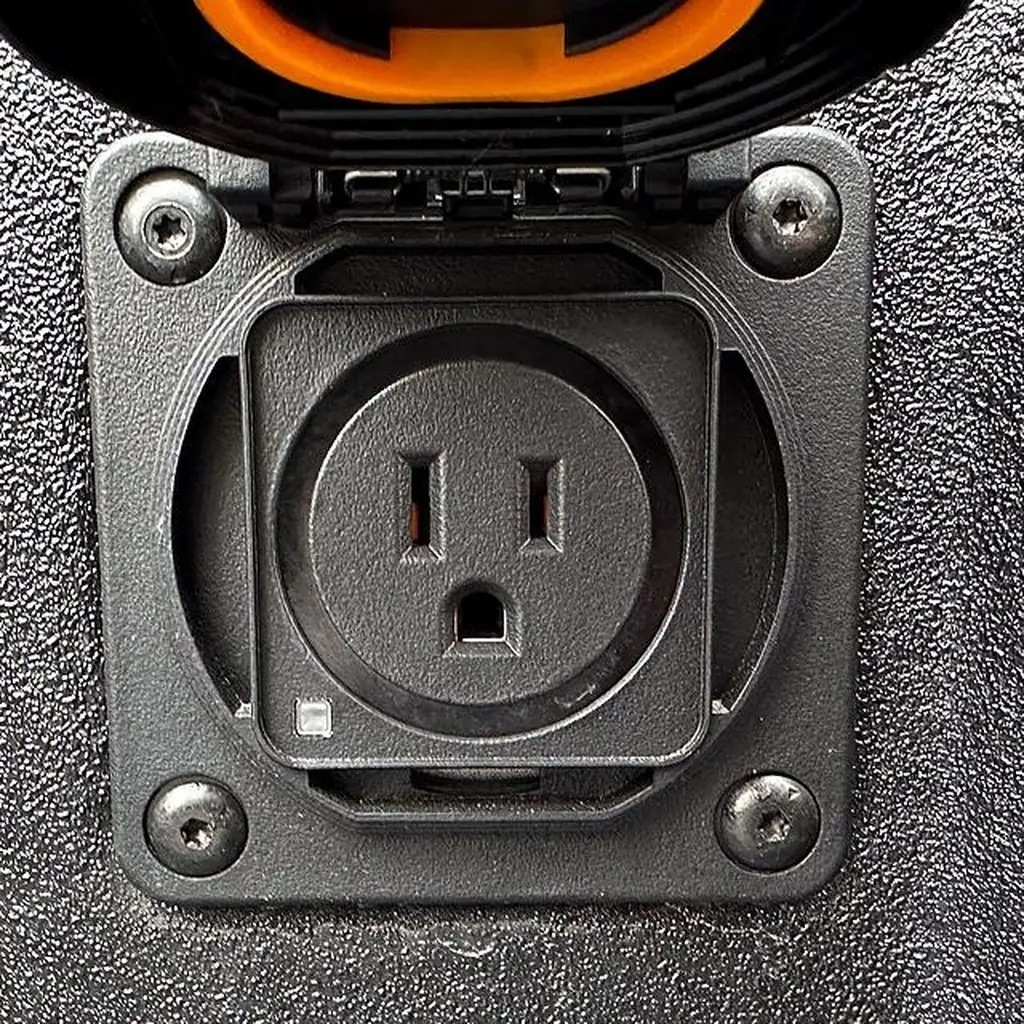
An available 120-volt outlet does not mean the truck can run every household appliance. Check the outlet rating, operating conditions and the appliance’s requirements before making it part of the trip plan.
Starting demand can differ from ordinary running demand. Ask a qualified person or the equipment manufacturer if the specifications are unclear. Do not find out by repeatedly overloading an outlet or bypassing a protection device.
For overnight gear, the car-camping rehearsal is a useful place to test what you can use safely. Keep exhaust and ventilation requirements separate from electrical convenience, and never run a vehicle in an enclosed space to supply power.
11. Keep the camera lenses clean
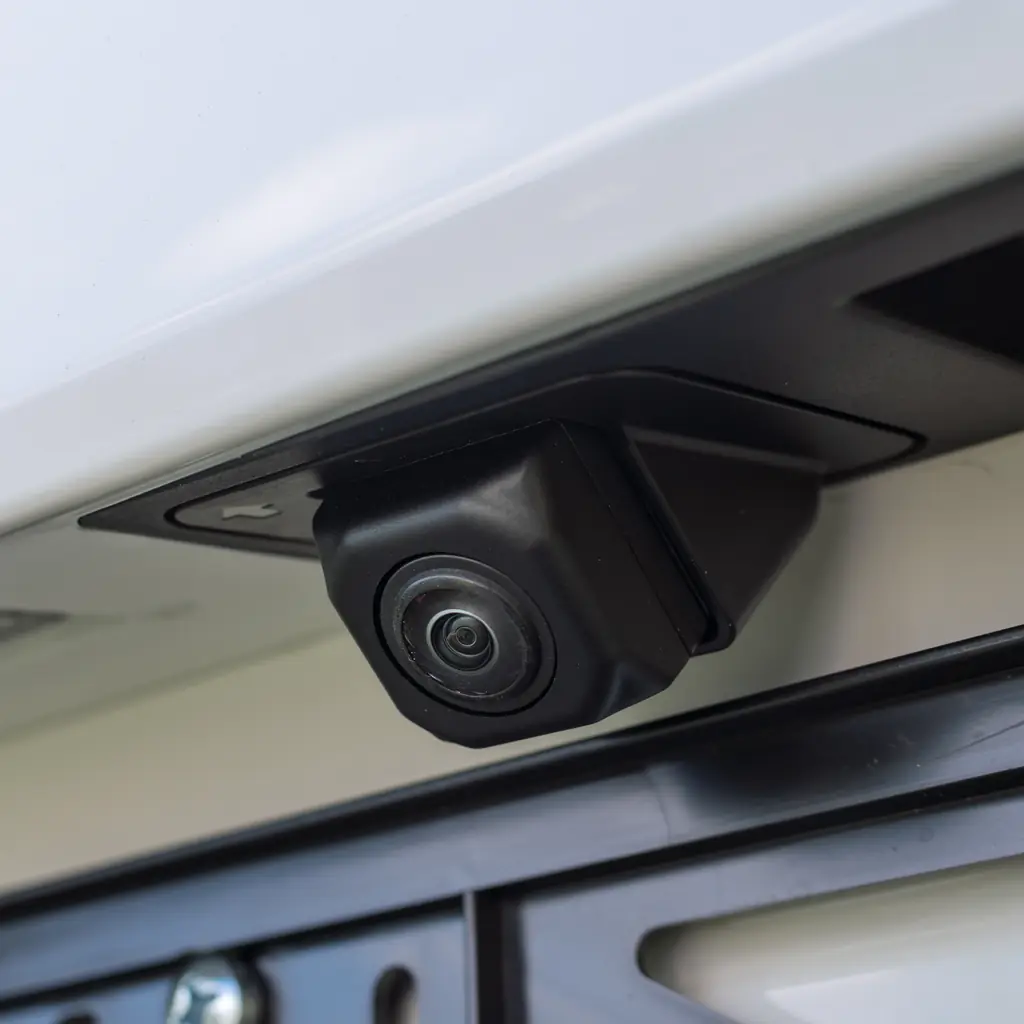
A useful camera view can become a muddy blur after a wet road. Before diagnosing a screen fault, inspect the relevant exterior lens and clean it using the method Chevrolet specifies.
Some Colorado configurations offer underbody views in addition to other cameras. Identify which lenses serve the view you are using; wiping the rear lens will not clear mud from another camera beneath the vehicle.
Do not crawl under an unsupported truck to reach equipment. Use a safe access method or appropriate service help. A clear image improves the available information, but you still need to inspect the surroundings and understand what lies outside the camera’s field of view.
Make lens inspection part of the walk around the truck after a muddy outing. It takes little effort when you are already checking the load and lights. Discovering the obscured view during a tight reverse creates another decision while your attention is already divided.
12. Choose useful information for the driver display
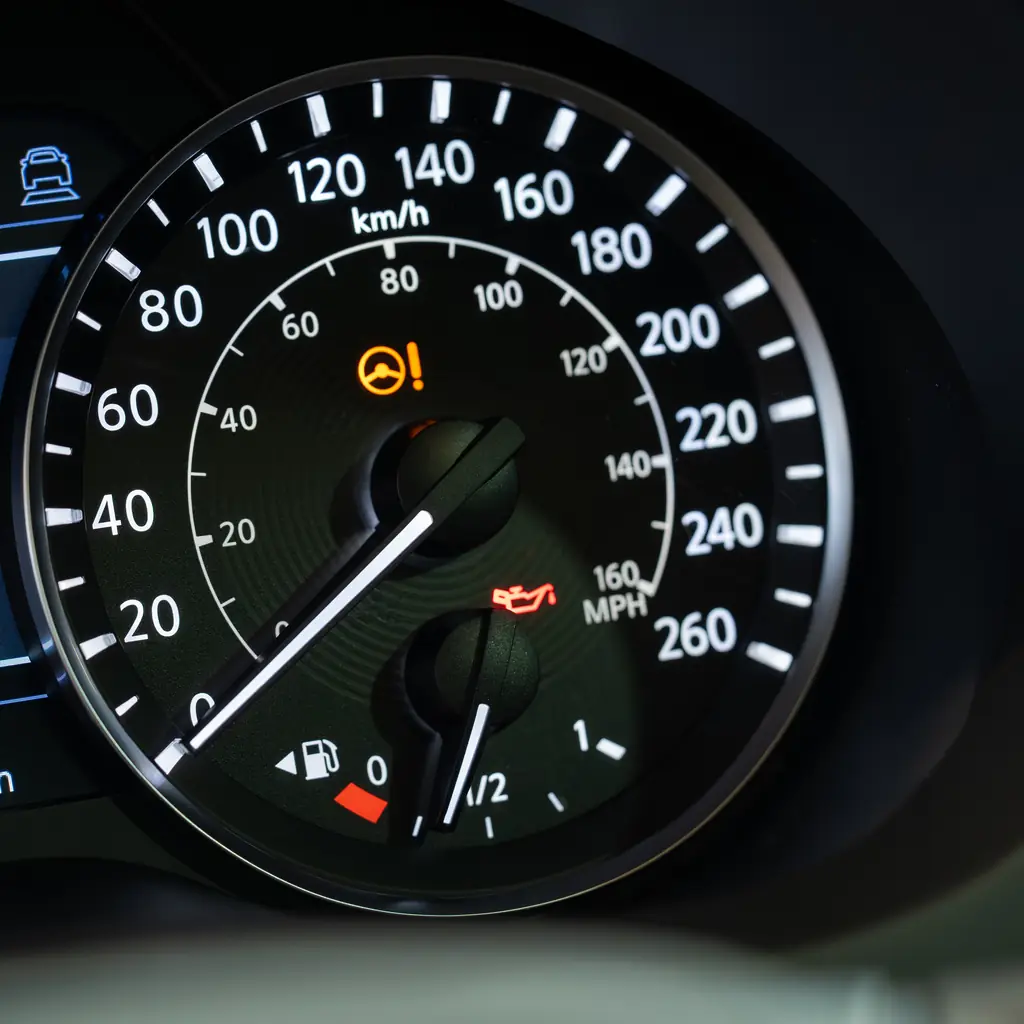
The 2025 Colorado’s digital driver display can present information beyond the familiar speed reading. Learn the normal controls while parked and select the information you genuinely use, such as trip details available on your configuration.
Avoid turning a display into a collection of unfamiliar numbers. Read what each value measures before interpreting it. A tire-pressure screen, for example, does not replace checking the vehicle’s recommended pressure and maintaining the tires properly.
Leave the everyday layout stable for a few drives. The benefit is recognizing the information quickly, not constantly redesigning the screen. A useful setup reduces searching and keeps attention available for the road.
13. Set up Teen Driver together

Where Teen Driver is fitted, review the available settings and reporting with the young driver rather than treating the feature as a surprise inspection. Explain what the system does and what it cannot establish.
Set it up through the documented owner process, including the correct key assignment where required. Test the arrangement before handing over the vehicle. It is still the adult’s job to provide suitable instruction and establish sensible driving expectations.
A report is a prompt for a discussion, not a complete account of every traffic situation. Keep the emphasis on safe habits and questions the driver can ask. Electronic supervision cannot replace experience, attention or a clear agreement about vehicle use.
14. Learn how to unlock and start with a dead key fob
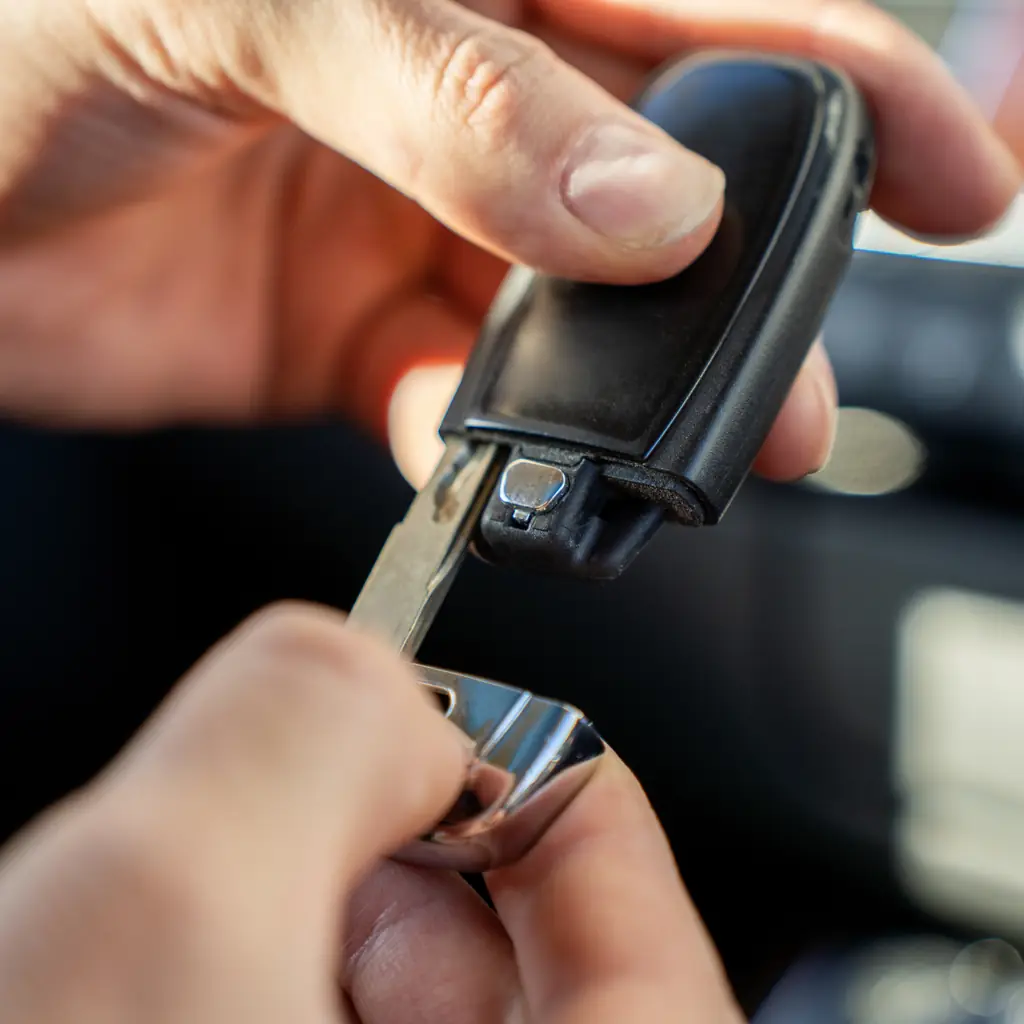
Chevrolet provides a mechanical key inside compatible fobs and a backup starting location for an unrecognized or depleted fob. Find both for your exact Colorado while the vehicle is working normally.
The backup location varies by model, so do not assume a cupholder procedure from another Chevrolet applies. Save the relevant manual page and check that the mechanical key is present if you bought the truck used.
Keep a spare-key plan separate from this feature. A dead battery and a lost fob are different problems. Learning the correct fallback now is far easier than searching for it with groceries on the pavement and rain arriving through an open door.
15. Test your usual load before buying more storage
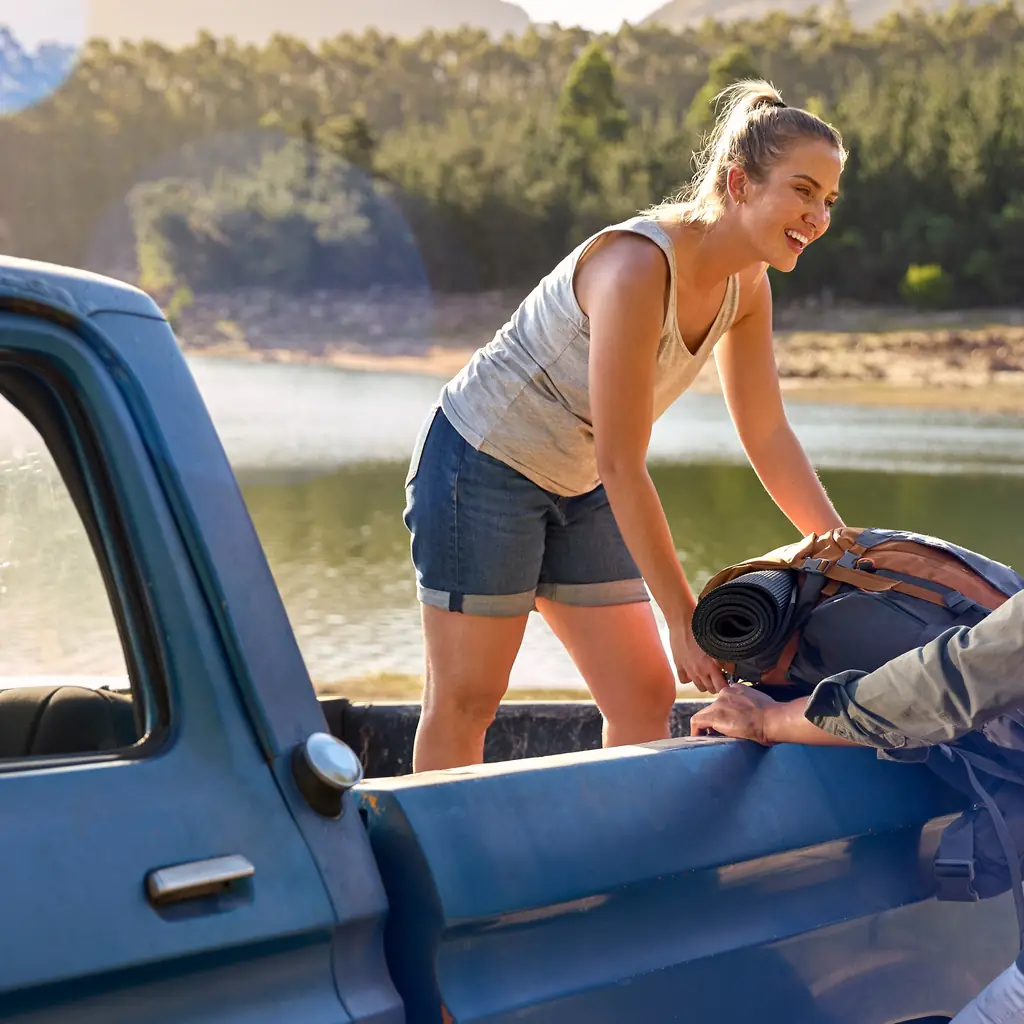
Choose a real job: taking bikes to a trail, collecting plants or carrying a cooler and folding chairs. Arrange the load using the bed, fitted compartments, anchors and lighting you have just checked.
Notice the point where the arrangement becomes inconvenient. Perhaps the straps are inaccessible, the long object blocks the storage lid or the first-stop bag belongs in the cabin. Change the packing order before buying a box that consumes more room.
Then buy only for the gap that remains. A truck organized around your actual work will feel more useful than one filled with accessories selected from a photograph. Keep the final load restrained and within the vehicle’s limits.
Sources & photo credits
Sources & references Manuals and supporting information
Photo credits Photographers, sources and licences
Other photography
- Image 3: Photo: Grummelbacke, CC BY-SA 4.0. Cropped to square and converted to WebP.
- Image 4: Photo: Tomwsulcer, CC0. Cropped to square and converted to WebP.
- Image 10: Truck-bed outlet photo by Tony Webster, CC BY 2.0; cropped to square.
Featured collage
- 2023 Chevrolet Colorado Z71 Crew Cab.jpg by Bull-Doser, Public domain.
- Chevrolet Colorado Z71 GMT31XX-2 Jet Black (4).jpg by Damian B Oh, CC BY-SA 4.0.
- 2024 Chevrolet Colorado ZR2, rear right, 07-18-2024.jpg by MercurySable99, CC BY-SA 4.0.

.jpg)
