Editor’s note: Features and procedures vary by model year, trim, market and installed equipment.
A small slot, a light-check menu or a tailgate detail may solve a problem you keep working around.
These F-150 and Maverick examples depend on the documented equipment. Match your year and configuration; photos may show a different vehicle.
1. Start your truck when the key fob battery dies
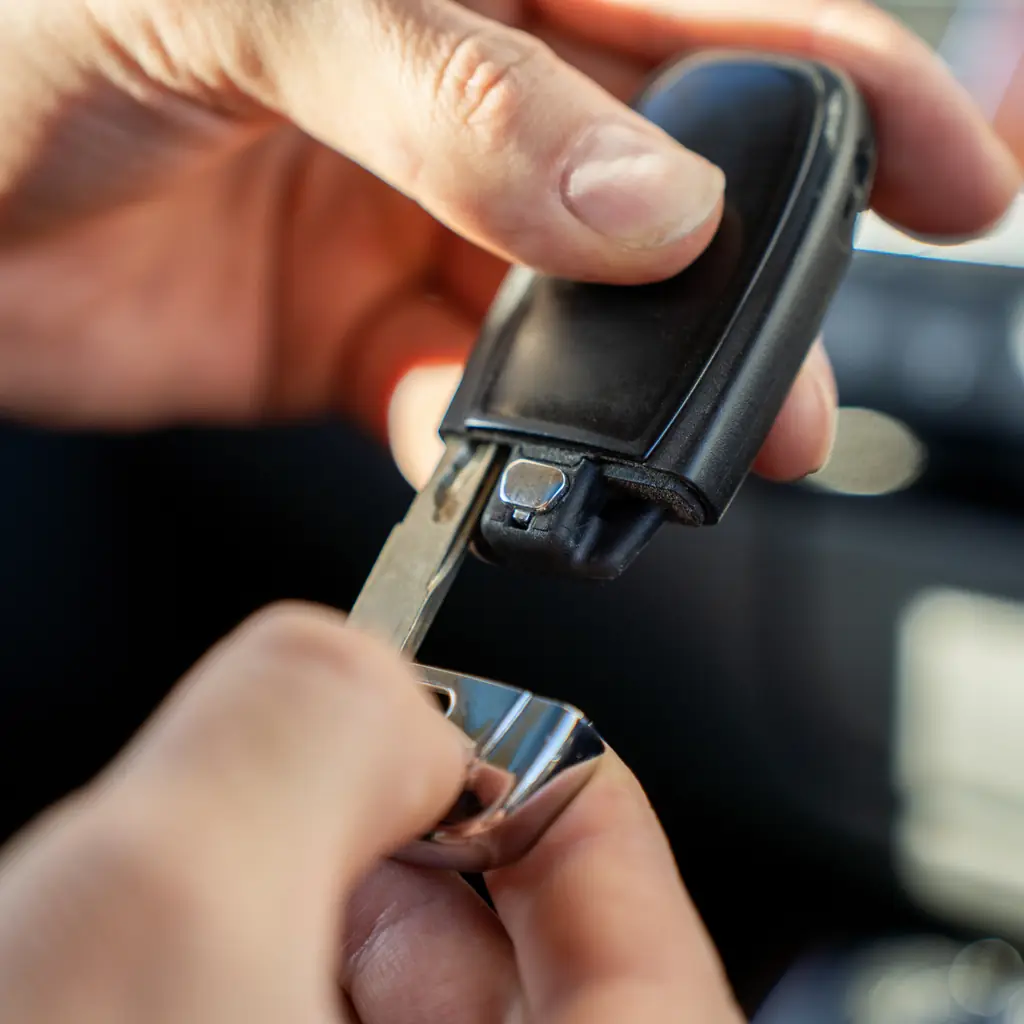
Ford's 2025 F-150 owner's manual explains how to start the truck using the backup-start location if the push-button start isn't recognizing your key fob. If your truck has a console between the front seats, the remote goes under the cup-holder mat with the remote-control buttons facing rearward. If your F-150 doesn't have a center console, the remote goes under the center storage lid.
Then step on the brake and press the engine start/stop button.
Find the matching manual illustration for your actual cabin and save it offline. Do not pry at unrelated trim because another Ford uses a different location.
We wouldn't recommend making a habit out of it, but if your fob's battery dies, at least now you'll know where to pop the remote for temporary measures. It's still probably a good idea to get those fob batteries replaced at your earliest convenience. Use the specified replacement battery and handling instructions.
2. Check your trailer lights with the built-in test
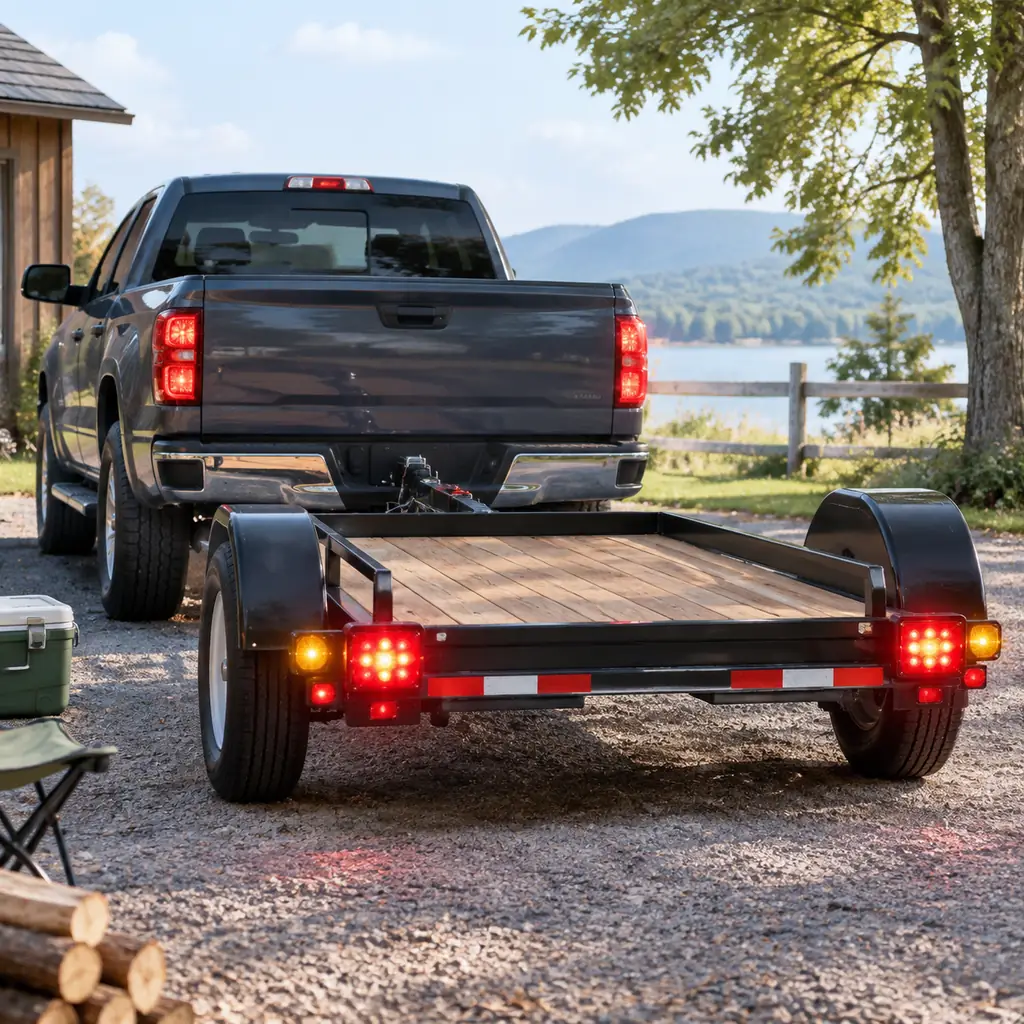
Equipped F-150s have a feature that cycles through the trailer's turn signals, brake lights, and other lighting, letting you check that they're operating correctly. You can perform the check from your F-150's screen or via Ford's app.
This still requires you to walk around your trailer and observe every lamp during the documented light-check sequence. Connect the trailer correctly and secure the stationary rig before starting.
That said, it's still a good idea to hop out of your truck and make sure the coupler is properly latched, your chains and brakes are connected, and your tires are in good working order before hitting the road with your trailer.
3. Check how much power your truck's outlets can supply
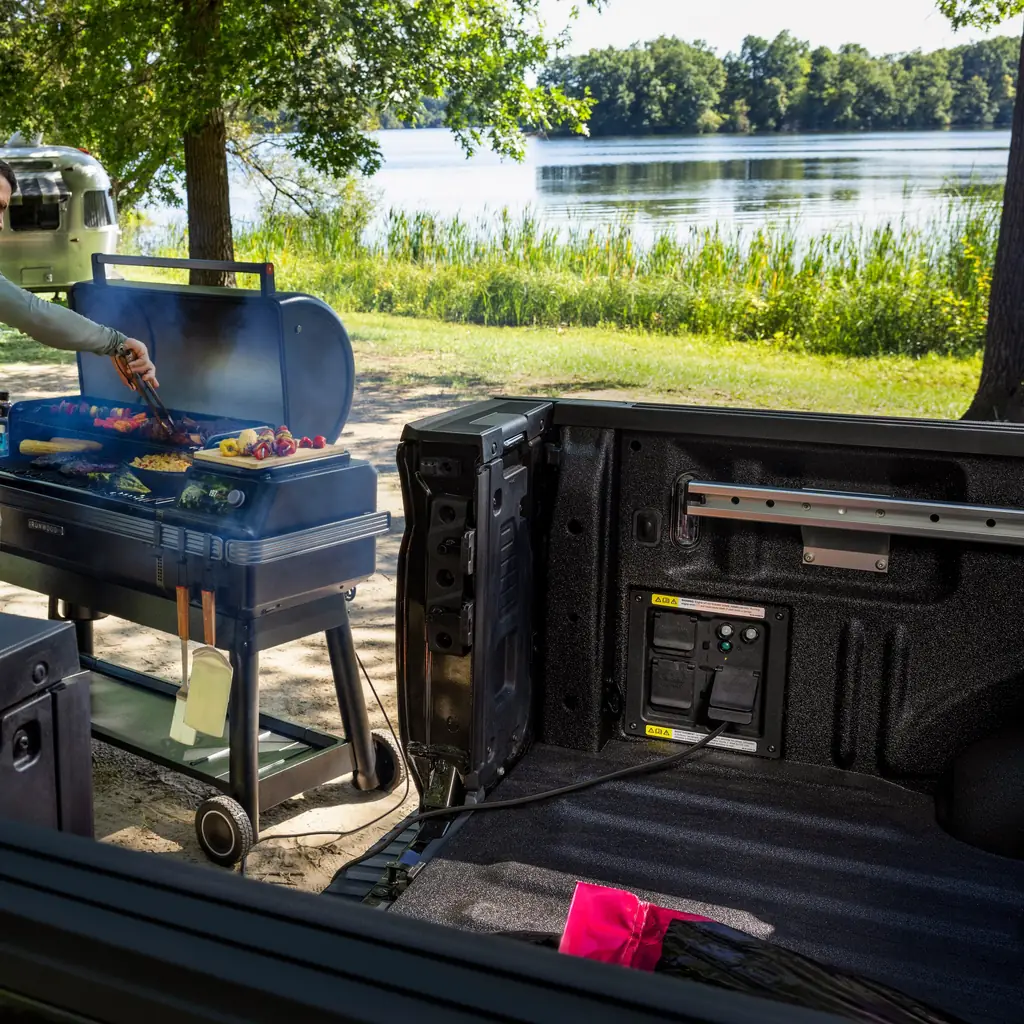
Some F-150s come with a system called Pro Power Onboard, which turns your truck into a giant generator. Depending on your truck's configuration, Pro Power Onboard can be a 2.0, 2.4, or 7.2-kilowatt system, which comes with outlets arranged into circuits with individual limits.
Ford's owner's manual has a chart showing the outlets' locations and limitations. Keep in mind, however, that some appliances require more power to start them than to keep them running, so it's best to check the manufacturer's specs to make sure your intended load doesn't exceed Pro Power Onboard's limits. Check both circuit and total system limits.
And of course don't run it or any engine-powered generator indoors, including in a garage, and be mindful of carbon monoxide when camping. Use the documented operating mode, suitable cords and dry connections.
4. Use the fold-out work surface while parked
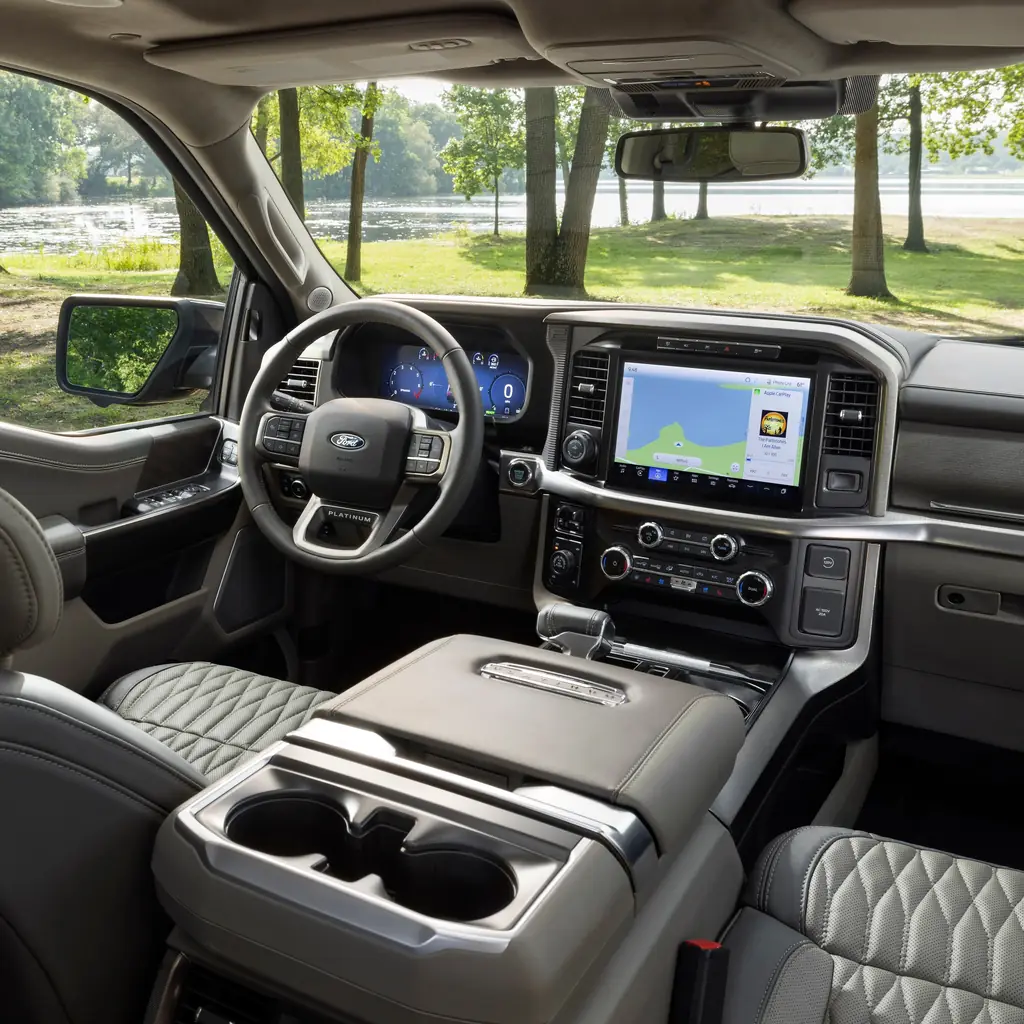
Depending on your F-150's seating and center-console configuration, it may have a nifty little work surface that unfolds inside the cab.
Once again, your F-150 owner's manual shows the steps to deploy the item, which includes placing the truck in Park and making sure you're somewhere safe to stop before deploying it, followed by a series of actions with the shifter and center-console components.
Make sure everything is put away before driving off again, and keep an eye on any drinks near the shifter or center-console controls. Try the fitted surface before buying a separate desk.
5. Find the bed's cargo tie-down points
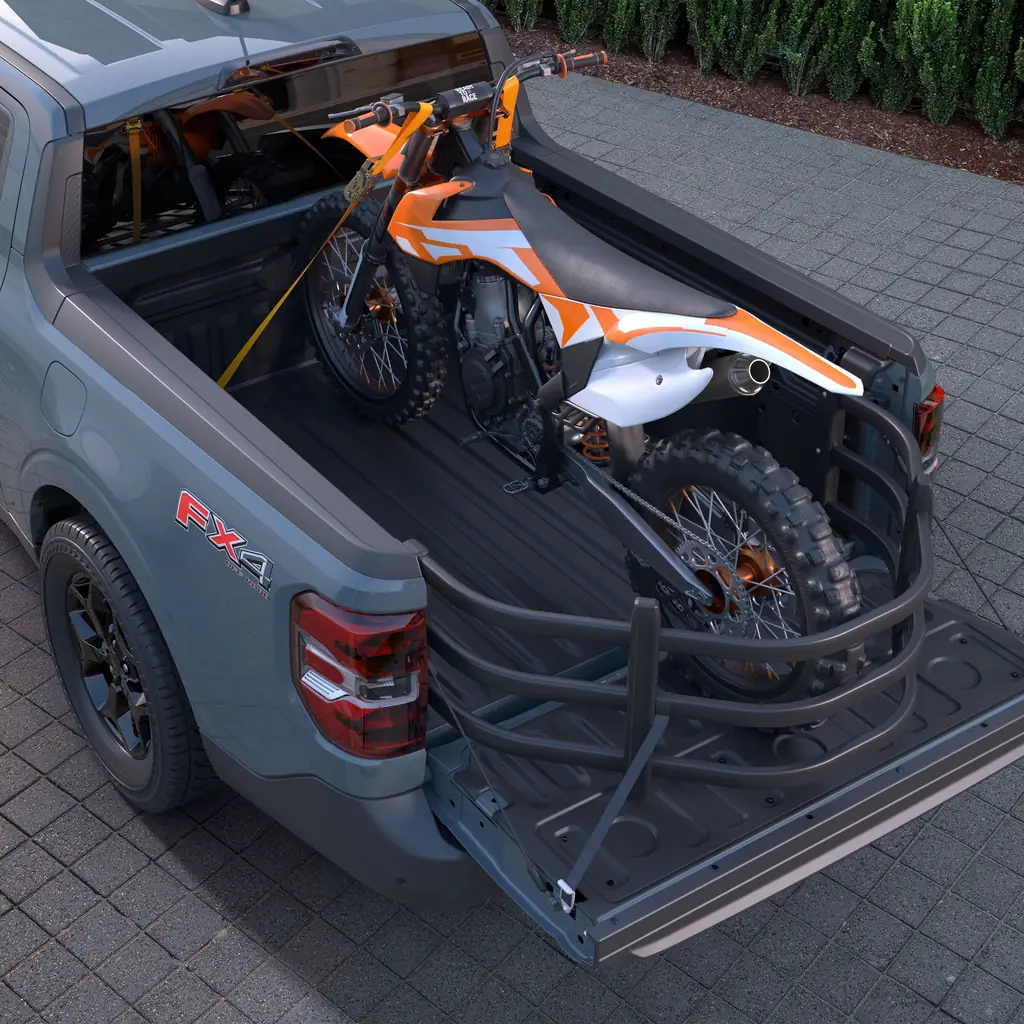
Tie-downs in your truck's cargo area may be rated for different loads than tie-downs on other trucks. Do not treat trim brackets as rated anchors. Ford's owner's manual includes a chart showing the location and load limits for F-150 tie-downs, including optional equipment such as Ford's BoxLink accessory system.
Arrange the load low and restrain it against movement in every relevant direction. Don’t assume an object will stay in place just because it fits.
The Sierra weekend guide makes the same distinction between a cargo feature and a restraint system. Use approved attachment points within their limits before adding accessories.
6. Use the bed and hitch lights after dark
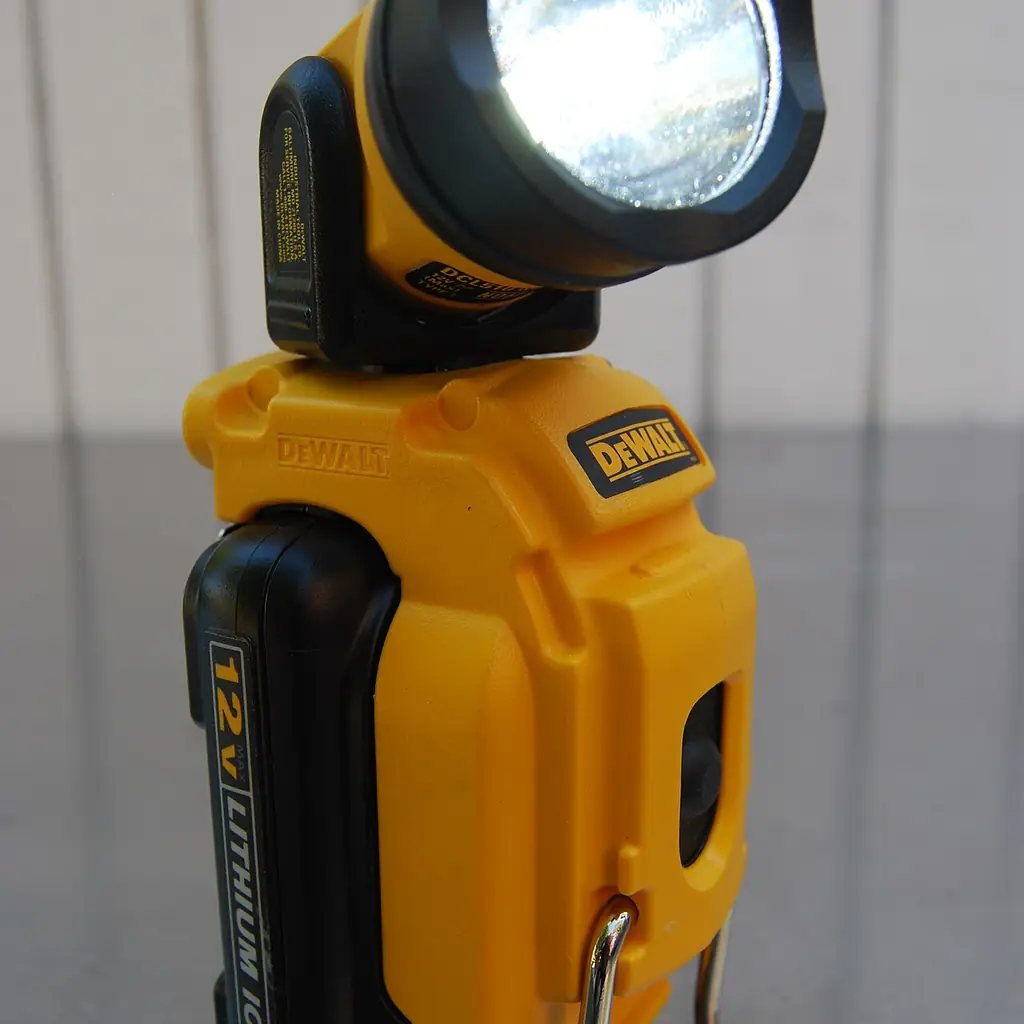
Some F-150s have lights for illuminating the truck's bed or surrounding area.
Ford's owner's manual includes the controls for F-150s' various bed and hitch lights, which can be handy if you're stopped and need to see what's behind your truck or illuminate an immediate work or camping area. Test outdoors while stationary, keep beams away from neighbors and switch them off afterward.
The car-camping rehearsal considers the same problem for cabin lights. Keep a headlamp handy if vehicle lighting is unavailable or would disturb other people.
7. Practice using the tailgate step
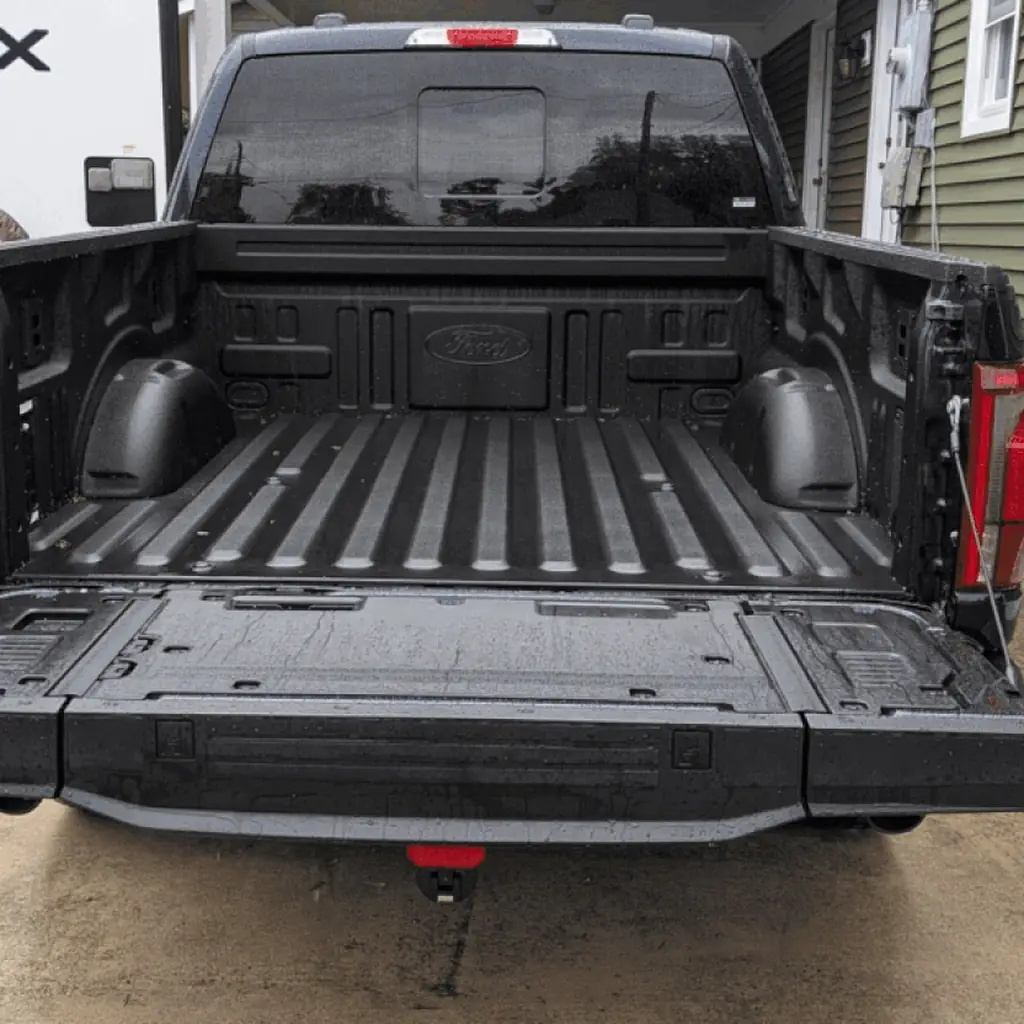
Some F-150s have a step built into the tailgate to help drivers get into and out of the truck.
Ford's owner's manual explains how to extend and retract the step and warns drivers not to exceed the step's load limits and make sure everything is stowed away and secure before driving off. Practice on level ground with the truck secured, empty hands and suitable footwear; use the fitted handle.
The trailer-reversing guide emphasizes the small setup tasks. Jumping off the step when hauling heavy cargo also seems like a recipe for disaster. Keep clear of moving parts and do not use the step for passengers while moving.
8. Organize the Maverick's bed with divider boards
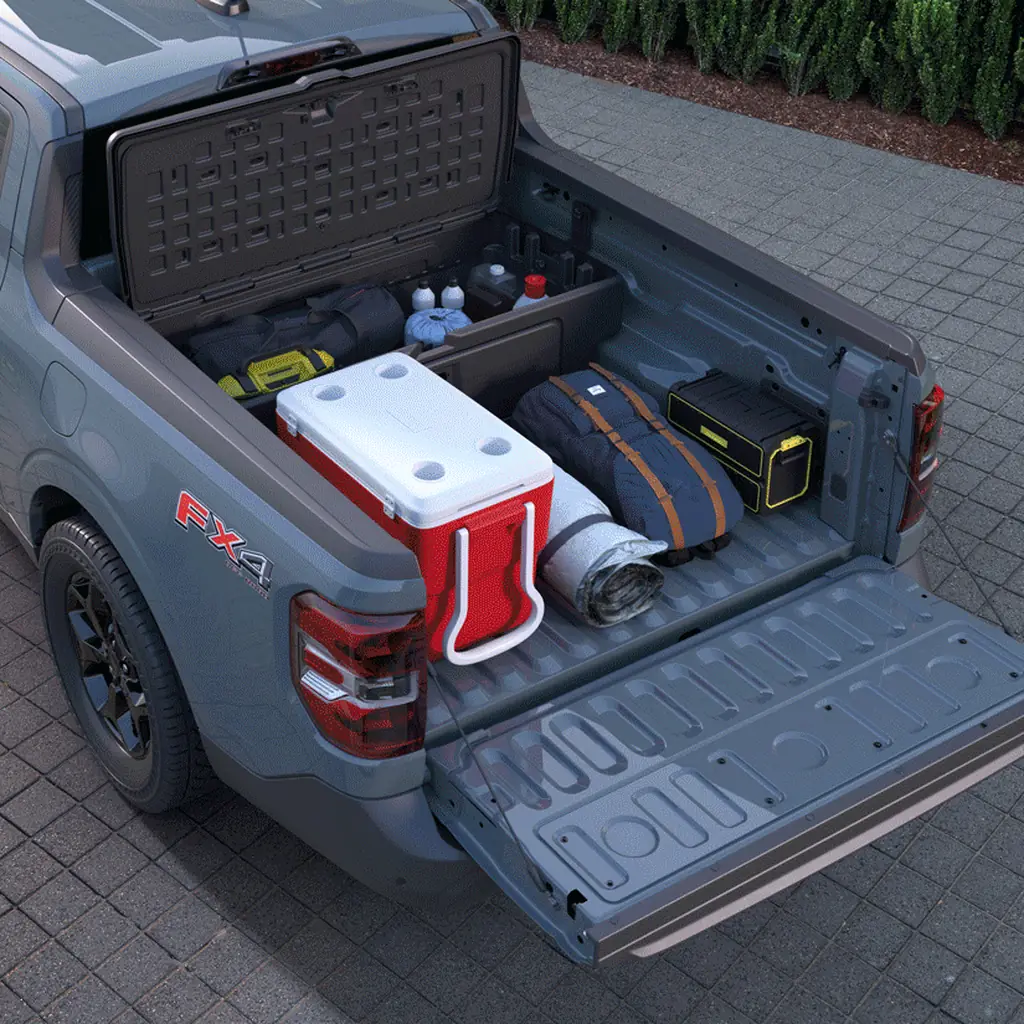
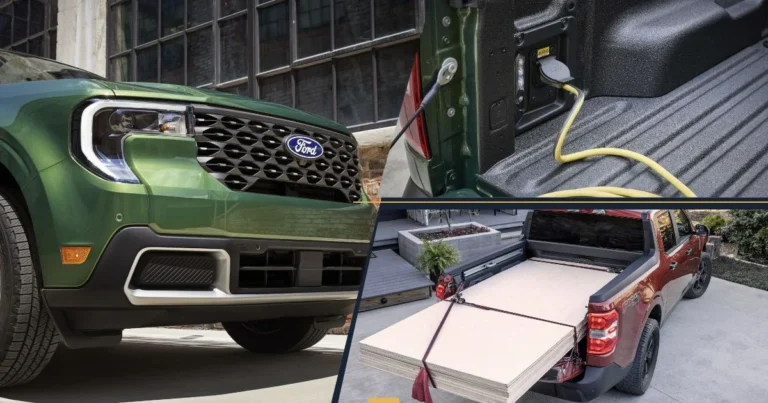
Ford’s FLEXBED can make loading and organizing the truck’s cargo easier. Learn how to use features like tie-downs, power outlets, and more. Some models (including the Ford Maverick) have a cargo management option, which includes divider boards that can be secured to the bed.
Dividers are no replacement for proper loading and securing. Ensure items are sized appropriately and follow Ford’s instructions for use. Keep in mind payload limits, as well as any items that could get in the way of bed features (like tie-downs), drains, etc. A platform on the intended supports can create a two-tiered space for items. Ensure anything added to the bed meets Ford’s sizing requirements and observe payload limits. Also ensure nothing gets in the way of tie-downs and other features.
The Maverick feature guide explores the options. This may be useful when making quick trips to the grocery store so bags don’t slide around, although you’ll still want to properly secure anything to prevent shifting.
9. Learn how to fold the side mirrors
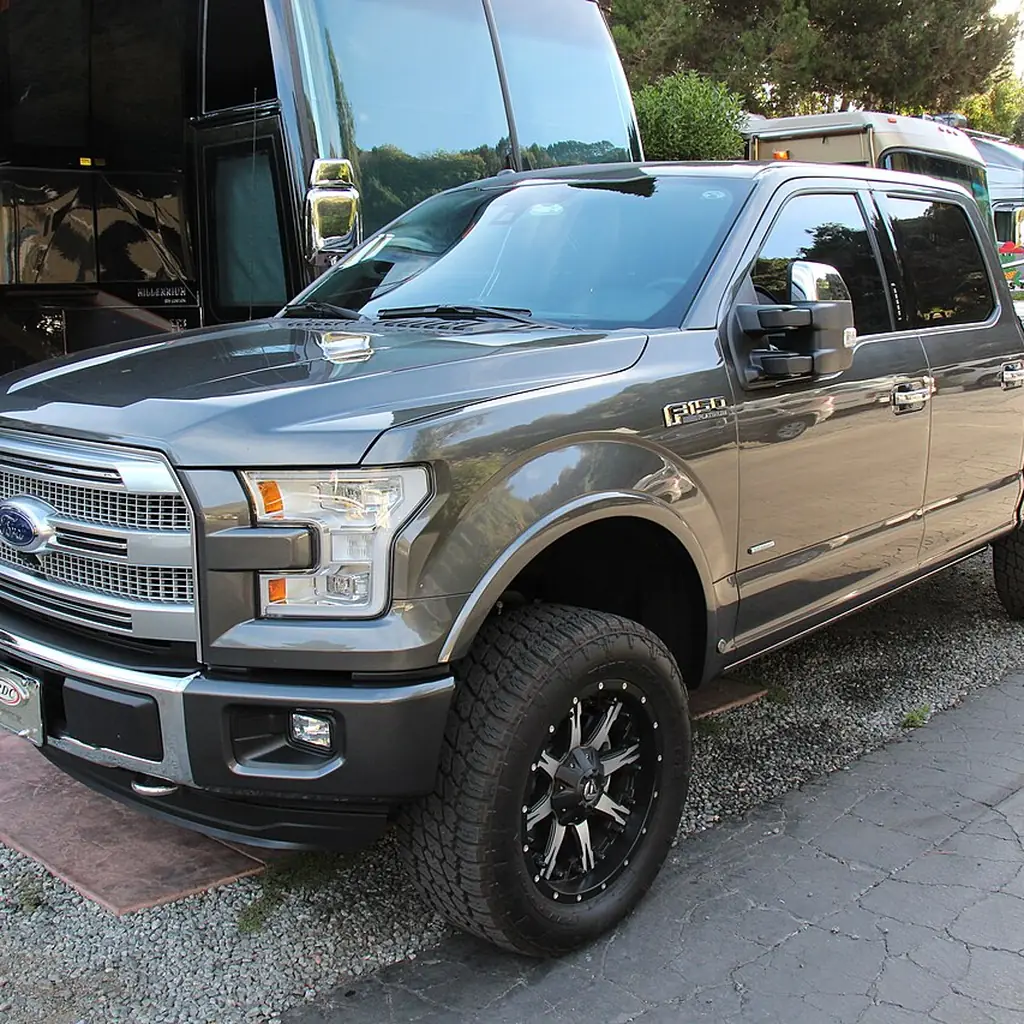
It can be difficult to fit into tight parking spots or campsites with mirrors still in place. Some trucks have power-folding side mirrors that make this easier, but do not manipulate them by hand unless the manual permits it. Follow Ford’s instructions for authorized methods of folding/unfolding mirrors, and be sure your truck is parked.
Keep in mind, while folding the mirrors reduces their width, it doesn’t account for the actual width of your truck, any accessories, or any items you’re carrying.
The dashboard guide recommends learning controls while parked. Mirrors should be unfolded for proper visibility before you begin driving.
10. Save your seat and mirror positions
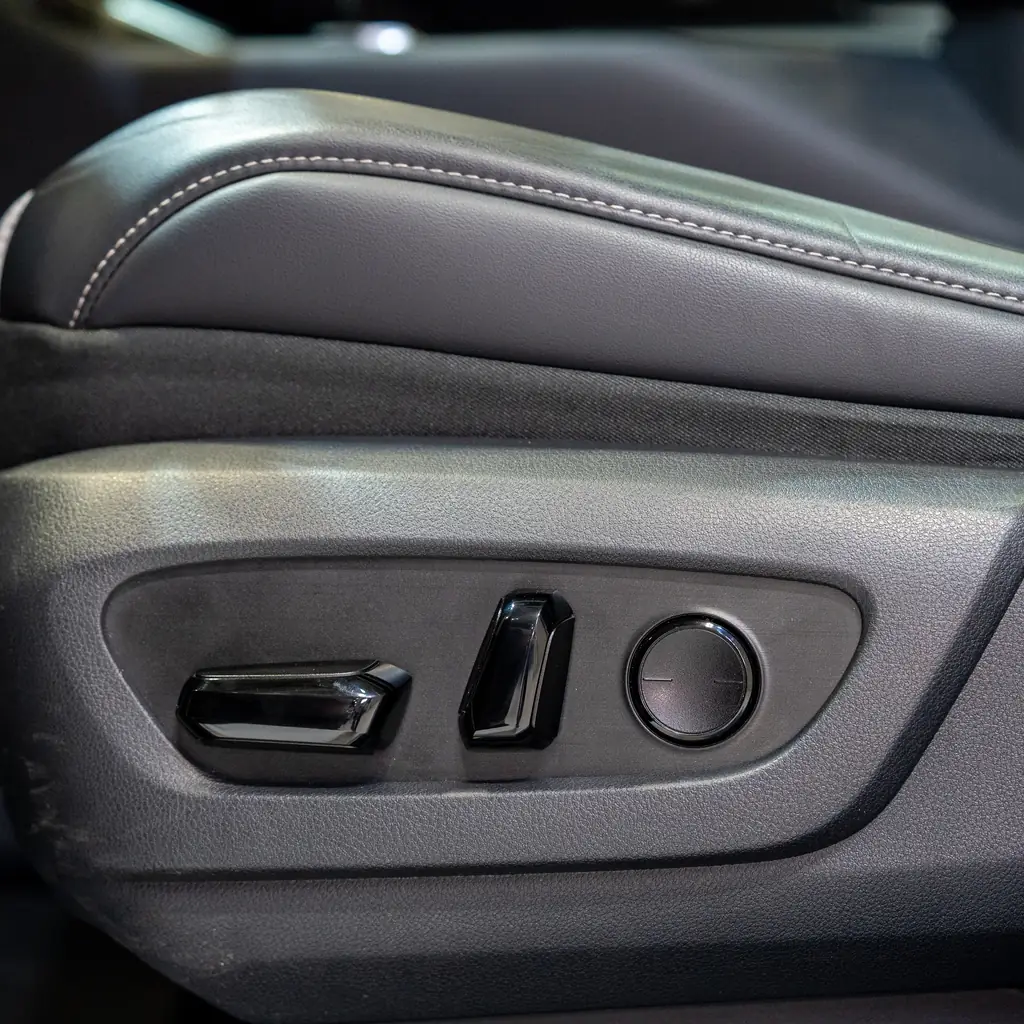
If you’re sharing your truck with another driver, memory seats/mirrors can be useful. Follow instructions in the owner’s manual for storing seat, steering, and mirror positions as necessary. This can make getting settled behind the wheel easier.
It’s important to note that these are just positions you might commonly use. They are not necessarily reflective of other requirements. Check the view with the actual trailer attached and use suitable towing mirrors where necessary.
The towing weight and paperwork guide puts capability in context. A saved seating position does not change towing ratings or licensing requirements; recheck the view when the driver or trailer changes.
11. Check your keyless entry options
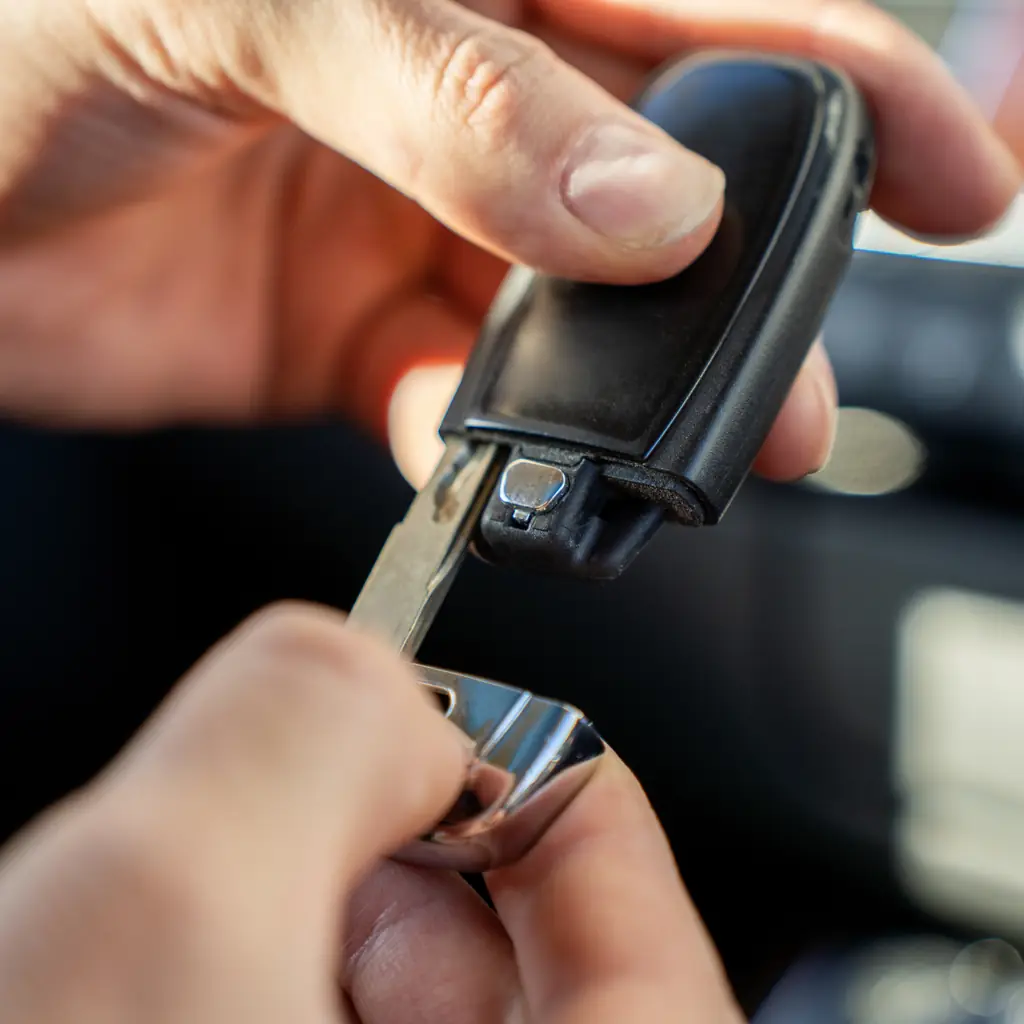
Whether it’s through an app, a keyless entry keypad, or even just your key fob, there are a number of ways to gain entry into your truck. Check which methods need an account or connection and which work without your phone.
If you have a keypad, follow instructions in the owner’s manual to create your own PINs. Do not use anyone else’s PINs and never leave codes in the vehicle. This is particularly important on used trucks.
Test your method(s) of entry to be sure you’ll be able to get back in if necessary, and be sure to have another key that’s accessible if needed. Do not deliberately lock your only working key inside.
12. Keep under-seat storage secure
Rear seat space varies by cab style, seating options, powertrain, and more. Consult your owner’s manual for more information about any features in your truck that might be able to help with storage.
Ensure anything stored follows Ford’s guidance for weight and size limits and doesn’t get in the way of wiring, seatbelt buckles, seat locks, etc. Confirm the seat locks into its intended position before carrying passengers.
Don’t assume anything can stay in place without shifting, and secure heavier items appropriately. Anything that could be needed in the case of a roadside emergency should be within reach.
13. Use the hitch camera to line up your trailer
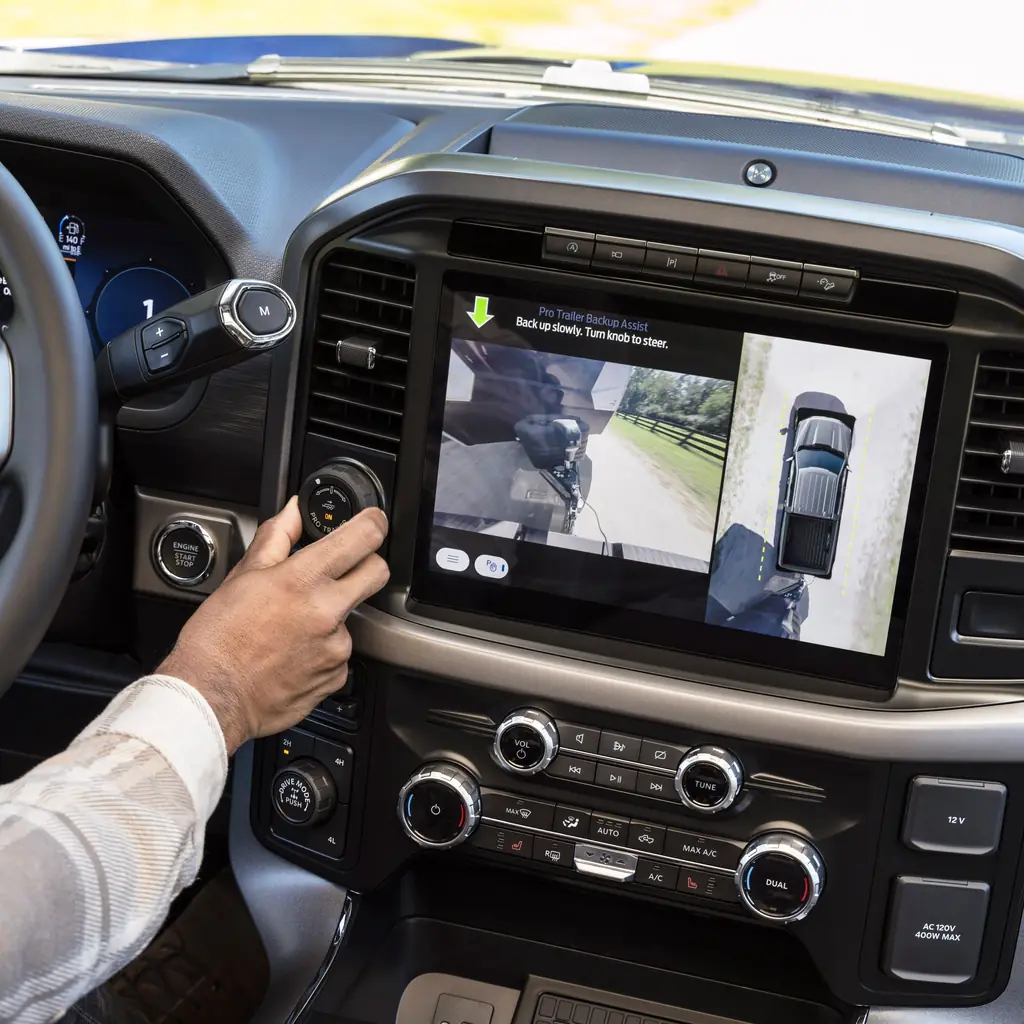
Some trucks may be able to show an image of a hitch. This can be helpful when hitching a trailer as it makes lining up the coupler with the hitch ball easier. Explore the view and zoom while stationary.
However, this feature should never replace checking for proper connection of the coupler/hitch ball, safety chains, coupler locks, and electrical connectors, among other items. Move slowly, keep the surroundings clear and stop if visibility is uncertain.
Alignment is only the start of hitching. Keep the physical departure checks for weights, brakes, tires, lights and a secure load.
14. Photograph your truck's payload label

Some people assume they can fit any item in their truck as long as it’ll fit in the bed. But each truck’s maximum payload is outlined on its tire-and-loading label, not necessarily in brochures, etc. Consult your owner’s manual for its location. Save a readable private photo of the truck’s labels for planning.
Be sure to take into account everyone/everything onboard, not just items in the bed. The amount of open bed space doesn’t always indicate how much more can be loaded. Follow instructions in the owner’s manual for determining if there’s room for everything you’d like to transport. Also be sure to take into account any accessories and any tongue weight from trailers.
Some modifications/additions may impact maximum payload. Always consult Ford’s resources to determine if there’s guidance for the change or speak with a qualified source. Updated labels may be necessary. Keep the photo current if authorized changes alter the documentation; do not make a homemade replacement label.
15. Set up your touchscreen shortcuts
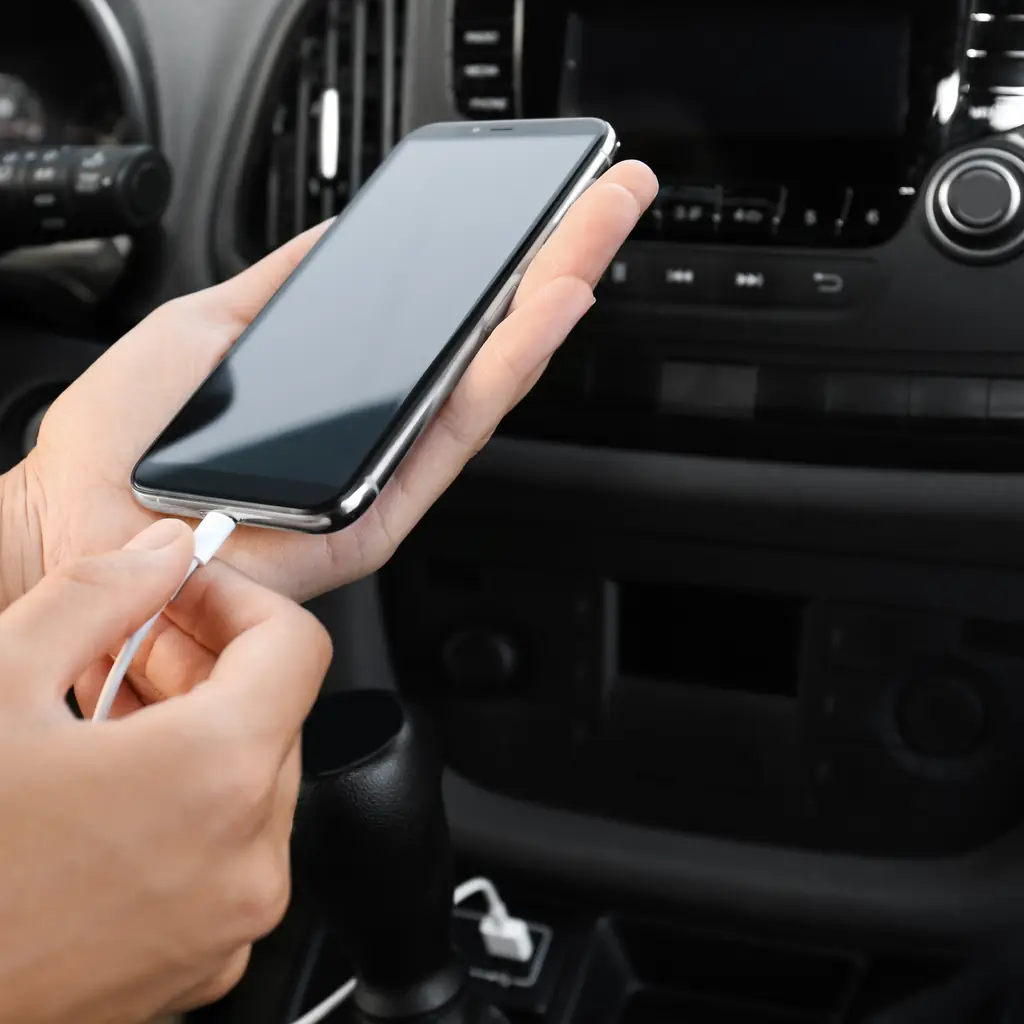
Whether it’s arranging trailer functions or adjusting shortcuts on your center display, some features can be customized to suit your needs.
Consult your owner’s manual for any items that should be adjusted. This can make using those features easier down the road. Follow instructions for saving and applying new settings. These should be adjusted when the truck is parked. If necessary, restart your truck and make sure settings are recalled as expected. Do not factory-reset merely to fix an unfamiliar menu; it can remove settings and account connections.
There are so many features in today’s Ford trucks. Take advantage of resources from Ford to learn more about each piece of equipment and follow directions for use. Chances are, whatever you’re looking for may already be on your truck. Show the second driver the setup, too.
Sources & photo credits
Sources & references Manuals and supporting information
Photo credits Photographers, sources and licences
Ford photography
- Image 3: Ford Motor Company, Ford Media, Ford Media editorial use only; cropped and resized.
- Image 4: Ford Motor Company, Ford Media, Ford Media editorial use only; cropped and resized.
- Image 5: Ford Motor Company, Ford Media, Ford Media editorial use only; cropped and resized.
- Image 8: Ford Motor Company, Ford Media, Ford Media editorial use only; cropped and resized.
- Image 13: Ford Motor Company, Ford Media, Ford Media editorial use only; cropped and resized.
Other photography
- Image 6: Photo: Charles & Hudson, CC BY-SA 2.0. Cropped to square and converted to WebP.
- Image 7: Photo: User:McChizzle. Public domain. Frame extracted, cropped to square and converted to WebP.
- Image 9: Photo: Sicnag, CC BY 2.0. Cropped to square and converted to WebP.
- Image 12: Photo: J.C. Fields ( Talk ) ( Uploads ), CC BY-SA 3.0. Cropped to square and converted to WebP.
Featured collage
- A 2024 Ford F-150 STX carrying a motorcycle. by Ford Motor Company, Ford editorial use only.