

Your Tucson may already have a simpler way to load bags, connect a phone or share the driver’s seat. These checks use the 2025 US gasoline model, with trim-dependent equipment identified.
1. Try both cargo floor levels
The 2025 Tucson has a dual-level cargo floor, so look at both supported positions before buying a taller organizer. One arrangement may suit a flat loading surface, while the other makes more room for a bulky bag.
Remove the luggage before lifting the panel and check the supports for each position.
Refit the floor securely before driving. Keep heavy items restrained rather than expecting the panel to stop them moving.
2. Fold the rear seat from the cargo area
Rear-seat release controls are provided in the cargo area, which saves a walk around the car when you discover that a box needs more length. Check which section each control releases.
Clear the rear seat and keep the belt clear before folding the backrest.
Make sure nobody is leaning against the seat or reaching into its path. After raising the seat again, confirm the backrest has latched properly.
3. Set the fitted power liftgate height
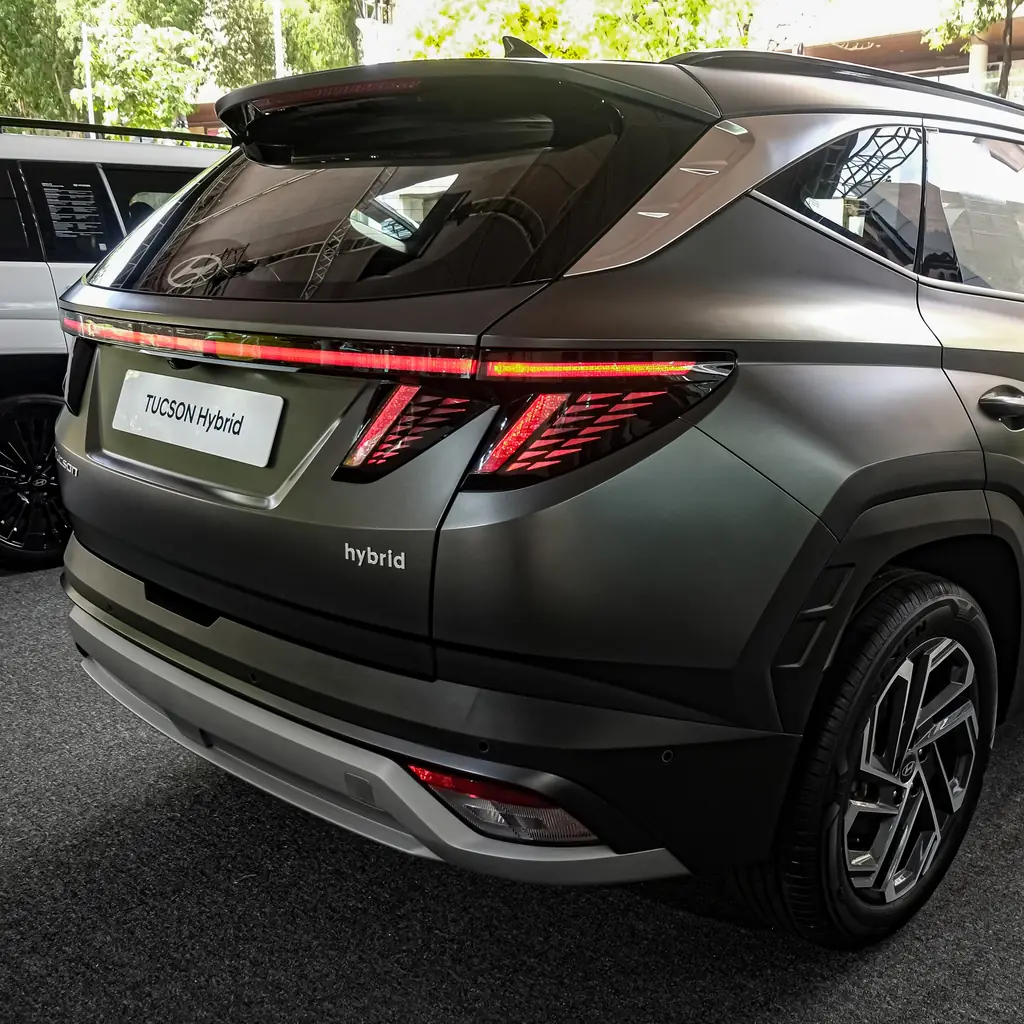
A fitted power liftgate lets you choose an opening height that suits a low garage or your reach. The important measurement is the door’s full travel path, not just the clearance above the bumper.
Use the height-setting procedure in the matching manual, then test the saved position carefully.
Keep people and luggage away while the door moves. Do not attach a heavy accessory and assume the motor will compensate.
4. Save the driver seat position if fitted
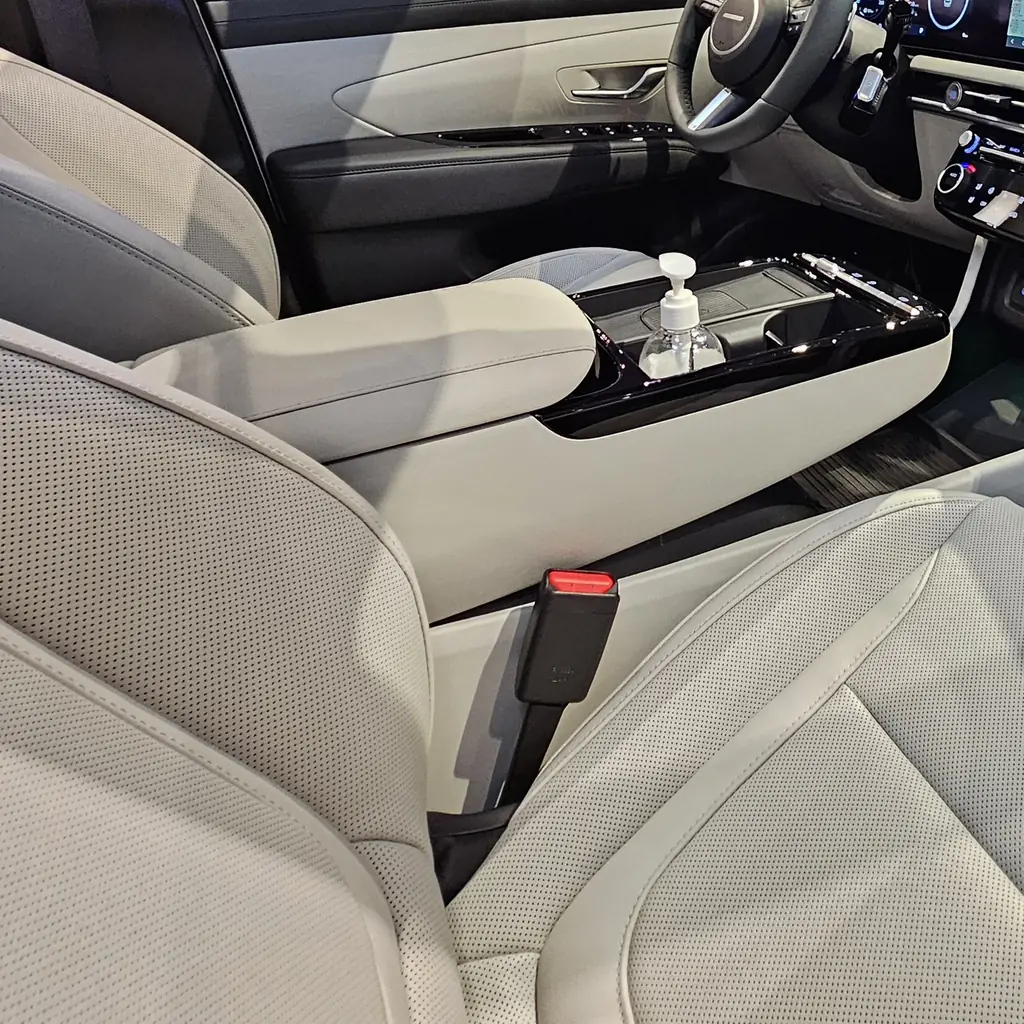
The Limited’s integrated memory system can save the driver’s seat position. Set your seat and check the adjustments available on your own car before saving a preset.
Try both stored positions while parked, with the floor and rear footwell clear.
Do not confuse an infotainment user profile with physical seat memory. The profile may change screen preferences without moving the seat to the position you expected.
5. Check Digital Key compatibility before leaving the fob
Digital Key 2 is available on the 2025 SEL and higher gasoline trims, but a compatible phone and the required setup still matter. Check the eligibility instructions before treating your phone as the only key.
Complete registration and test locking, unlocking and starting while the physical fob remains available.
The Toyota settings guide shows why digital-key eligibility cannot be assumed from a touchscreen or an app logo.
6. Connect your phone wirelessly while parked
Wireless Apple CarPlay and Android Auto are standard for the 2025 Tucson. Pair your phone while parked, then check that directions and calls use the device you intended.
Charging is a separate question. A wireless connection can work while the battery continues to fall.
Our Trax phone and cargo checks explains that same distinction; check your fitted charging pad or use an appropriate cable when needed.
7. Understand the fitted Blind-Spot View Monitor
The Limited has a Blind-Spot View Monitor that shows a side-camera image when you signal. It is different from the small blind-spot warning light in the mirror.
Learn where the image appears before you depend on it during a lane change. Keep the camera area clean.
Use direct observation and the mirrors too. Our overlooked dashboard controls covers other assistance features whose similar names hide different jobs.
8. Explore the fitted Surround View Monitor
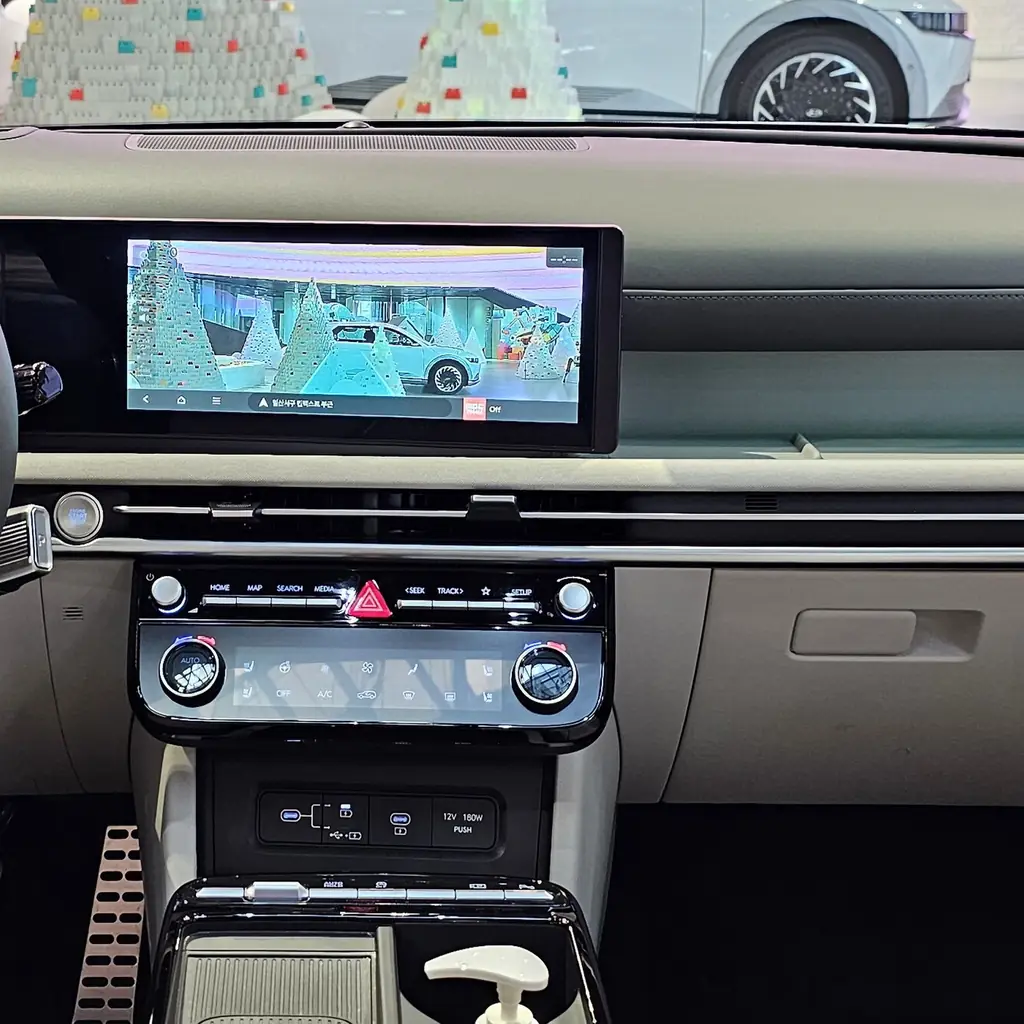
The Limited’s Surround View Monitor combines camera views around the Tucson. A top-down display can help you judge a parking position, but the picture is assembled from camera images.
While parked in a clear area, identify the views and the parts of the car they show.
Do not treat the picture as proof that every obstacle is visible. The CR-V control guide offers a useful comparison of simpler rear-camera views.
9. Practice Remote Smart Parking Assist in an open area
Remote Smart Parking Assist is fitted to the 2025 Limited. The smart-key controls can help move the Tucson forward or backward when space beside the parked car is tight.
Practice only in a clear, level area after reading the operating limits. Stay close, watch the vehicle and keep its path free.
The parking-control walkthrough reinforces the need to distinguish assistance from unattended driving.
10. Learn the climate sync and defog controls
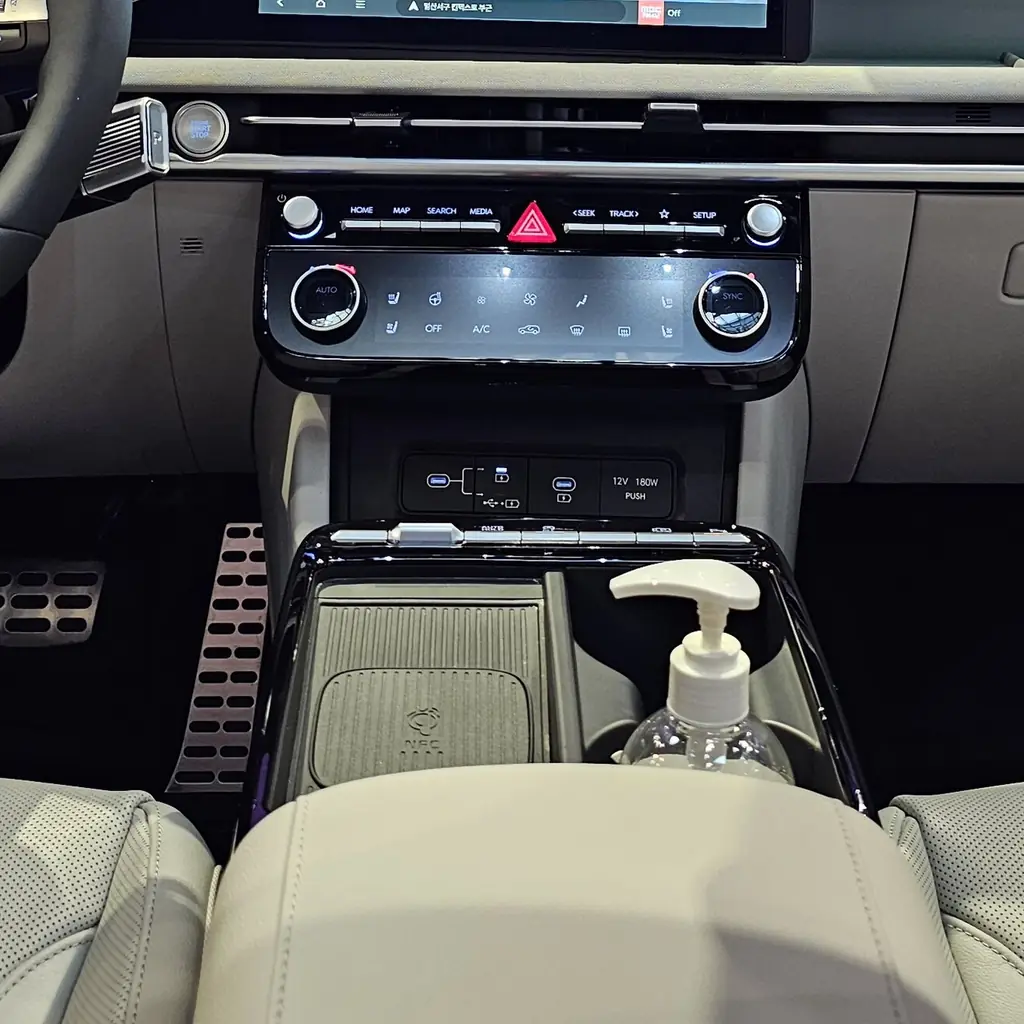
On a Tucson with dual automatic climate control, SYNC makes both front sides follow the same setting. Separate settings may help when the passenger wants a different temperature.
Find the front defog control as well, so a misted windshield does not trigger a search through unrelated buttons.
Our dashboard button guide covers why recirculation, cooling and windshield clearing are different functions.
11. Use the USB-C ports for passenger charging
The 2025 cabin has USB-C charging ports for passengers, including the rear row. Test the cable and port before a long trip rather than discovering a dead device after leaving home.
Use a lead long enough for normal seating without stretching across the center aisle.
Keep charging cables clear when a seat folds. The port that charges a phone does not necessarily provide the media connection the screen expects.
12. Check the Rear Occupant Alert reminder
Rear Occupant Alert gives a reminder to check the rear seat. The exact alert arrangement depends on equipment, so learn the message your Tucson actually displays.
Keep a direct rear-seat check in your routine, even on a day when nobody was expected to ride there.
A reminder cannot guarantee that every person, pet or item has been detected. Confirm the cabin yourself before you lock and leave the car.
Image credits
- Hyundai Tucson NX4 PE 1.6T GLS HEV Pine Green Matte 01.jpg by Ethan Llamas / Wikimedia Commons, CC BY-SA 4.0. Images cropped/resized and converted to WebP. The image derivative retains this license.
- Hyundai Tucson NX4 PE 1.6T GLS HEV Pine Green Matte 02.jpg by Ethan Llamas / Wikimedia Commons, CC BY-SA 4.0. Images cropped/resized and converted to WebP. The image derivative retains this license.
- Hyundai Tucson Inspiration NX4 PE Green Black Gray (7).jpg by Damian B Oh / Wikimedia Commons, CC BY 4.0. Images cropped/resized and converted to WebP. The image derivative retains this license.
- Hyundai Tucson Inspiration NX4 PE Green Black Gray (9).jpg by Damian B Oh / Wikimedia Commons, CC BY 4.0. Images cropped/resized and converted to WebP. The image derivative retains this license.
- Hyundai Tucson Inspiration NX4 PE Green Black Gray (1).jpg by Damian B Oh / Wikimedia Commons, CC BY 4.0. Images cropped/resized and converted to WebP. The image derivative retains this license.
- Hyundai Tucson Inspiration NX4 PE Green Black Gray (2).jpg by Damian B Oh / Wikimedia Commons, CC BY 4.0. Images cropped/resized and converted to WebP. The image derivative retains this license.